비교

HeyGema™ vs Tashvi AI for Jewelry Renders

Tashvi AI is an AI tool for jewelry imagery. HeyGema™ is built around your CAD: upload a screenshot or .3dm file, pick angle, metal and stones, and get a photorealistic render of your design.

무료로 렌더링 시작하기

100% 평생 무료 · Google 계정 또는 이메일로 로그인
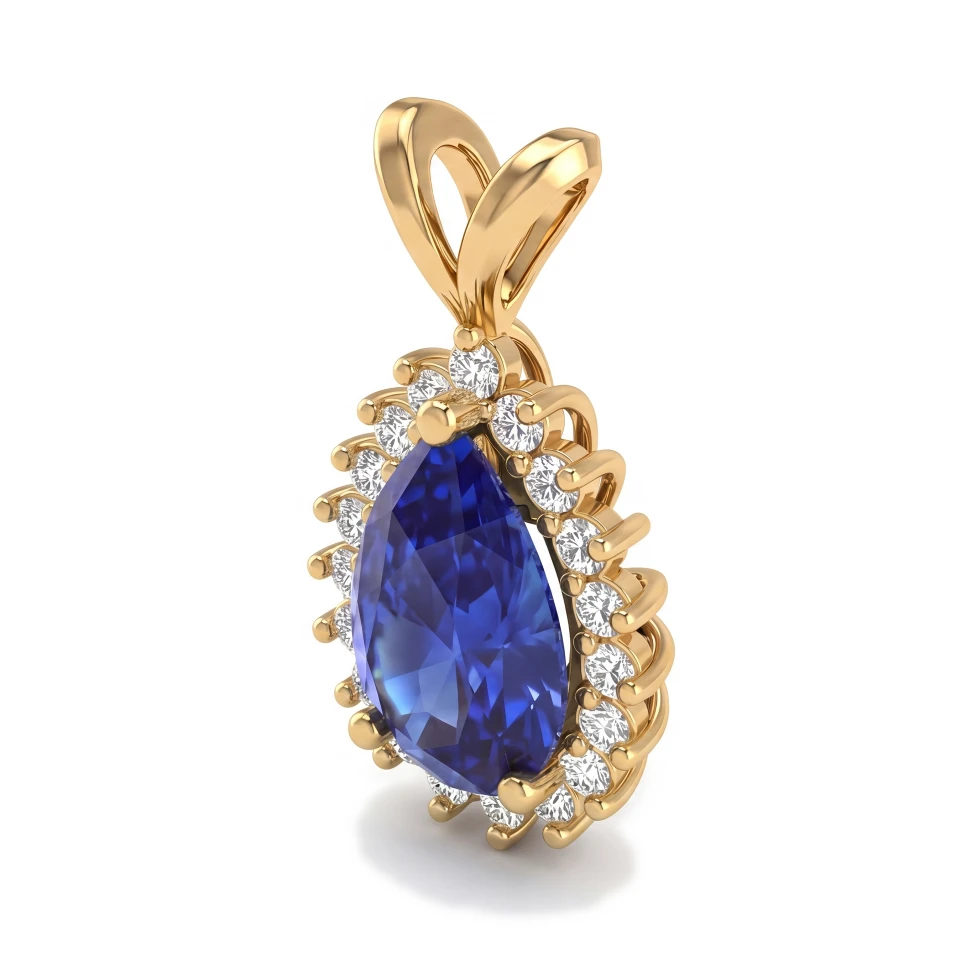
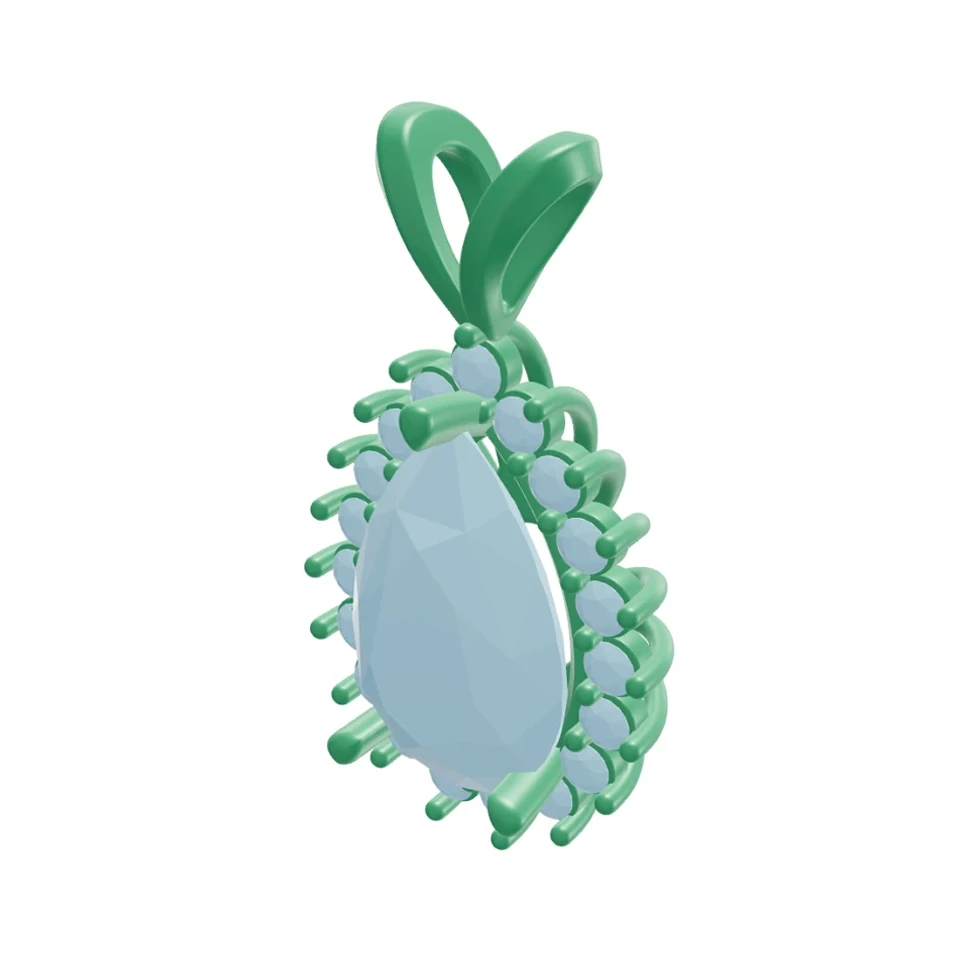
Pear halo pendant: Rhino 3D view and photorealistic AI render
CADAI 렌더링
드래그해서 CAD와 렌더링 비교하기

드래그해서 CAD와 렌더링 비교하기

이 페이지는 현재 영어로만 제공됩니다. 번역본은 곧 제공될 예정입니다.

기능 비교

Main focus

HeyGema™
Rendering existing CAD
Tashvi AI
AI jewelry imagery

Jewelry-specific AI

HeyGema™
Tashvi AI

Rhino .3dm upload with angle picker

HeyGema™
Tashvi AI
Check their site

Render from a CAD screenshot or photo

HeyGema™
Tashvi AI
Check their site

Metal and stone menus

HeyGema™
Tashvi AI
Check their site

Refine with a text instruction

HeyGema™
Tashvi AI
Check their site

Free plan

HeyGema™
100% free, forever
Tashvi AI
Check their site

주요 혜택

Faithful to your design

HeyGema™ renders the piece you upload, so what the client approves is what you'll make.

Simple material choices

Choose Yellow, White or Rose Gold and Diamond, Sapphire, Emerald or Ruby stones in a couple of taps.

Refine by text

Type a change and HeyGema™ generates a new image — no need to start over.

자주 묻는 질문

Rendering. HeyGema™ turns a CAD screenshot, photo or Rhino .3dm file into a photorealistic image of that exact piece, with the angle, metal and stones you choose, and lets you refine the result with a typed instruction.
Tashvi AI is built for jewelry, and the best choice depends on your workflow. If you already design in CAD and want photorealistic renders of those designs, HeyGema™ is built for exactly that. Check Tashvi AI's website for its current features.
Yes. The Free plan is 100% free, forever. Sign in with Google or email and start rendering. Pro and Studio are available when you need more volume.

다음 디자인을 실사 같은 렌더링으로 확인하세요

100% 평생 무료 · Google 계정 또는 이메일로 로그인