Faster Client Approval with Photoreal Renders
Give clients an image that looks like the finished piece, so they can say yes with confidence.
무료로 렌더링 시작하기
100% 평생 무료 · Google 계정 또는 이메일로 로그인
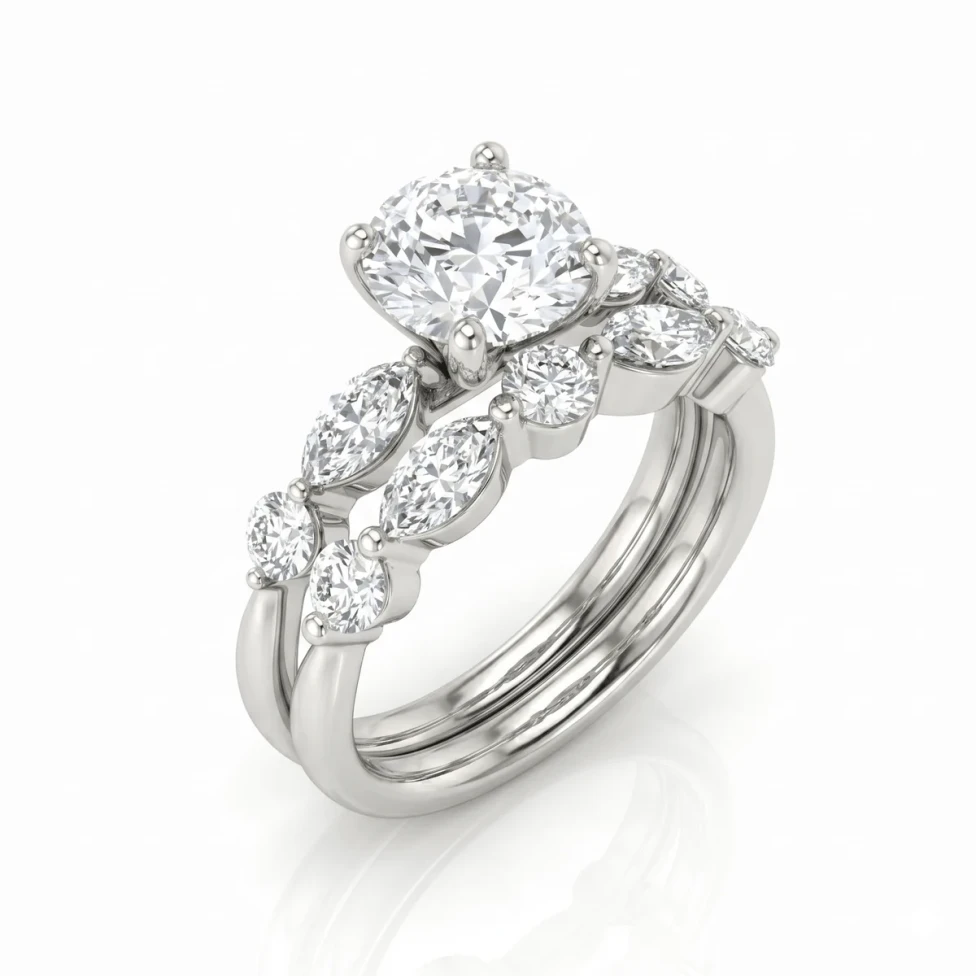
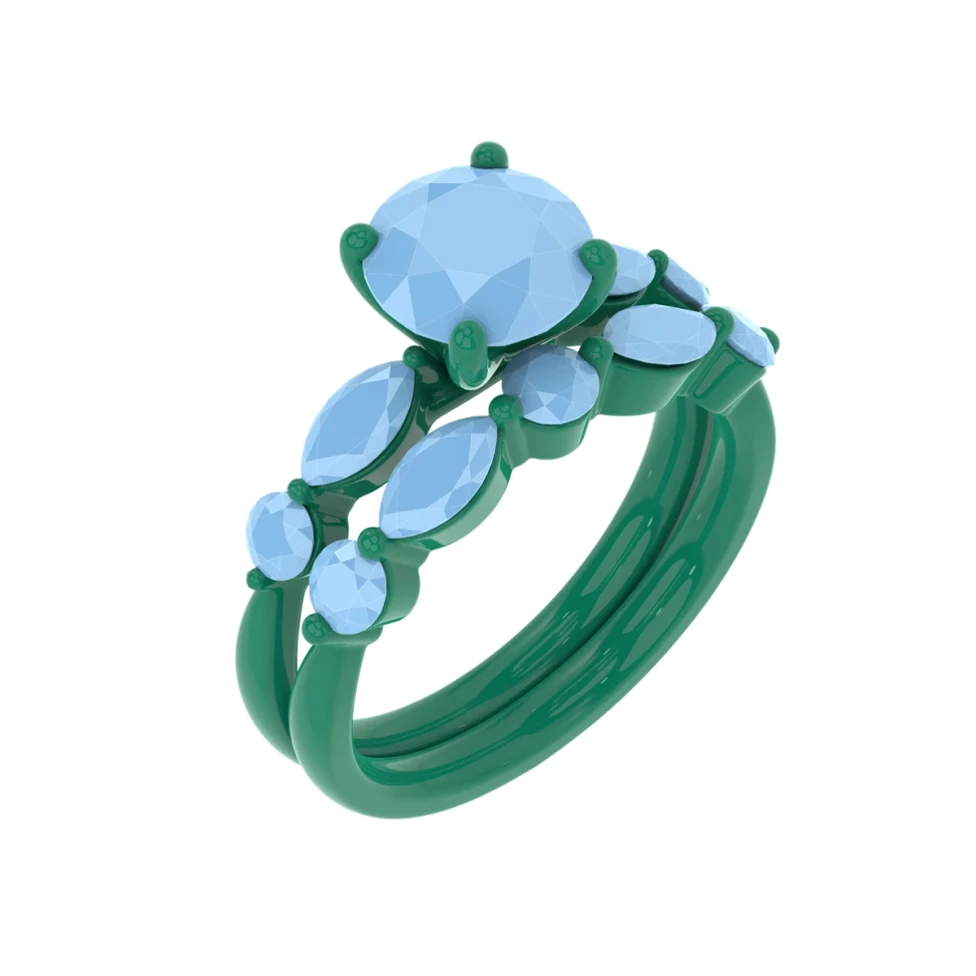
드래그해서 CAD와 렌더링 비교하기
드래그해서 CAD와 렌더링 비교하기
Give clients an image that looks like the finished piece, so they can say yes with confidence.
100% 평생 무료 · Google 계정 또는 이메일로 로그인
드래그해서 CAD와 렌더링 비교하기
Approval stalls when clients can't picture the result. A technical CAD screenshot invites hesitation, more questions and more back-and-forth, and every extra day gives the client time to shop around.
Render the design photorealistically in the client's chosen metal and stones and send it for approval. Offer a couple of variations side by side, and type a variation if they want to see something new.
3
Gold options to compare side by side
6
Stone options, from Diamond to Ruby
Free
Plan that's 100% free, forever
Send a render that looks like the finished piece instead of a technical CAD screenshot.
Render the same design in different metals or stones so the client can choose with confidence.
Client wants a change? Type it as an instruction and HeyGema™ generates a new image.