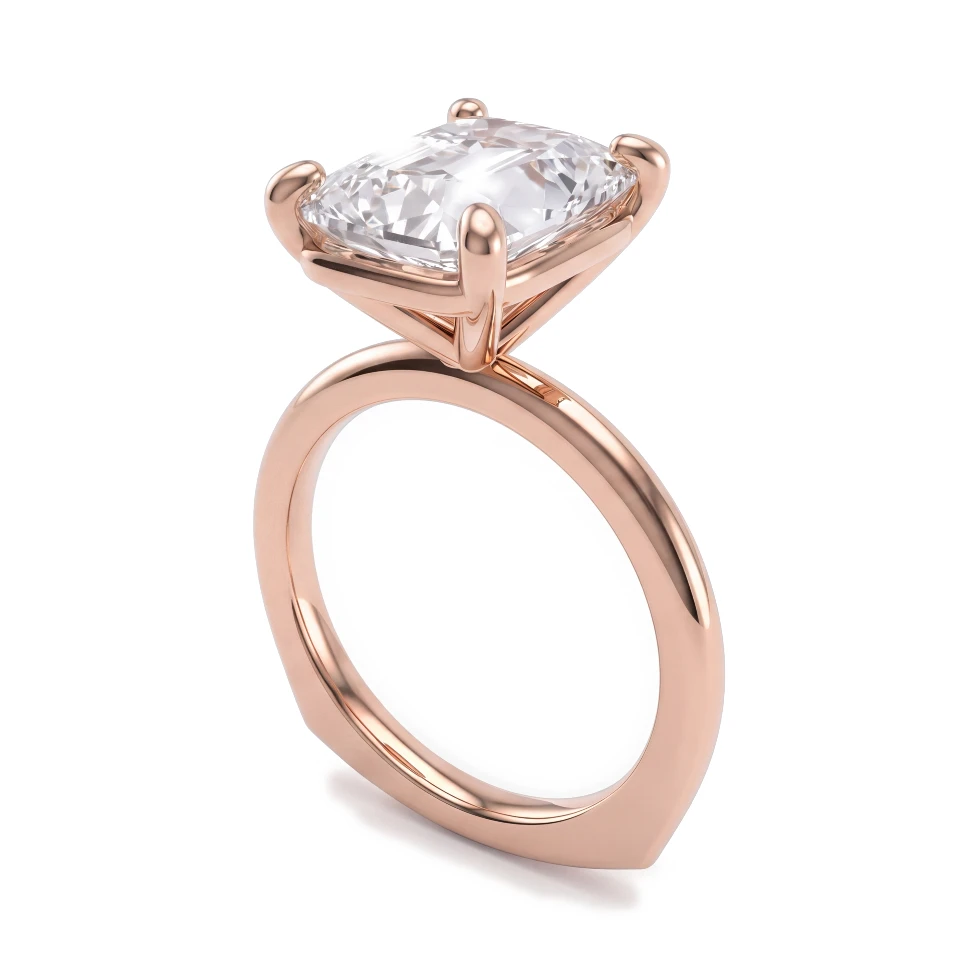
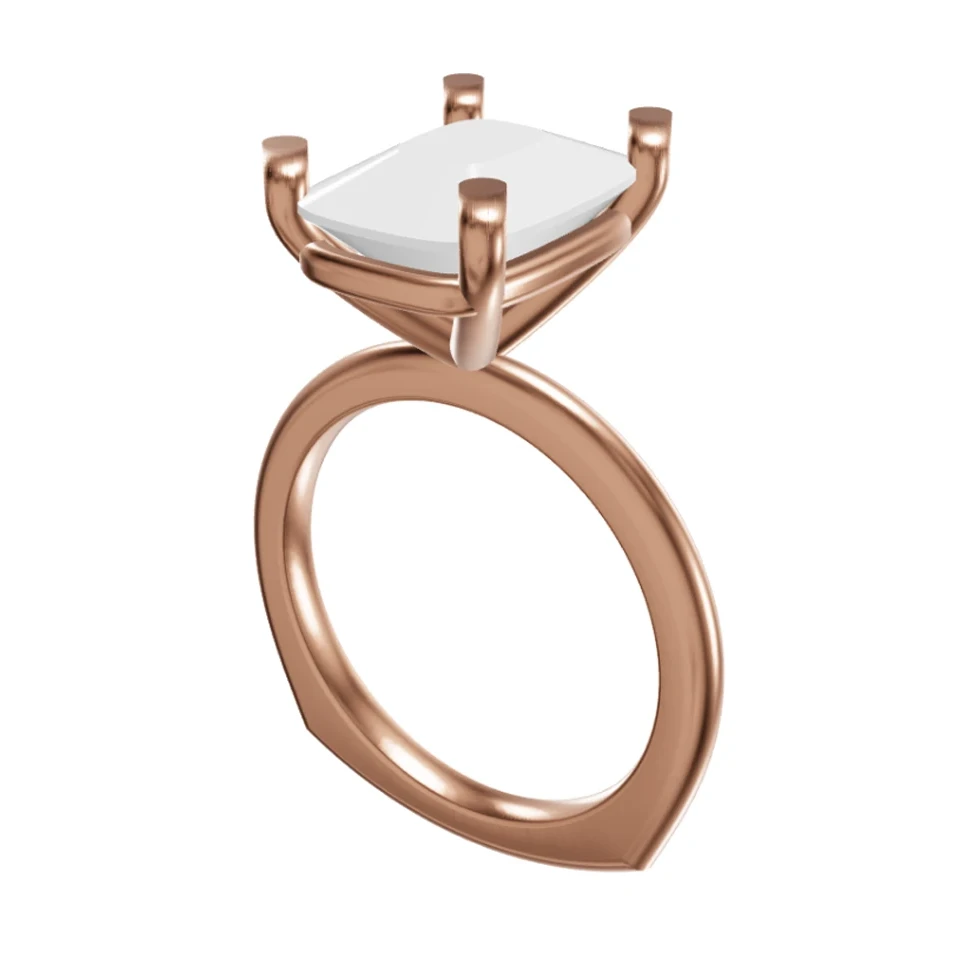
Show couples their engagement ring as a photorealistic render — in yellow, white or rose gold, with a diamond or colored center stone — before anything is cast.
100% 평생 무료 · Google 계정 또는 이메일로 로그인


드래그해서 CAD와 렌더링 비교하기
You specialize in engagement and wedding rings, the most emotional purchase many of your clients will ever make. Couples need to feel certain before they commit, and they often want to compare metals and stones side by side. HeyGema™ turns your ring CAD into photorealistic renders so they can see the real thing, from every angle, and say yes with confidence.
Couples can't picture how a grey CAD model will look on the finger
Comparing yellow, white and rose gold versions means rendering the same ring several times
Clients want to see the ring from the top, the side and in profile — not just one view
Waiting on outsourced renders slows down approval on the most time-sensitive orders
Render the same ring in Yellow Gold, White Gold and Rose Gold so couples can compare
Swap center stones between Diamond, Blue, Pink or Purple Sapphire, Emerald and Ruby
Upload your .3dm file and render the ring from the Front, Side, Top, ¾ or Back — or any angle you orbit to
Fine-tune the result with a typed instruction and generate a new version without starting over
Use preset views or orbit your Rhino model freely to show the profile, gallery and top view of the ring.
Three golds and six stone options let couples see the exact combination they are considering.
Photorealistic renders give couples something they can share, discuss and approve before production.