AI Jewelry Renders for Online Jewelers

Turn your CAD files into photorealistic images for your store, social posts and customer DMs — before a single piece is made.

무료로 렌더링 시작하기

100% 평생 무료 · Google 계정 또는 이메일로 로그인
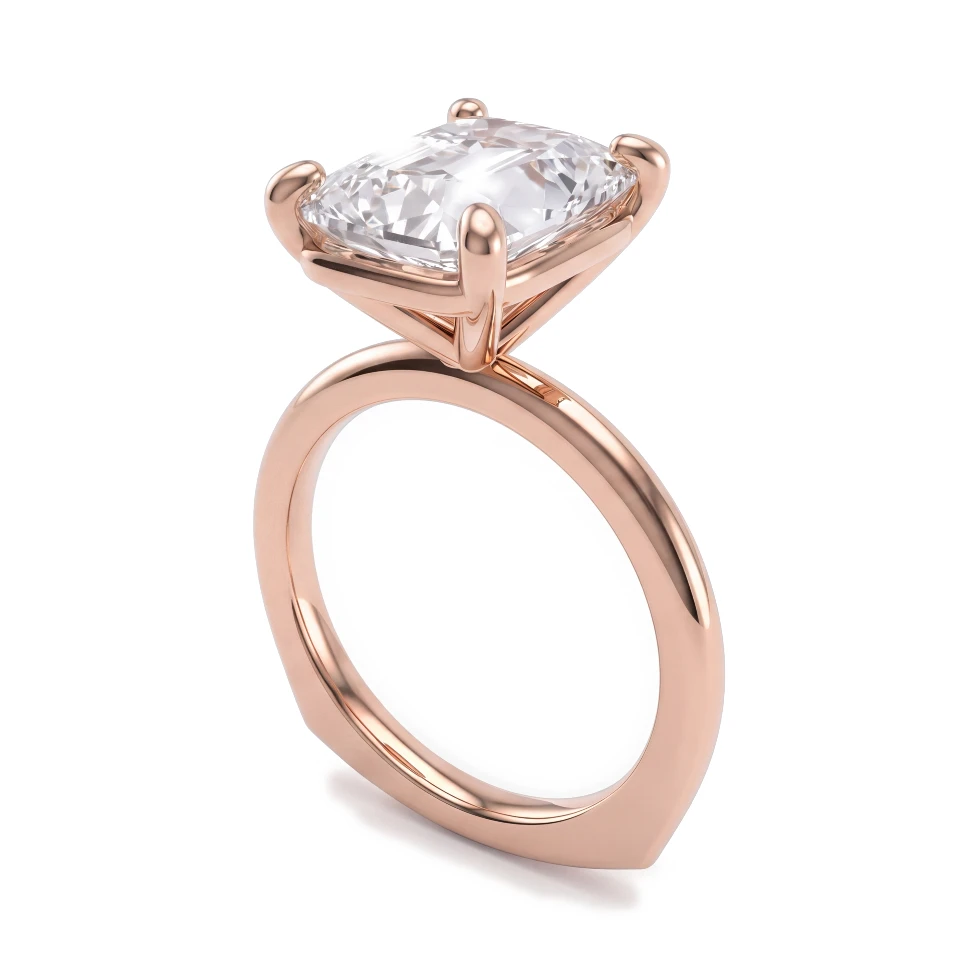
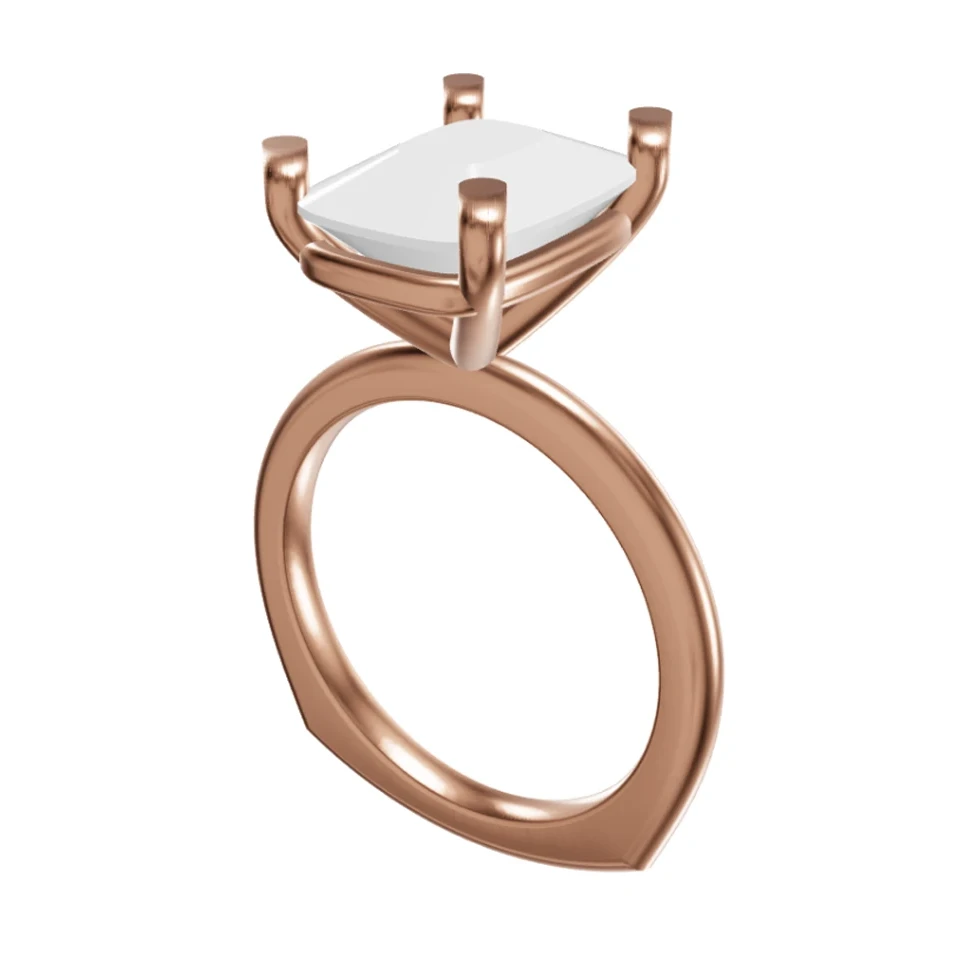
Rose gold cushion-cut solitaire: Rhino 3D view and photorealistic AI render
CADAI 렌더링
드래그해서 CAD와 렌더링 비교하기

드래그해서 CAD와 렌더링 비교하기

이 페이지는 현재 영어로만 제공됩니다. 번역본은 곧 제공될 예정입니다.

You sell jewelry online, through your own store, Instagram, TikTok or direct messages. Your customers can't hold the piece, so your images do all the selling. HeyGema™ turns your CAD work into photorealistic renders in the browser, so you can show every design, metal and stone option without casting samples or booking a photoshoot.

이런 고민이 있으신가요?

You need product images for designs that haven't been made yet

Photographing every metal and stone variation isn't practical

Customers in DMs ask "can I see it in white gold?" and you have nothing to send

CAD screenshots look technical and don't convert on a product page or social feed

HeyGema™가 해결하는 방법

Create photorealistic images of made-to-order pieces straight from CAD screenshots or .3dm files

Render each design in Yellow, White and Rose Gold and with different stones for your listings

Answer customer requests with a fresh render instead of a description

Render from several angles to give listings and posts more than one view

주요 혜택

Images Without a Photoshoot

Show made-to-order and not-yet-made designs with photorealistic renders from your CAD.

Every Variation

Three golds and six stone options let you show the full range of a design.

Multiple Angles

Use the Front, Side, Top, ¾ and Back presets or orbit your .3dm model to frame the shot you want.

자주 묻는 질문

Yes. Download your renders and use them on your product pages, social posts or in messages to customers. They're especially useful for made-to-order pieces you haven't produced yet.
No. A screenshot or photo of your design is enough to get a render. If you have a Rhino .3dm file, uploading it lets you choose the exact angle — presets, free orbit or views saved in the file.
You can start on the Free plan, which is 100% free, forever. Pro gives you 30 renders per month for when you're producing images regularly, and Studio offers custom volume.

다음 디자인을 실사 같은 렌더링으로 확인하세요

100% 평생 무료 · Google 계정 또는 이메일로 로그인