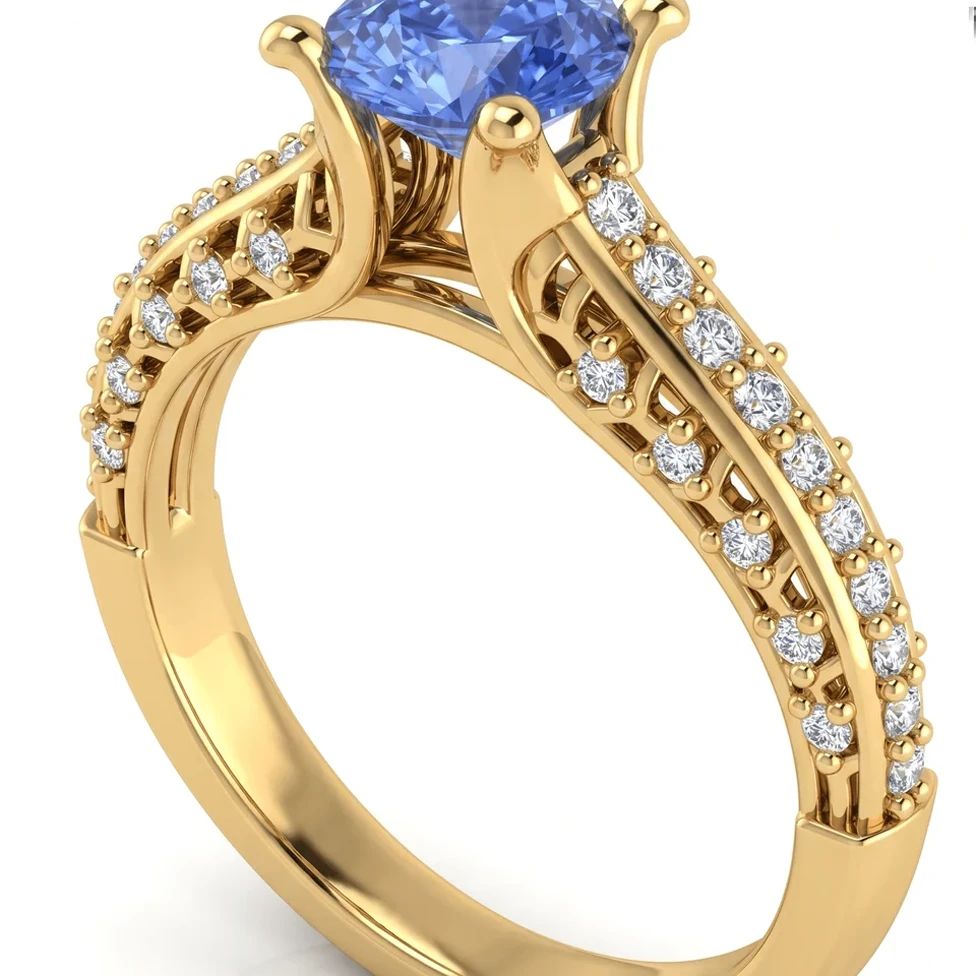
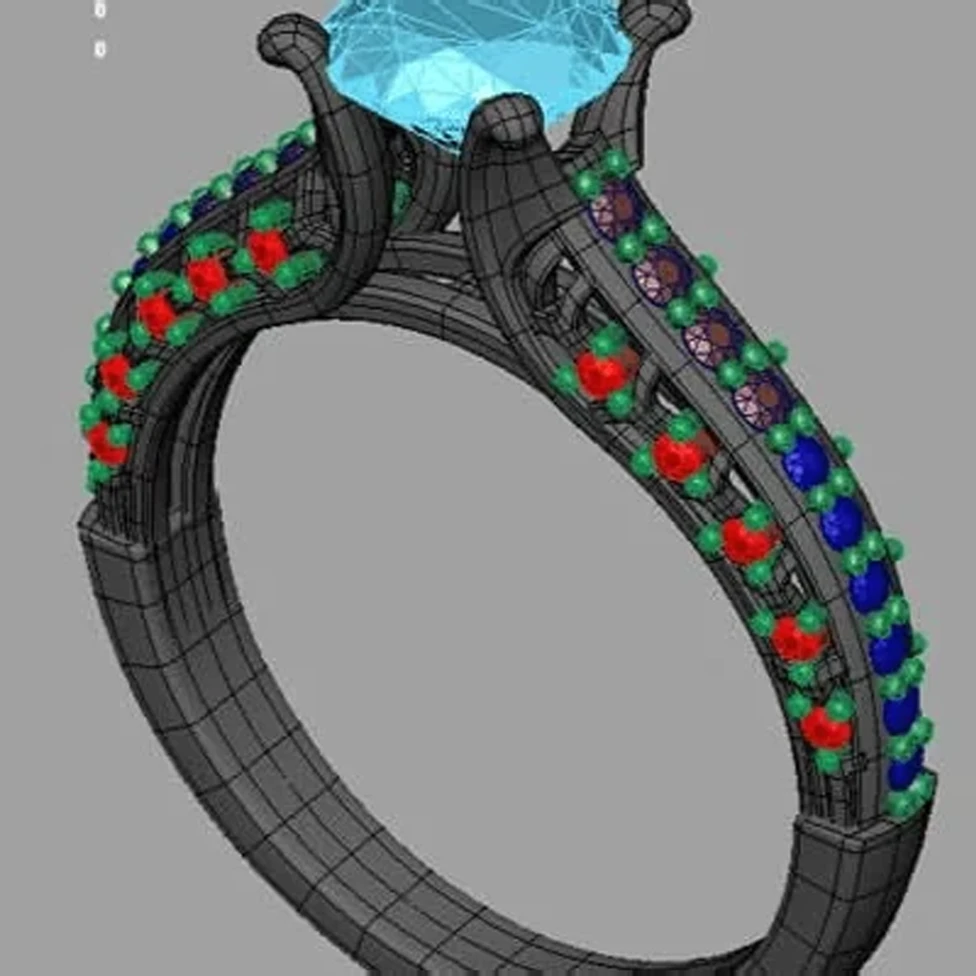
Upload a CAD screenshot, photo or Rhino .3dm file. Pick the angle, metal and stones. Get a photorealistic render — free.
100% 평생 무료 · Google 계정 또는 이메일로 로그인


드래그해서 CAD와 렌더링 비교하기
Traditional jewelry rendering means learning a render engine and setting up lights, environments and materials — or paying someone else to do it. That's hard to justify for every design iteration a client needs to see.
HeyGema™'s AI render tool turns your CAD into a photorealistic image in the browser. Choose from preset angles or orbit your .3dm model, select the metal and stones, render, and refine the result with a typed instruction.
Free
Plan that's 100% free, forever
30
Renders per month on Pro, with no daily limit
0
Lights or materials to set up
Use a screenshot from any CAD program, a photo, or upload your Rhino .3dm file directly.
Presets (Front, Side, Top, ¾, Back), free orbit or saved views — plus three golds and six stone options.
Type what you'd like changed and HeyGema™ generates a new version of your render.