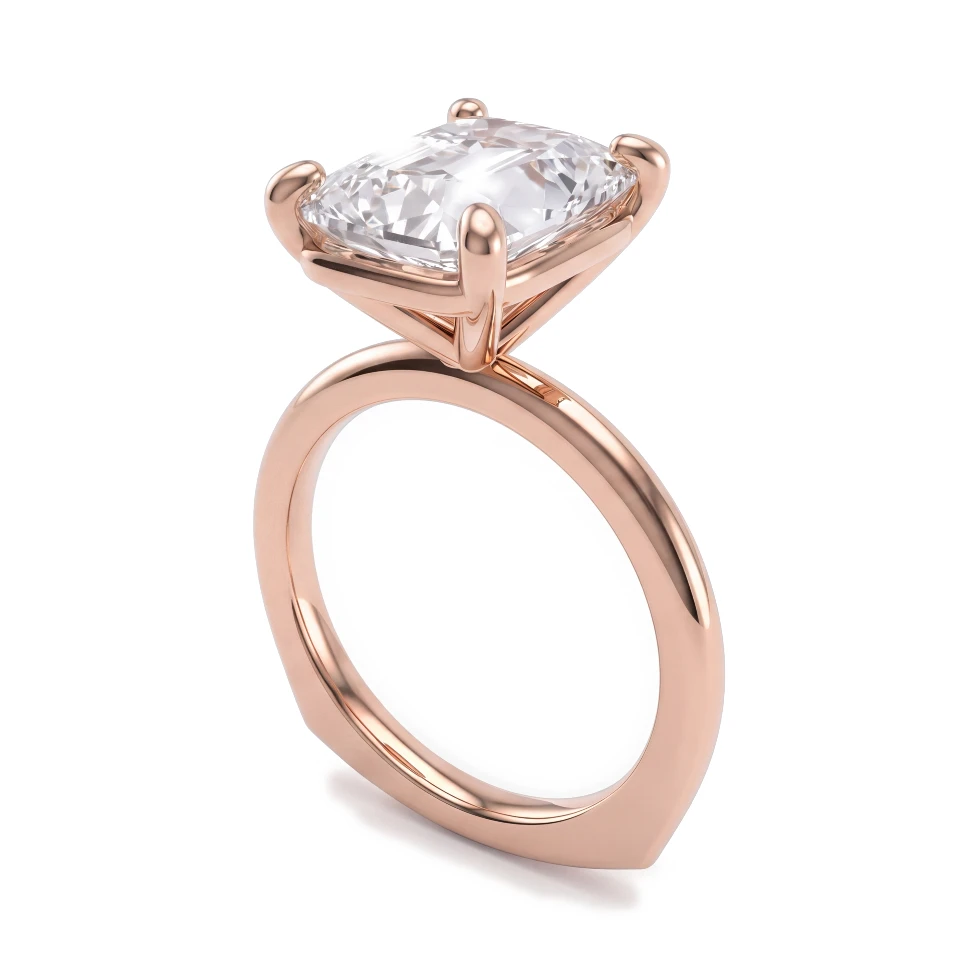
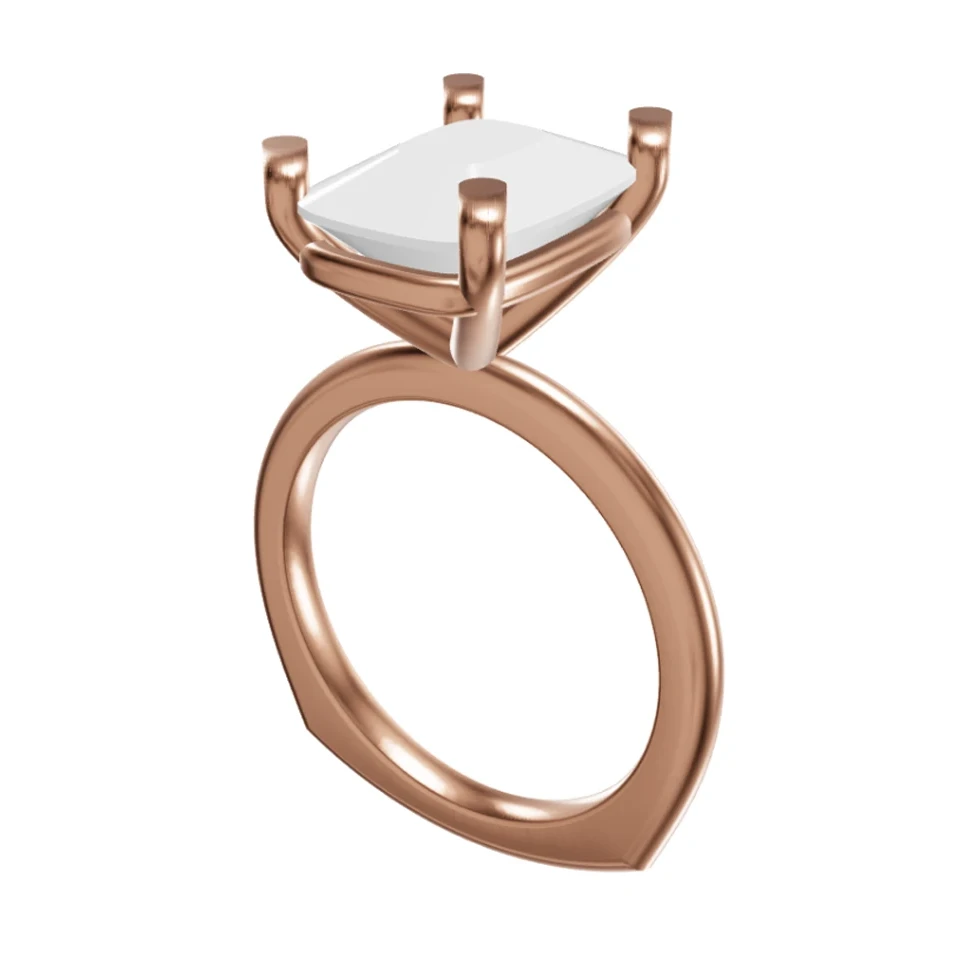
Share your screen and show clients a photorealistic render of their piece, then switch metals or stones when they ask "what if?".
100% 평생 무료 · Google 계정 또는 이메일로 로그인


드래그해서 CAD와 렌더링 비교하기
On a video call, a grey CAD model or a rough sketch is all most jewelers can show. Clients struggle to imagine the finished piece, questions about other metals or stones have to wait until the next call, and momentum is lost.
Open HeyGema™ in a browser tab next to your call. Upload the CAD screenshot or .3dm file, pick the angle, metal and stones, and show the client a photorealistic render. When they want to see something new, change the options or type a variation.
Any
Video platform — HeyGema™ runs in a browser tab you can screen-share
3
Gold options: Yellow, White and Rose
6
Stone options, from Diamond to Ruby
HeyGema™ runs in the browser, so you can use it alongside Google Meet, Zoom, Teams or any other call.
Switch to another gold or stone and render again so the client can see the option they asked about.
Type an instruction like "show it from above" or "warmer lighting" and get a new version of the image.