比較

HeyGema™ vs BLNG for Jewelry Renders

BLNG is an AI tool for jewelry design. HeyGema™ focuses on the step after design: rendering the CAD you already have into photorealistic images for clients.

無料でレンダリングを始める

100%ずっと無料・Googleまたはメールアドレスでログイン
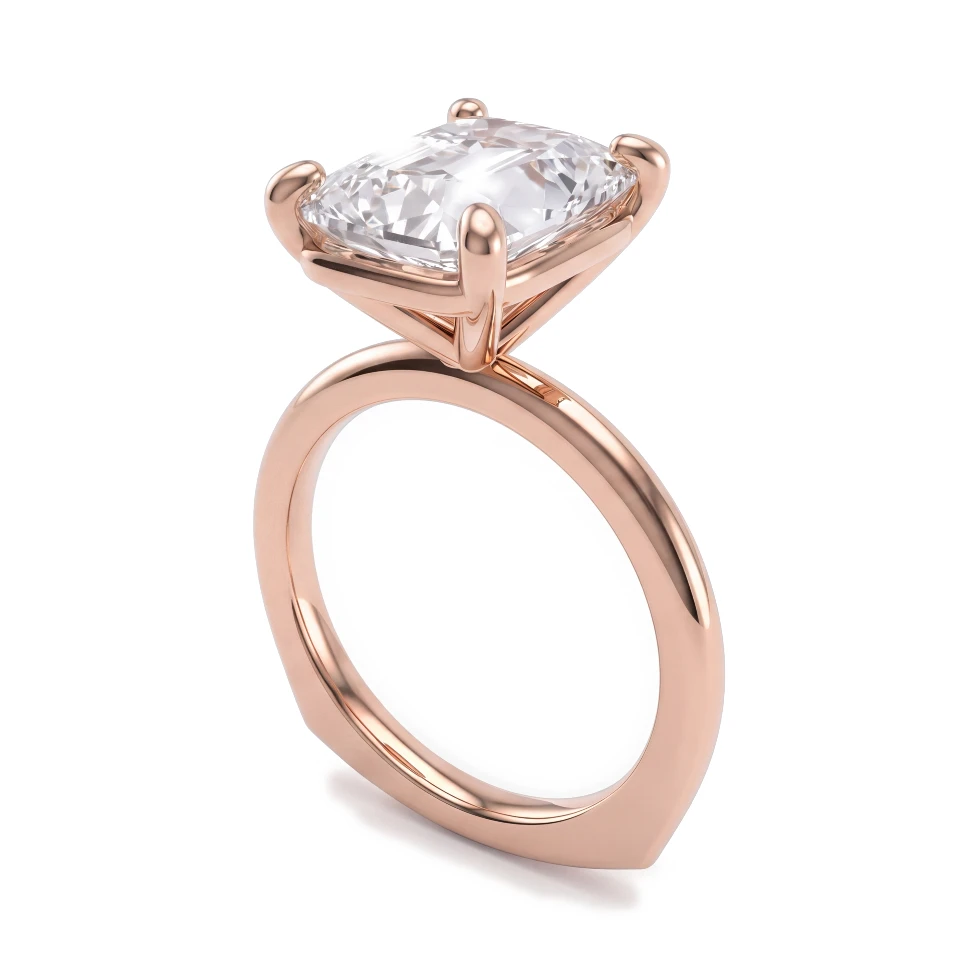
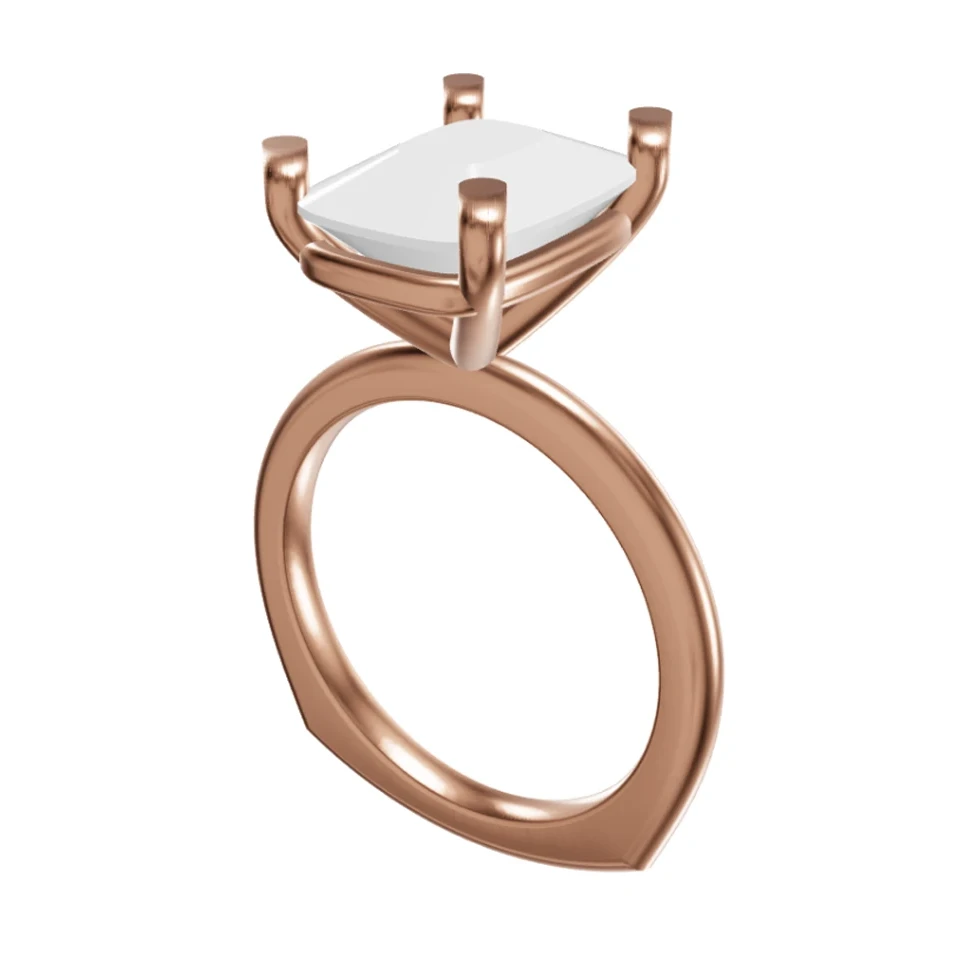
Rose gold cushion-cut solitaire: Rhino 3D view and photorealistic AI render
CADAIレンダリング
ドラッグしてCADとレンダリングを比較

ドラッグしてCADとレンダリングを比較

このページは現在、英語版のみご覧いただけます。日本語版は近日公開予定です。

機能比較

Main focus

HeyGema™
Rendering existing CAD
BLNG
AI jewelry design

Jewelry-specific AI

HeyGema™
BLNG

Rhino .3dm upload with angle picker

HeyGema™
BLNG
Check their site

Render from a CAD screenshot or photo

HeyGema™
BLNG
Check their site

Metal options

HeyGema™
Yellow, White, Rose Gold
BLNG
Check their site

Refine with a text instruction

HeyGema™
BLNG
Check their site

Free plan

HeyGema™
100% free, forever
BLNG
Check their site

得られるメリット

Render the CAD you have

HeyGema™ starts from your CAD screenshot, photo or Rhino .3dm file, so the render matches the piece you'll produce.

3D angle control

Upload a .3dm file and pick a preset angle, orbit freely, or use views saved in your file.

Desktop and phone

HeyGema™ runs in the browser on desktop and phone. Sign in with Google or email and start rendering.

よくあるご質問

Both use AI for jewelry. HeyGema™ is focused on rendering: you bring a design you've already modeled — a CAD screenshot, photo or Rhino .3dm file — and get a photorealistic image of it in the metal and stones you choose. Check BLNG's website for its current features.
Yes. Upload a .3dm file and pick a preset angle (Front, Side, Top, ¾, Back), orbit the model freely, or use views saved in the file, then render.
Yes. If you use another AI tool for ideation, HeyGema™ fits in once the design is in CAD and you need photorealistic images to show clients.

次のデザインを、フォトリアルなレンダリングで確かめる

100%ずっと無料・Googleまたはメールアドレスでログイン