AI Jewelry Renders for Custom Jewelers

Upload a CAD screenshot or a Rhino .3dm file and get a photorealistic render of your bespoke piece — in the metal and stones your client chose, from the angle you want.

無料でレンダリングを始める

100%ずっと無料・Googleまたはメールアドレスでログイン
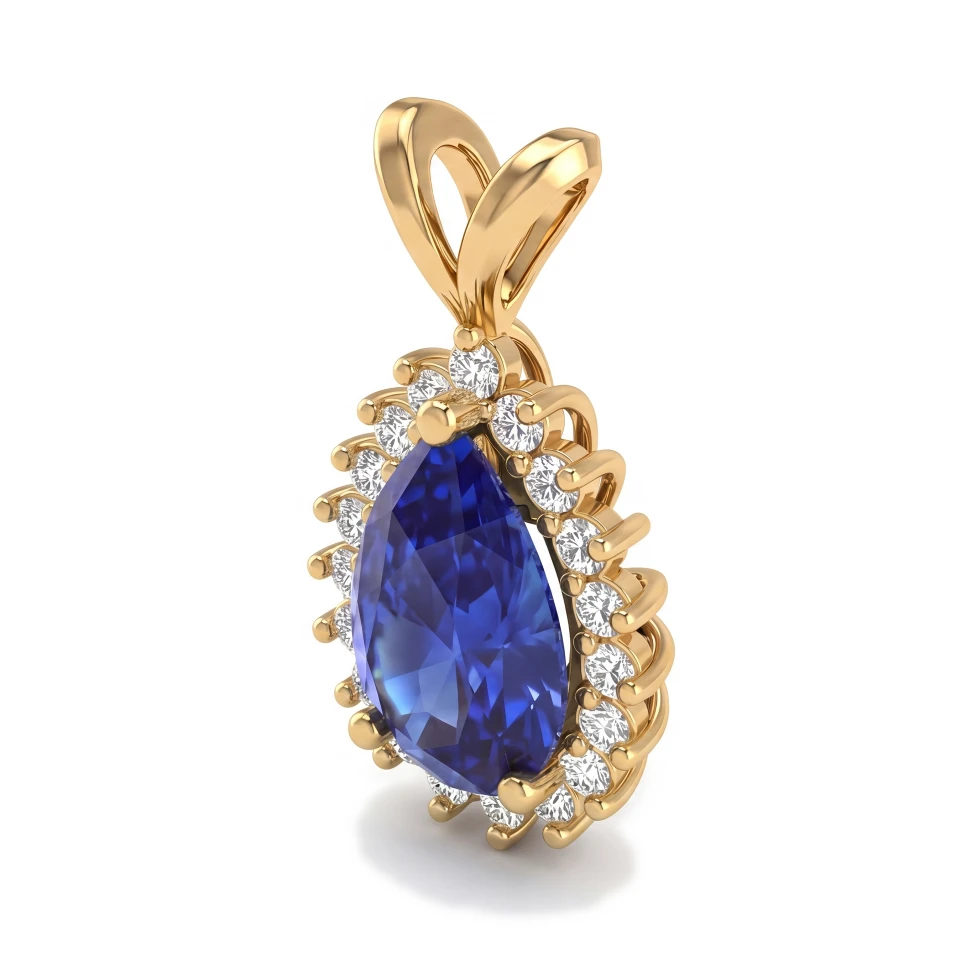
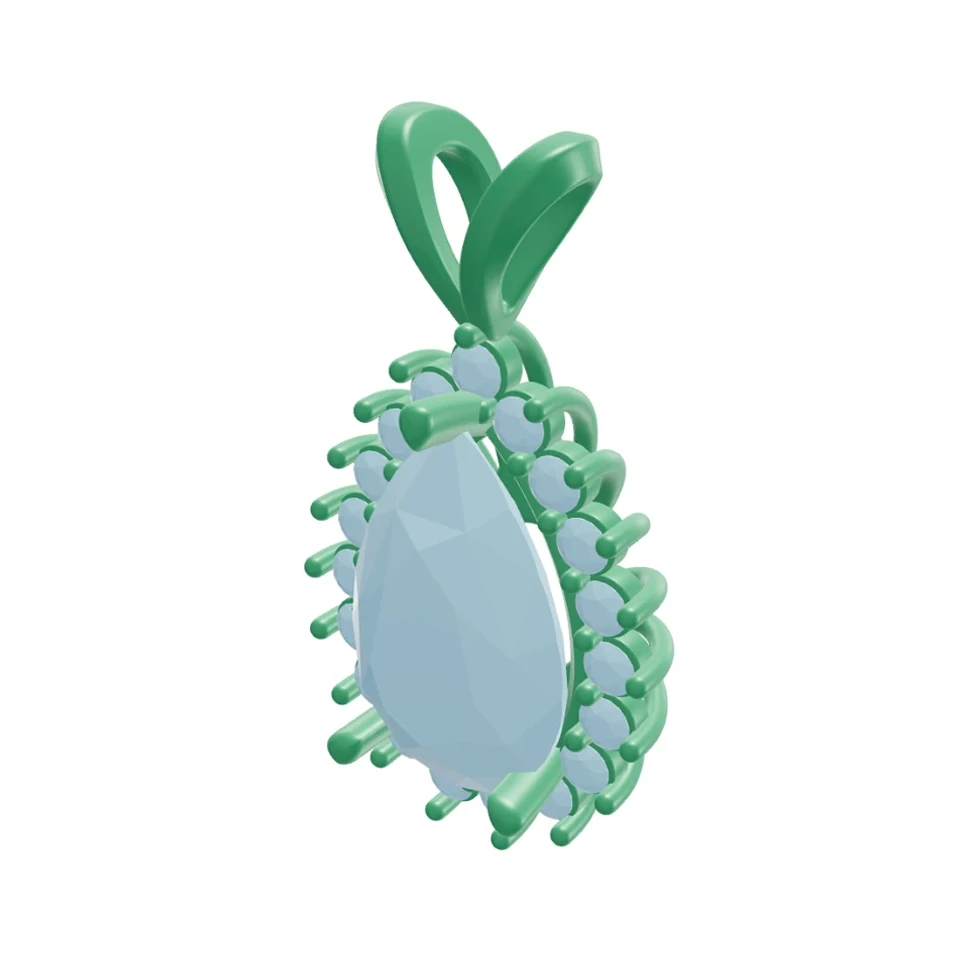
Pear halo pendant: Rhino 3D view and photorealistic AI render
CADAIレンダリング
ドラッグしてCADとレンダリングを比較

ドラッグしてCADとレンダリングを比較

このページは現在、英語版のみご覧いただけます。日本語版は近日公開予定です。

You're a custom jeweler who turns one-of-a-kind ideas into wearable pieces. Your clients have to commit before anything is cast, and a grey CAD model rarely gets them excited. HeyGema™'s AI render tool turns your CAD work into photorealistic images in the browser, so every client can see their piece in gold and stone before you go to production.

よくあるお悩み

Clients struggle to picture the finished piece from a grey or wireframe CAD model

Traditional rendering software takes time to learn, and lighting and materials take time to set up

Outsourcing renders adds cost and waiting to every bespoke project

Showing a design in different metals or stones means re-rendering it by hand each time

HeyGema™でできること

Turn a CAD screenshot, a photo or a Rhino .3dm file into a photorealistic render without any lighting or material setup

Show the same design in Yellow, White or Rose Gold, with Diamond, Sapphire, Emerald or Ruby stones

Pick a preset angle (Front, Side, Top, ¾, Back), orbit your 3D model freely, or use views saved in your file

Show variations of any render by typing them — HeyGema™ generates a new image from your instruction

得られるメリット

From CAD or 3DM

Upload a screenshot or photo of your design, or drop in your Rhino .3dm file and choose the view yourself.

Your Client's Materials

Choose the metal and stones for each render so clients see exactly the combination they asked for.

Refine with Words

Type an instruction like "make the band thinner" or "brighter lighting" and get a new version of the render.

よくあるご質問

No. HeyGema™ runs in your browser on desktop or phone. You upload your CAD screenshot, photo or .3dm file, pick your options and the AI does the rendering — no render engine to install and no lighting or material setup.
You can upload a screenshot or photo of your design from any CAD program (MatrixGold, Rhino, CounterSketch and others), or upload a Rhino .3dm file directly. With a .3dm file you can pick a preset angle, orbit the model freely, or use views saved in the file.
Yes. HeyGema™ has a Free plan that is 100% free, forever — you just sign in with Google or email. If you render a lot, the Pro plan gives you 30 renders per month, and Studio offers custom volume for larger teams.

次のデザインを、フォトリアルなレンダリングで確かめる

100%ずっと無料・Googleまたはメールアドレスでログイン