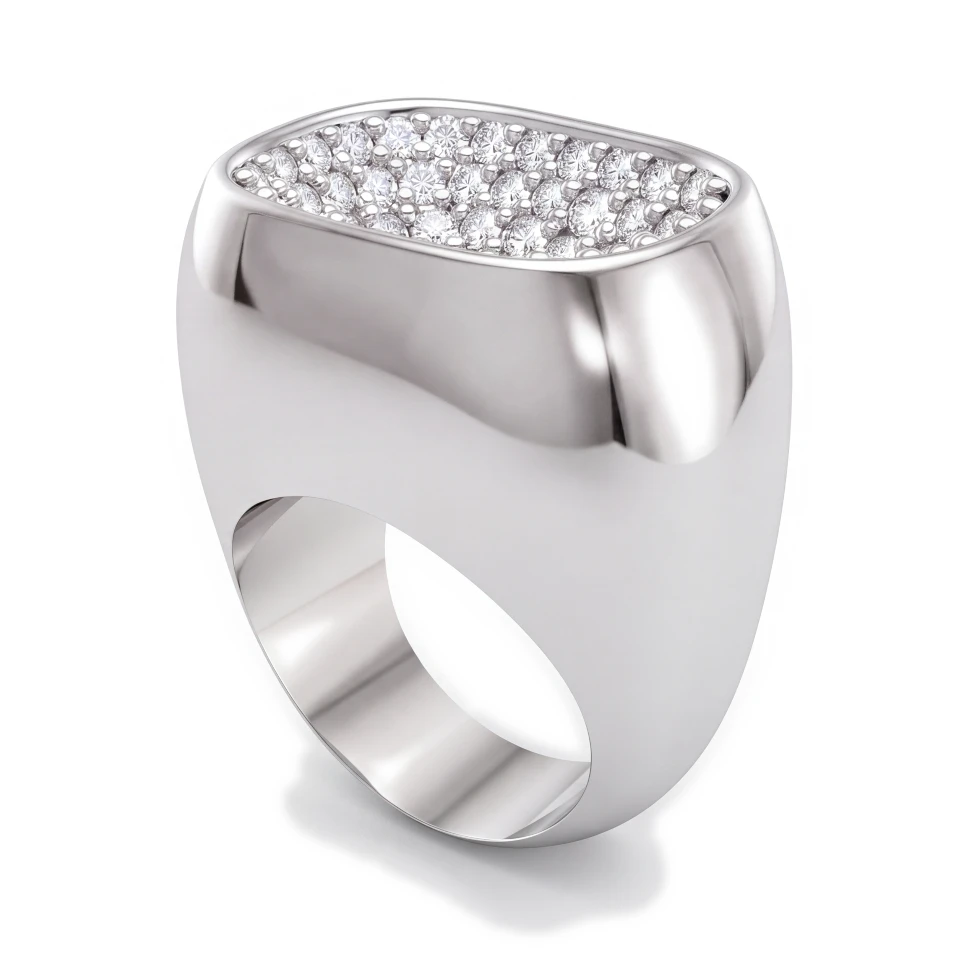
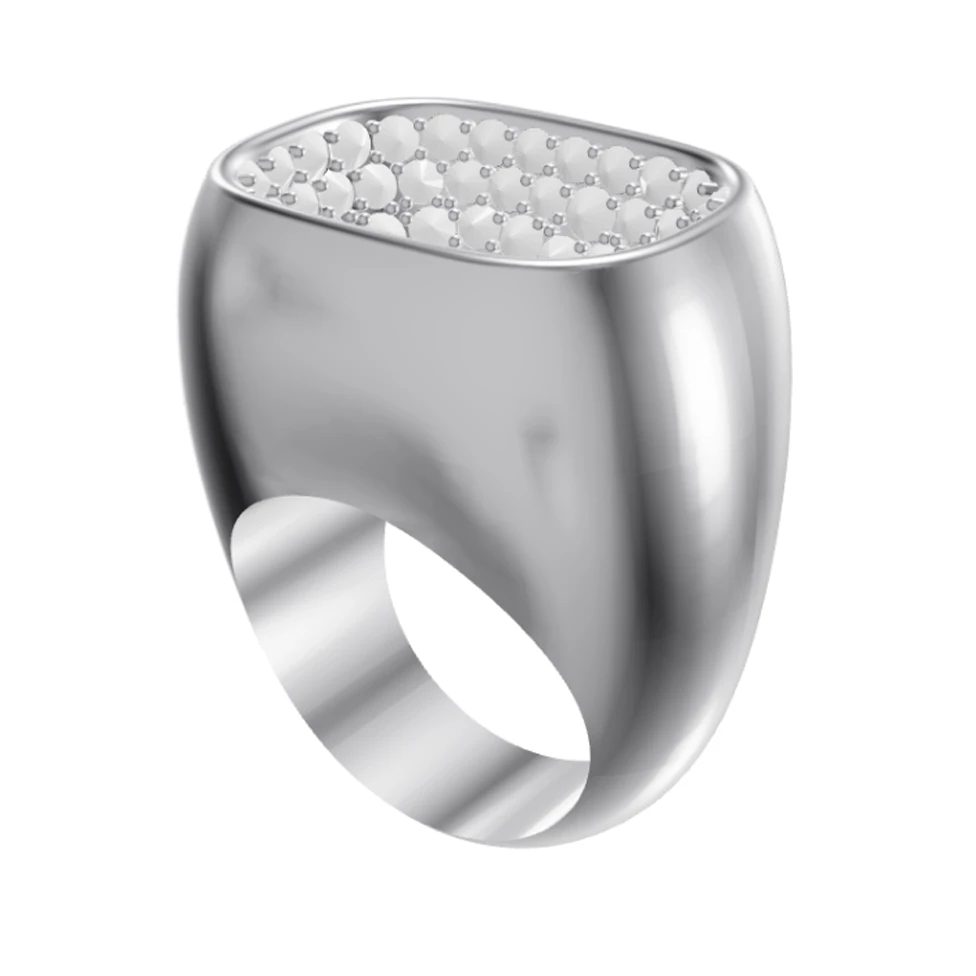
Show clients a photorealistic render of their piece on the video call — or send it right after — instead of a grey CAD screenshot.
100%ずっと無料・Googleまたはメールアドレスでログイン


ドラッグしてCADとレンダリングを比較
You consult with clients over video calls, often across cities or countries. Without a showroom, the images you share are the whole experience. HeyGema™ turns your CAD work into photorealistic renders in the browser, so you can share your screen and walk a client through their piece in the metal and stones they picked, from any angle.
Screen-sharing a grey CAD model doesn't give remote clients a feel for the finished piece
Clients ask to see a different metal or stone and you can't show it until the next call
Remote clients need more visual reassurance before paying a deposit
Preparing presentation images for every remote consultation takes time
Render your design in the browser and share your screen to show the client a photorealistic image
Switch metals and stones and re-render when the client asks "what would it look like in rose gold?"
Send renders after the call so clients can review, share and approve on their own time
Works with any video platform — HeyGema™ runs in a browser tab on desktop or phone
Google Meet, Zoom, Teams or FaceTime — open HeyGema™ in a browser tab and share your screen.
Change the metal, stones or angle and render again so the client sees the option they asked about.
Download the render and send it by email or message so clients can approve the design visually.