Turn CAD Screenshots and 3DM Files into Photorealistic Jewelry Renders

Upload a CAD screenshot, photo or Rhino .3dm file. Pick the angle, metal and stones. Get a photorealistic render — free.

無料でレンダリングを始める

100%ずっと無料・Googleまたはメールアドレスでログイン
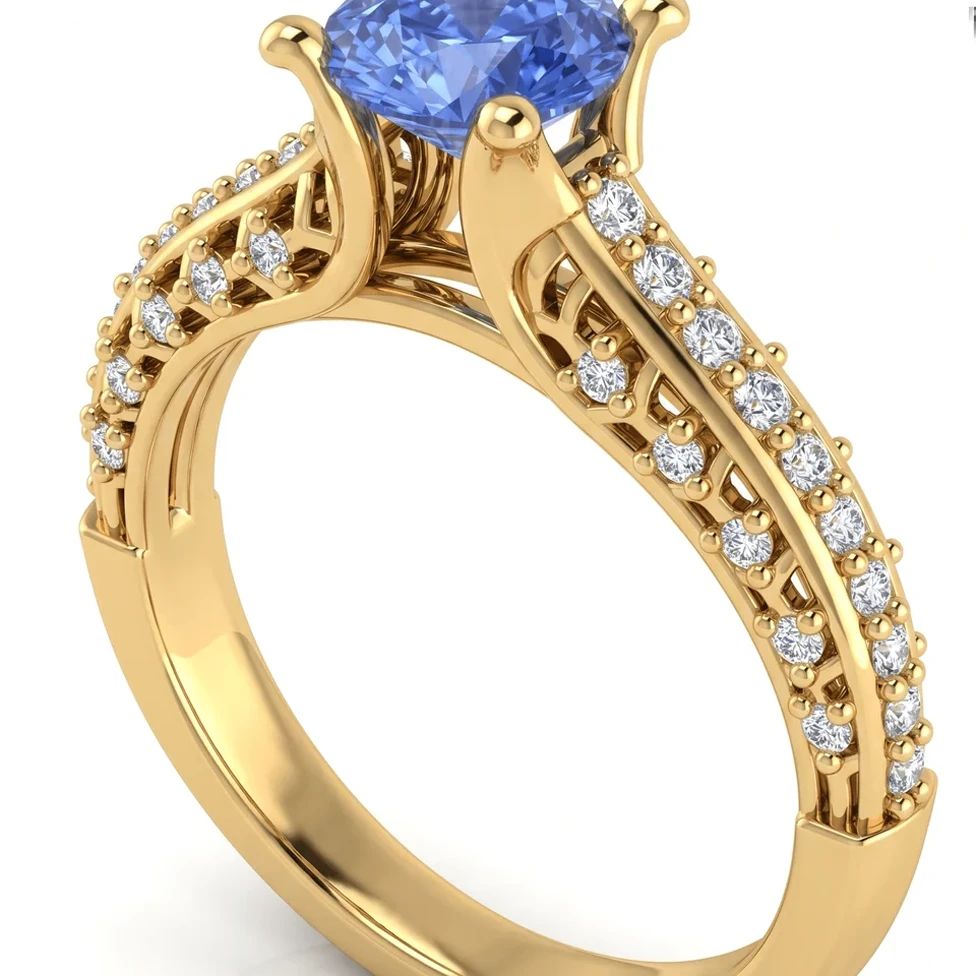
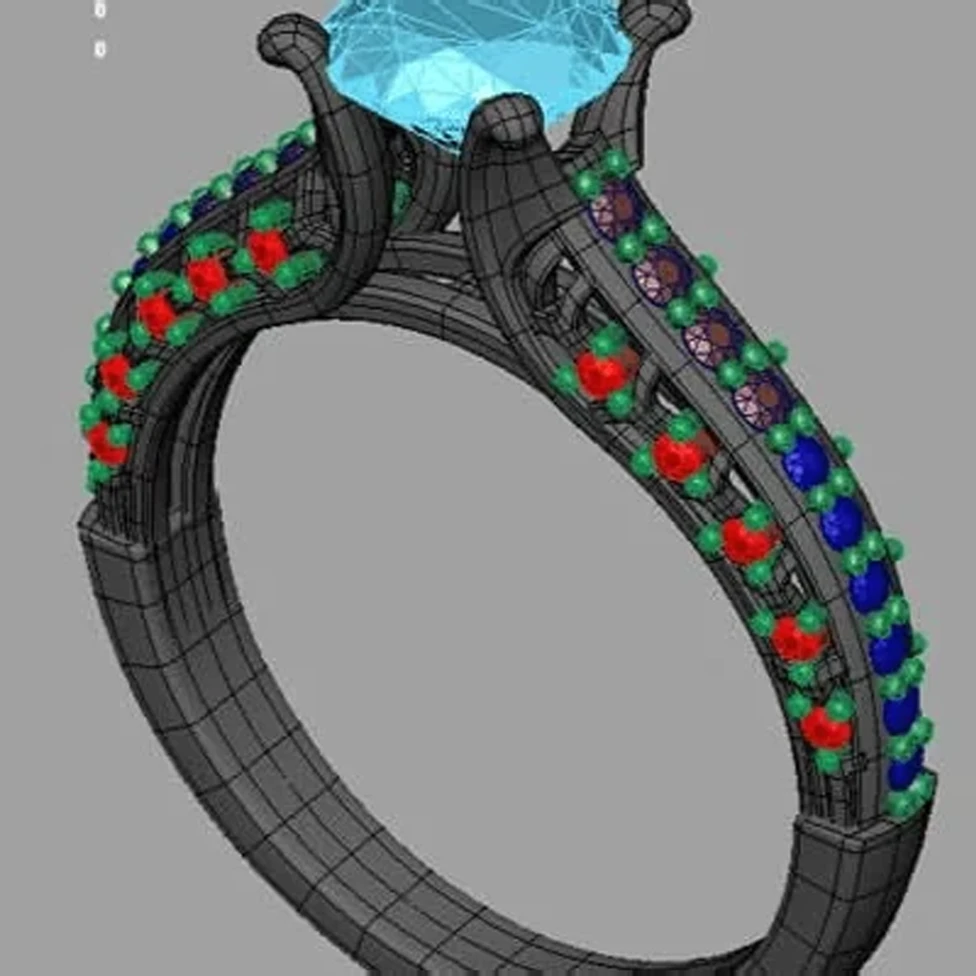
Sapphire engagement ring: CAD model and photorealistic AI render
CADAIレンダリング
ドラッグしてCADとレンダリングを比較

ドラッグしてCADとレンダリングを比較

このページは現在、英語版のみご覧いただけます。日本語版は近日公開予定です。

課題

Traditional jewelry rendering means learning a render engine and setting up lights, environments and materials — or paying someone else to do it. That's hard to justify for every design iteration a client needs to see.

解決策

HeyGema™'s AI render tool turns your CAD into a photorealistic image in the browser. Choose from preset angles or orbit your .3dm model, select the metal and stones, render, and refine the result with a typed instruction.

Free

Plan that's 100% free, forever

30

Renders per month on Pro, with no daily limit

0

Lights or materials to set up

得られるメリット

Screenshot, Photo or 3DM

Use a screenshot from any CAD program, a photo, or upload your Rhino .3dm file directly.

Choose Angle and Materials

Presets (Front, Side, Top, ¾, Back), free orbit or saved views — plus three golds and six stone options.

Refine by Text

Type what you'd like changed and HeyGema™ generates a new version of your render.

よくあるご質問

Any. Upload a screenshot from MatrixGold, Rhino, CounterSketch or any other CAD program, or a photo of your design. Rhino users can upload the .3dm file directly and choose the angle in 3D.
Yes. Renders are photorealistic and designed for client presentations, approvals and sharing online.
The Free plan is 100% free, forever — sign in with Google or email to start. Pro gives you 30 renders per month with no daily limit and can be upgraded inside the render tool. Studio offers custom volume; contact us for details.

次のデザインを、フォトリアルなレンダリングで確かめる

100%ずっと無料・Googleまたはメールアドレスでログイン