Sell Custom Jewelry Remotely with Photoreal Renders
When clients can't come to the showroom, send them a photorealistic render of their piece instead.
無料でレンダリングを始める
100%ずっと無料・Googleまたはメールアドレスでログイン
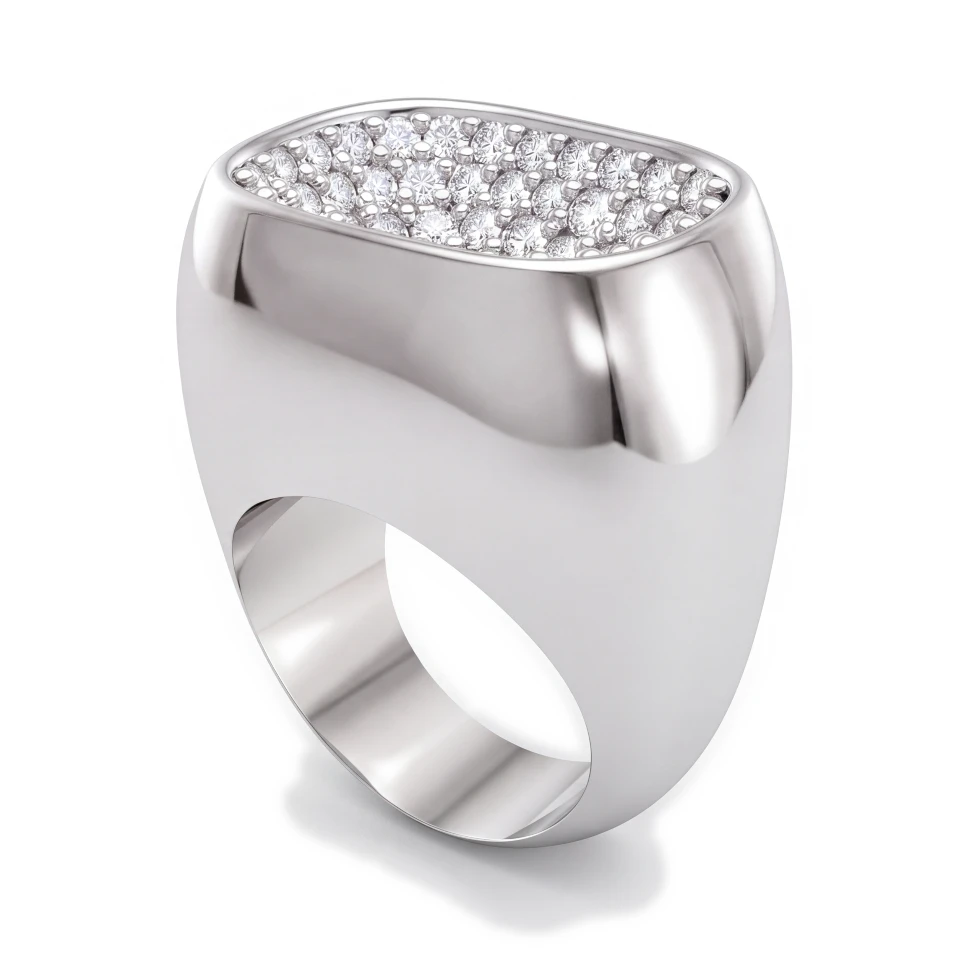
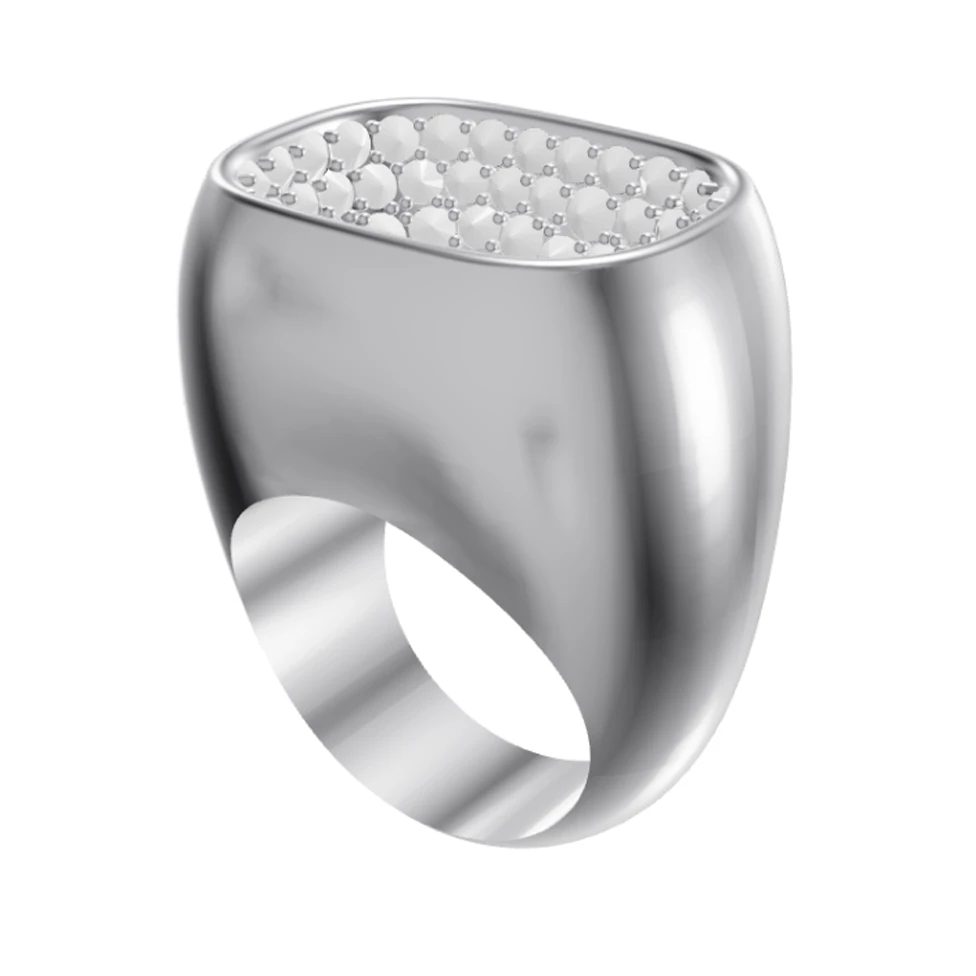
ドラッグしてCADとレンダリングを比較
ドラッグしてCADとレンダリングを比較
When clients can't come to the showroom, send them a photorealistic render of their piece instead.
100%ずっと無料・Googleまたはメールアドレスでログイン
ドラッグしてCADとレンダリングを比較
Remote clients can't see or touch the piece, and a CAD screenshot doesn't give them the confidence to pay a deposit. Without strong visuals, remote inquiries are hard to convert.
Turn your CAD into photorealistic renders in the browser and send them to the client. Show their piece in their chosen metal and stones, from several angles, so remote clients can commit as confidently as if they'd seen it in person.
Any
Device — render in the browser on desktop or phone
5
Preset angles, plus free orbit for .3dm files
3
Gold options: Yellow, White and Rose
Send renders by email or message so clients anywhere can see their piece.
Render the piece from multiple views to give remote clients the full picture.
HeyGema™ works on your phone, so you can reply to a remote inquiry with a fresh render.