Photoreal jewelry renders straight from your CAD
Upload a CAD screenshot or a 3D file (.3dm, .obj or .glb), pick the angle, metal and stones, and get a render you can send to your client. Want to show them something new? Describe it and HeyGema™ makes a variation.
Free forever · No credit card · Works in your browser
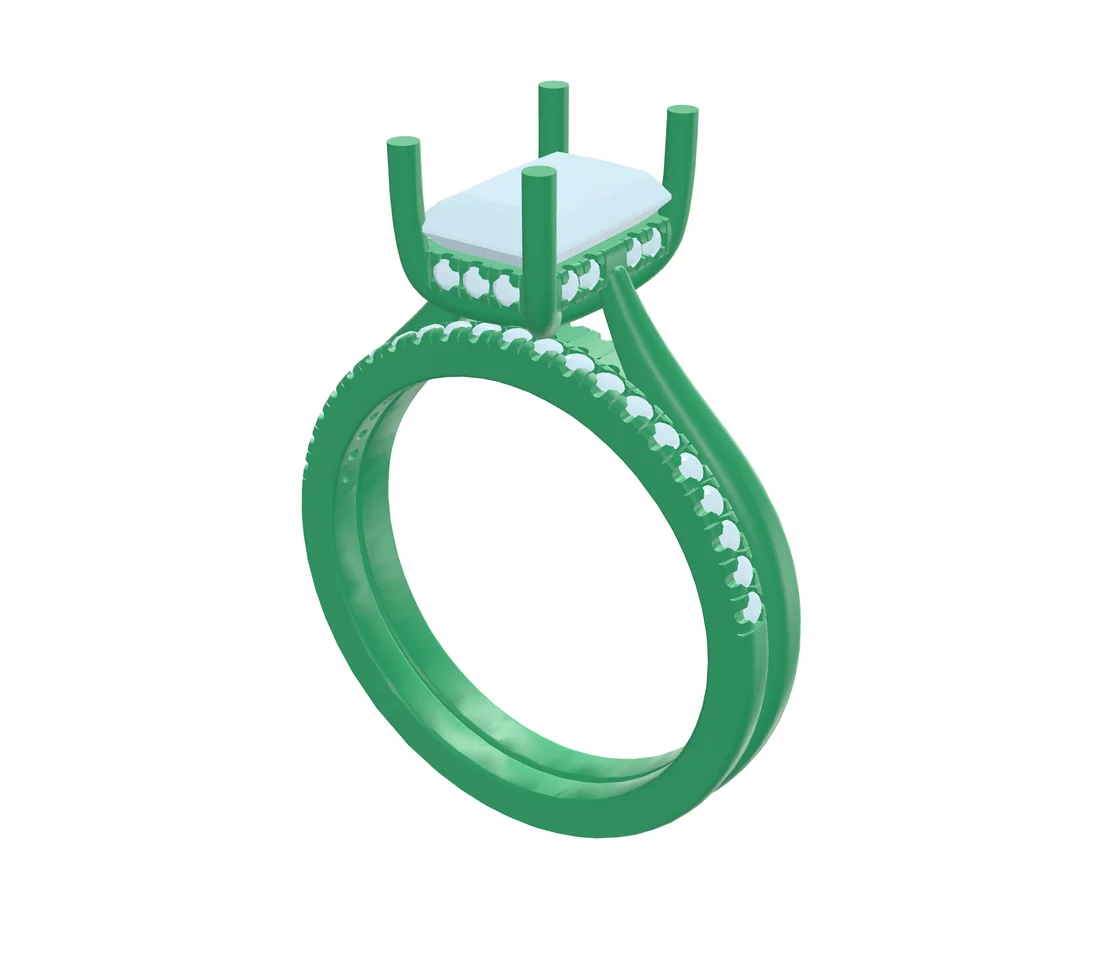
Two ways to start
Start from a screenshot, or from the 3D file itself
Same steps, same materials, same quality. Use whichever you have on hand.
Upload a screenshot
Any shaded view from Rhino, Matrix, MatrixGold or your CAD software of choice. The render keeps the angle you captured.
PNG · JPG · WebP
Drop in your 3D file
Pick Front, Side, Top, ¾ or Back in one tap, or turn the model freely. HeyGema™ sorts every part into metal and stones for you.
.3dm, .obj, .glb
We don't save your 3D files. They stay on your computer.
How it works
From CAD to client-ready in four steps
- 01
Add your design
Drop in a screenshot of your CAD or a 3D file (.3dm, .obj or .glb).
- 02
Choose your angle
With a 3D file, tap Front, Side, Top, ¾ or Back, or turn the model yourself. Screenshots keep the angle you captured.
- 03
Pick metal and stones
Yellow, white or rose gold, then the centre stone and side stones. Add details like milgrain or a brushed finish.
- 04
Render and explore
Get your render, try variations in words to show your client something new, and download the ones you like.
Examples
Real CAD in. Real renders out.
Drag the slider to compare each CAD with the render HeyGema™ made from it.
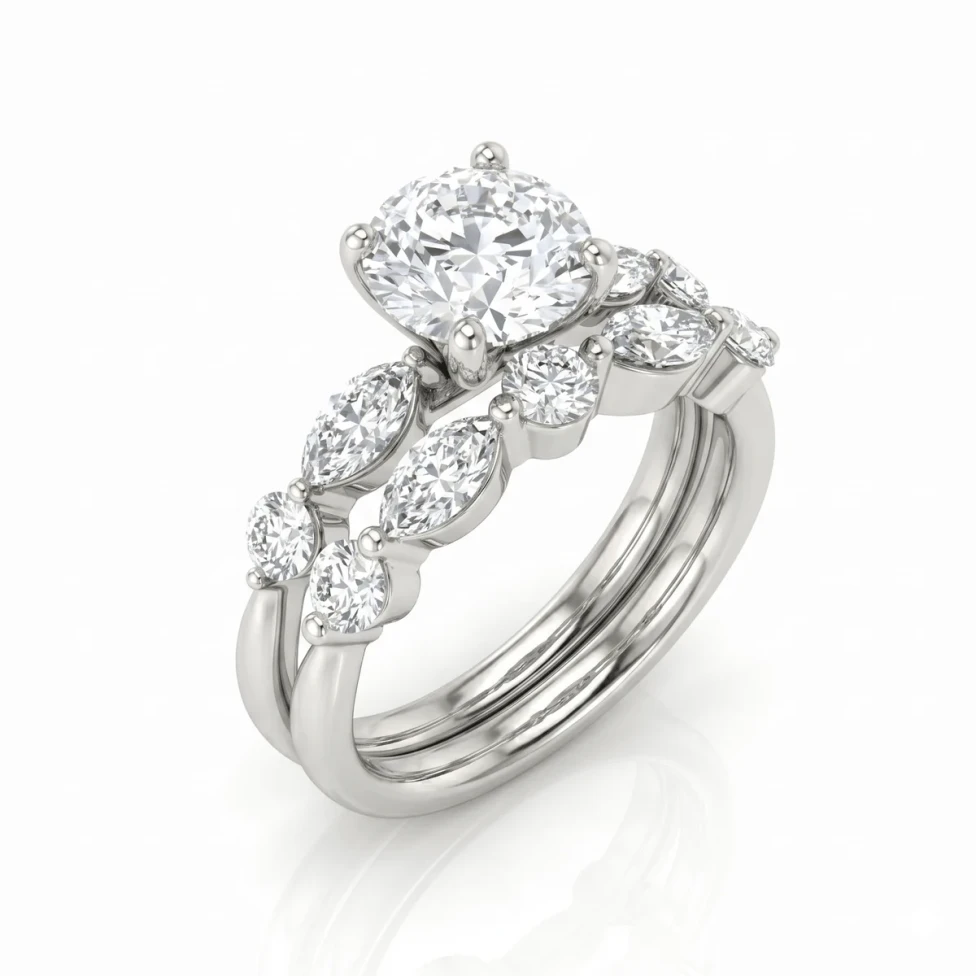
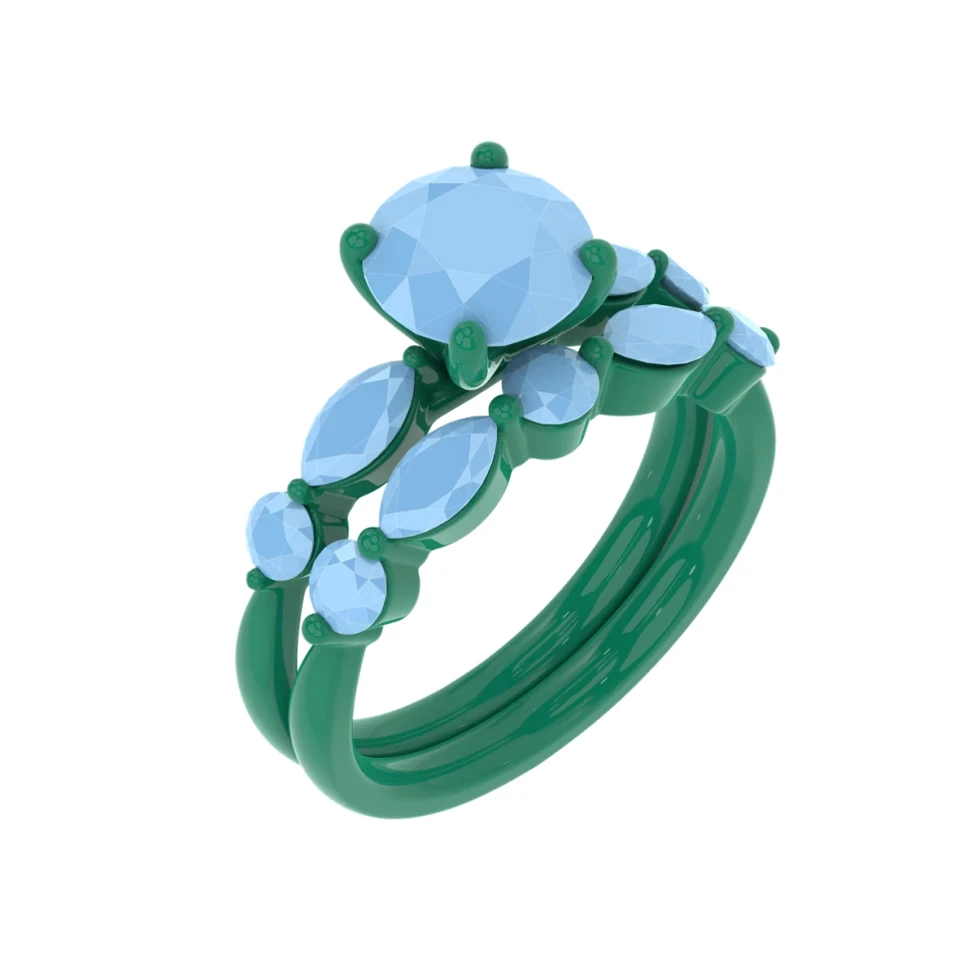
Bridal
Marquise Bridal Set
HeyGema™ so far
- renders made
- 1,530
- users
- 548
- countries
- 42
Any angle
Show every side of the piece
Turn your 3D file to the front, side, top, back or ¾ view and get a render from that exact angle.
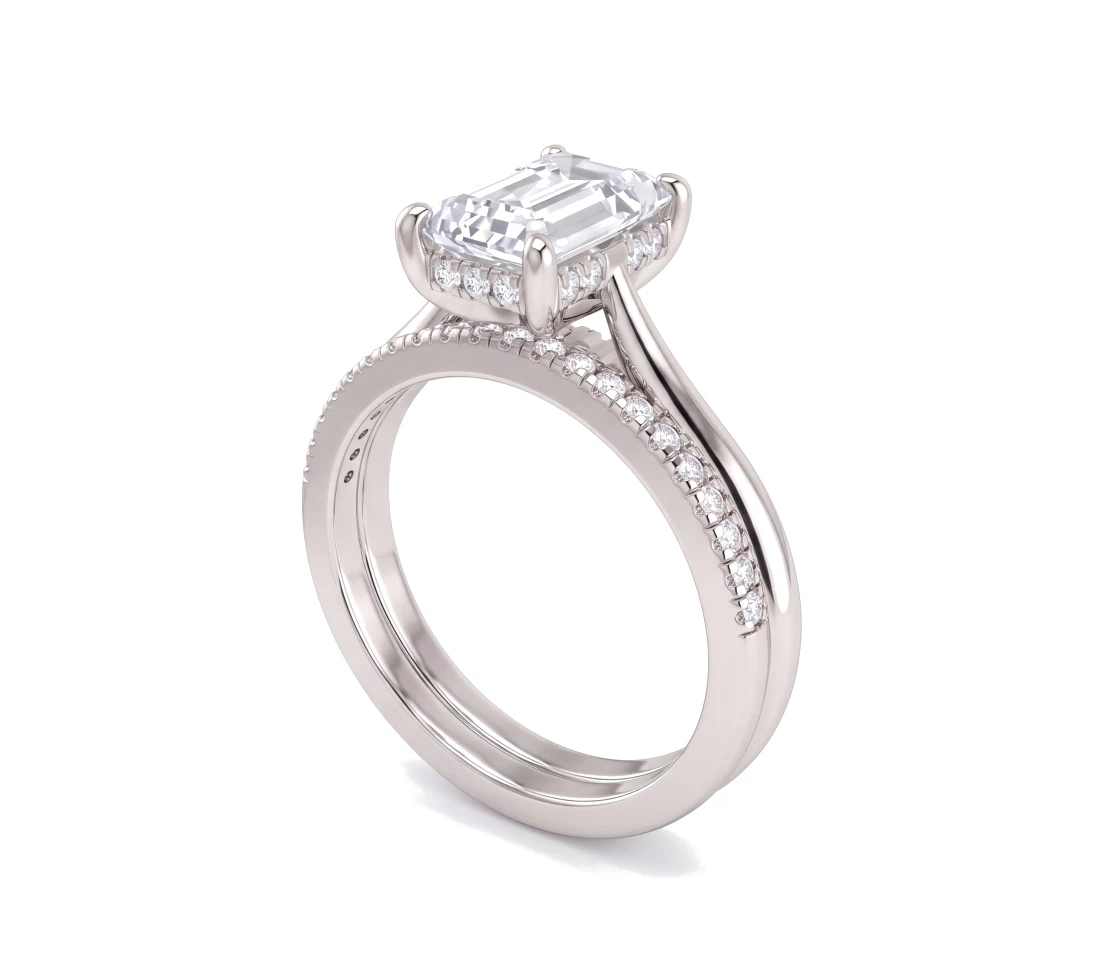
Variations in words
One design, every idea your client wants to see.
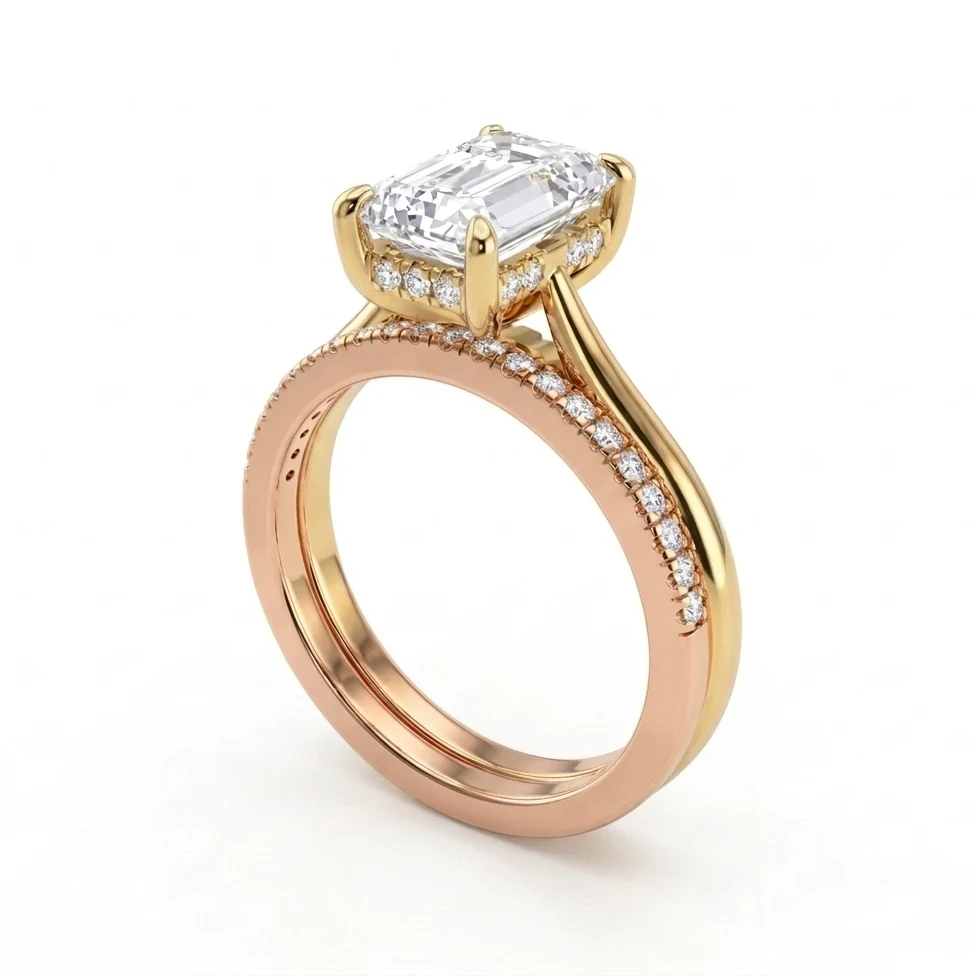
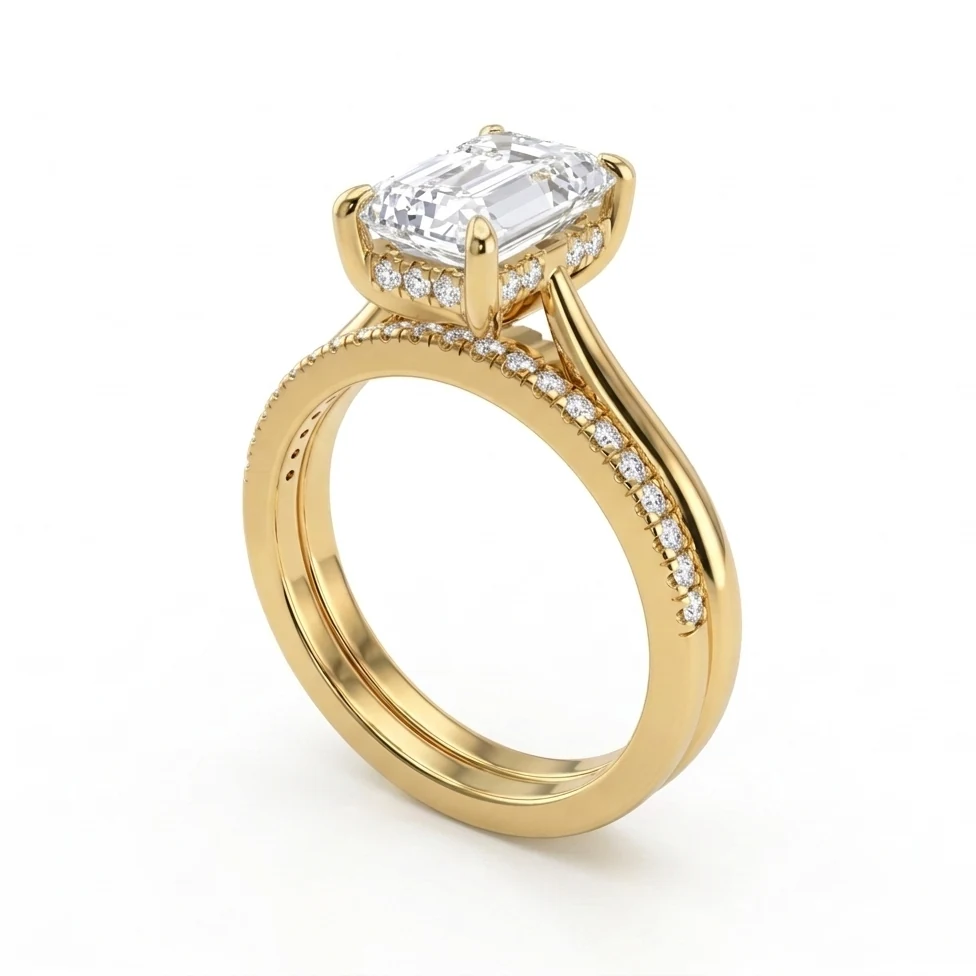
Describe a variation, like a different centre stone or a brushed finish, and HeyGema™ makes a new version of your render. Your original stays as it is, so you can show every option.
- Try a different stone, a brushed finish or a closer crop
- Every version is saved, so you can show them side by side
- Each variation uses 1 render
Built for jewelers
Everything you need, nothing you don't
Runs in your browser
No software to install and no render settings to learn. Works on desktop and on your phone.
Smart part detection
Upload a 3D file and HeyGema™ sorts every part into metal and stones, with the centre stone and side stones already grouped.
Ready to send
Download the render and drop it into a message, a quote or a social post.
Your renders, saved
Recent renders stay in your account, so you can come back to any of them.
Your designs stay yours
We use your uploads only to make your renders. You keep full ownership of your work.
Free to start, forever
No credit card and no trial clock. Upgrade only if you need more renders.
Pricing
Free forever. Pro when you render a lot.
Every plan gets the whole tool: images and 3D files, every angle, metal and stone, and text refinements.
Free
For trying HeyGema™ and rendering week after week.
What's included
- Free renders every day
- CAD screenshots and 3D files (.3dm, .obj, .glb)
- Every angle, metal and stone
- Text refinements
- Download every render
Free forever · No credit card
Starter
For jewelers who render for clients every week.
Billed $192 a year
What's included
- 25 renders a month
- No daily limit
- No logo, or your own logo
- Choose the aspect ratio
- Logo removed from past renders
- Everything in Free
- Cancel anytime
Sign in, then upgrade from inside the render tool
Secure payment by Stripe.
Pro
For jewelers who render for clients every day.
Billed $480 a year
What's included
- 65 renders a month
- No daily limit
- No logo, or your own logo
- Choose the aspect ratio
- Logo removed from past renders
- Everything in Free
- Cancel anytime
Sign in, then upgrade from inside the render tool
Secure payment by Stripe.
Studio
For teams and retailers who need more volume.
What's included
- Custom monthly render volume
- Onboarding for your team
- Direct support from the HeyGema™ team
We'll reply by email
FAQ
Frequently asked questions
Can't find your answer? Write to us and we'll get back to you.
Get started
Your next render is one upload away.
Free forever. No credit card.