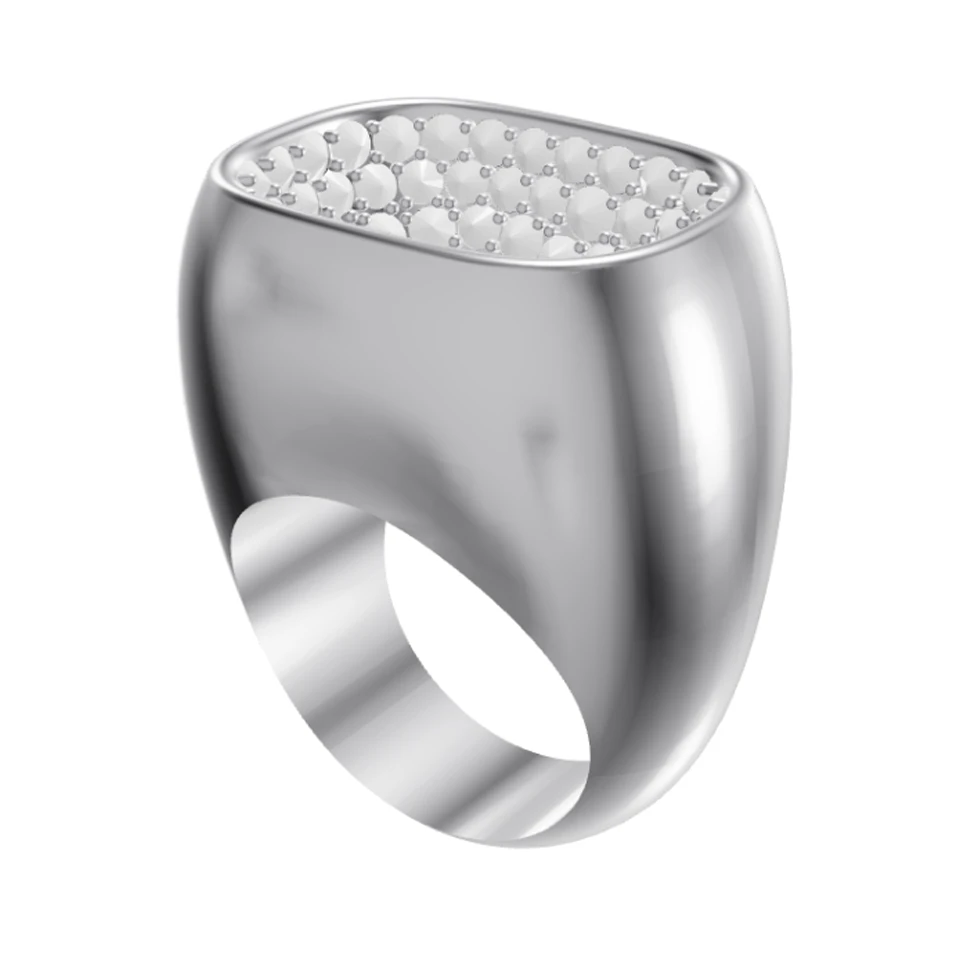
Midjourney is a powerful general-purpose image generator. HeyGemaâ„¢ is built for one job: turning your own jewelry CAD into a photorealistic render that stays true to your design.
100% free, forever · Sign in with Google or email
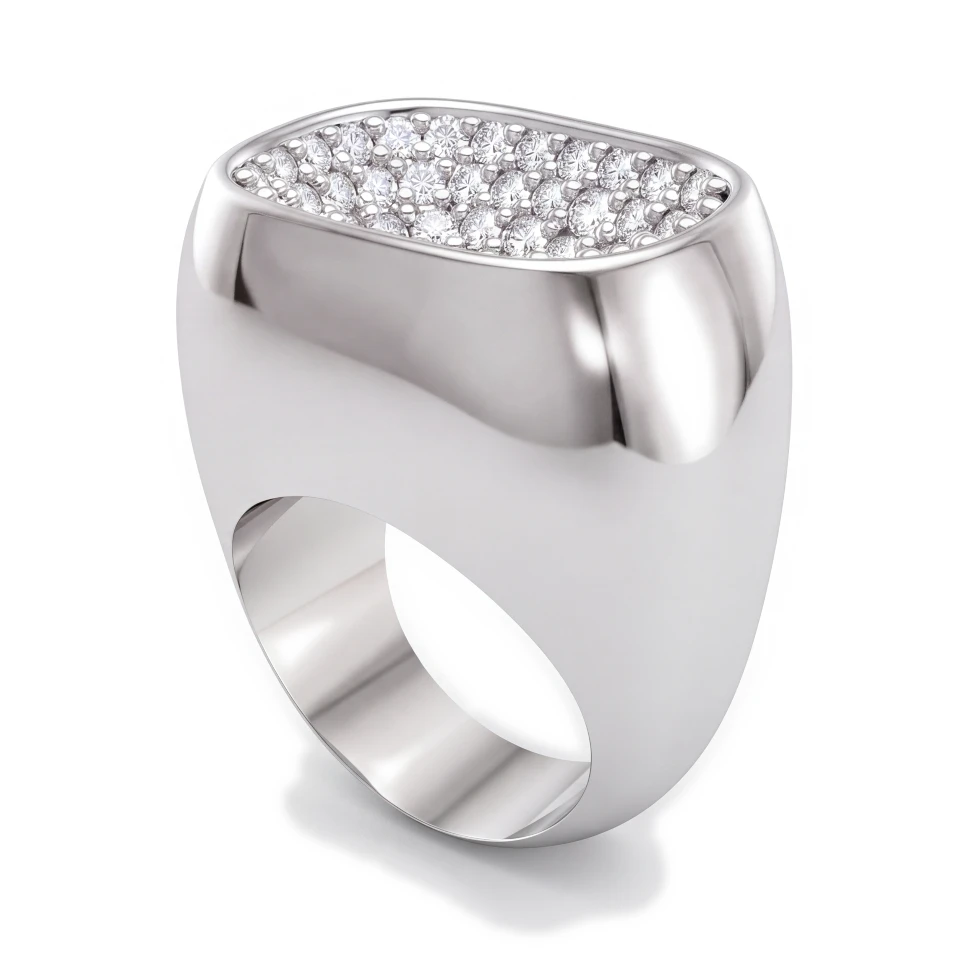

Drag to compare CAD and render
| Feature | HeyGemaâ„¢ | Midjourney |
|---|---|---|
| Designed for | Rendering jewelry CAD | General image creation |
| Renders your own CAD design | Not its main purpose | |
| 3D file upload (.3dm, .obj, .glb) | ||
| Preset camera angles | Front, Side, Top, ¾, Back | Described in prompts |
| Metal and stone selection | Built-in menus | Described in prompts |
| Refine with a text instruction | ||
| Prompt writing required | ||
| Free plan | 100% free, forever | Check their site |
Designed for
Renders your own CAD design
3D file upload (.3dm, .obj, .glb)
Preset camera angles
Metal and stone selection
Refine with a text instruction
Prompt writing required
Free plan
Upload a CAD screenshot, photo or 3D file (.3dm, .obj or .glb). HeyGemaâ„¢ renders the piece you modeled rather than imagining a new one from a text prompt.
Pick the metal and stones from simple menus. No prompt engineering needed to get Rose Gold with a Pink Sapphire.
With a 3D file, choose Front, Side, Top, ¾ or Back, orbit freely, or use views saved in your file.
Clear answers to the questions jewelers ask about rendering, from your CAD file to an image your client says yes to.
100% free, forever · Sign in with Google or email