Best AI jewelry rendering tools in 2026
By HeyGema · Updated · 7 min read
In short
To render a design you already have in CAD, pick a tool that takes your CAD as input: HeyGema (a screenshot from any CAD program or a Rhino .3dm file, free) or a 3D-file renderer such as NeuroViz. To design new pieces from text or sketches, look at Tashvi AI, Pencil or Magic3d. For brand marketing images and in-store tools, BLNG. General models such as ChatGPT and Gemini are good for inspiration but don't keep a design exact.
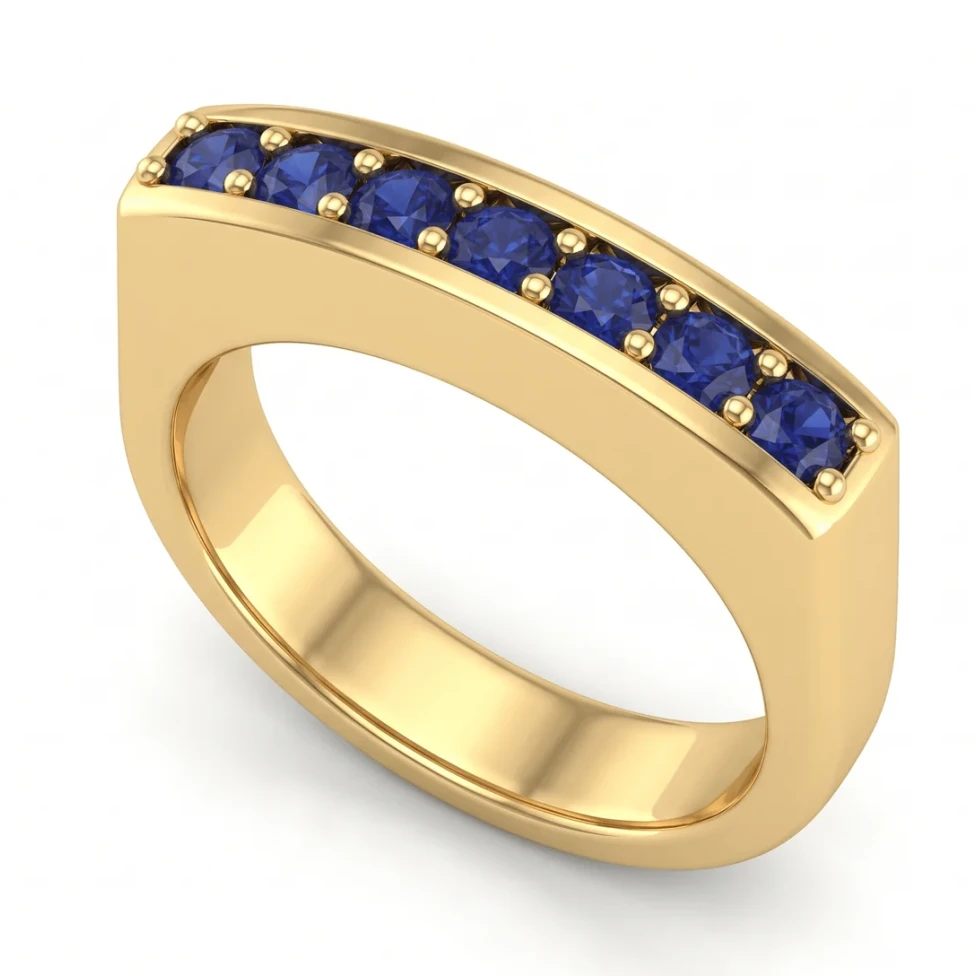
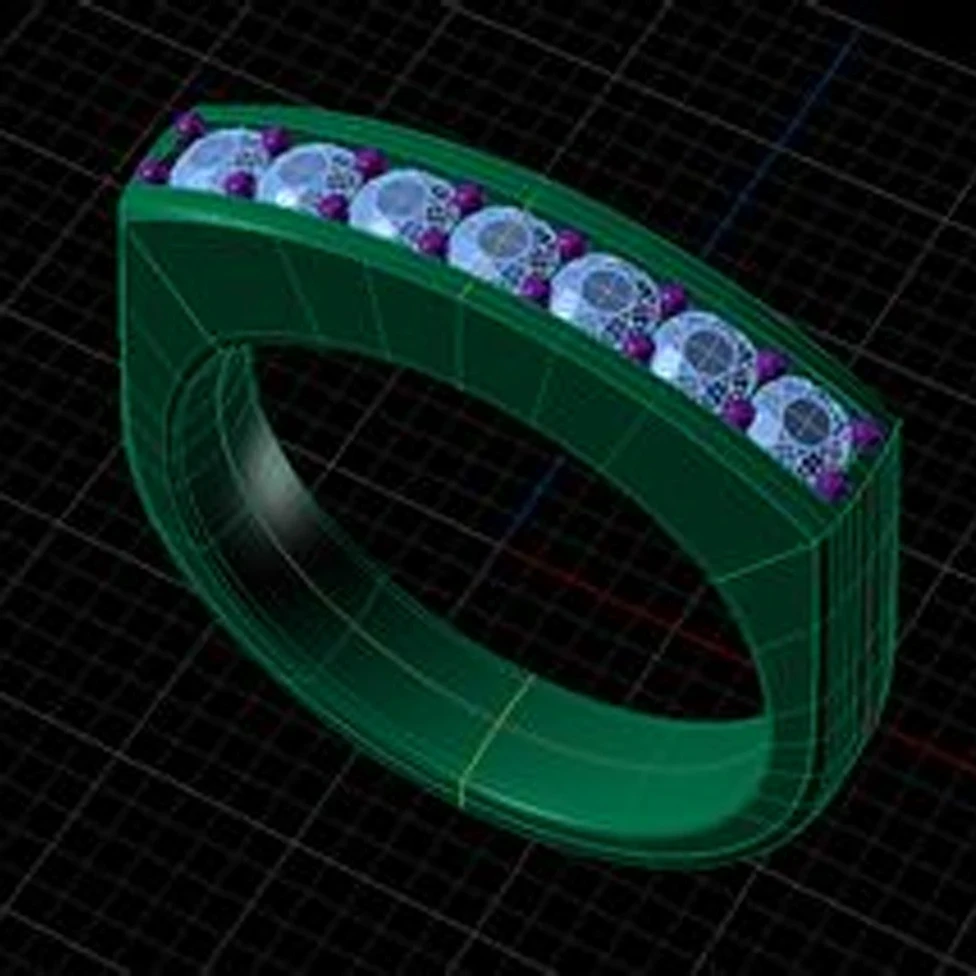
"AI jewelry tool" covers very different products. Some render the design you already modeled, some design new pieces from a prompt, and some make marketing photos. The right choice starts with one question: what do you have, and what do you need? This list is written by HeyGema, so our own tool comes first, and every entry says plainly what it's for. Details reflect each product's public website in October 2026; they change often, so check before you choose.
How we compared
- Input: what you give it: a CAD screenshot, a 3D file, text, a sketch or a photo.
- Best for: the job it does best.
- Free option: whether you can use it without paying.
| Tool | Input | Best for | Free option |
|---|---|---|---|
| HeyGema | A CAD screenshot from any program, or a Rhino .3dm file | Photorealistic renders of your own design, for clients | Yes, 100% free, forever |
| NeuroViz CAD Visualizer | 3D files: Rhino .3dm, JewelCAD, STL, OBJ, GLB | Renders of 3D files, several views at a time | Free credits, then paid |
| Magic3d | A sketch or photo (AI Studio); CAD or OBJ files (Render Studio) | Concept renders and material-based renders | Free plan |
| Tashvi AI | Text, sketches, reference images | Designing new pieces and exporting 3D files | Free plan |
| Pencil | Text prompts | Generating parametric jewelry CAD | Free plan with a few designs |
| BLNG | Sketches, prompts, 3D files | Brand design, marketing images, in-store tools | Pricing on request |
| ChatGPT, Gemini, Midjourney | Text and images | Inspiration, mood boards, social images | Depends on the service |
1. HeyGema: render the design you already have
HeyGema renders your own CAD. Upload a screenshot from any CAD program (Rhino, MatrixGold, JewelCAD, 3Design, ZBrush and others) or a Rhino .3dm file, choose the angle, the metal and the stones, and get a photorealistic render that keeps your angle, stones and metal as modeled. Refine makes creative variations from a sentence. It runs in the browser, works on a phone, and is 100% free, forever, with an optional Pro plan for daily volume. Best for: custom jewelers and CAD designers showing clients a design before it's made.
2. NeuroViz CAD Visualizer: renders from 3D files
NeuroViz takes 3D files, including Rhino .3dm, JewelCAD, STL, OBJ and GLB, lets you set the metal and stones, and renders several prepared views. It works on credits after a free allowance. Best for: jewelers who always have a 3D file and want several views at once.
3. Magic3d: concept and material renders
Magic3d is made for jewelry. Its AI Studio turns a sketch or a photo into a render in many scenes, and its Render Studio renders CAD and OBJ files with a large material library. It has a free plan. Best for: concept images, and render setups with many materials.
4. Tashvi AI and Pencil: design new pieces with AI
These tools work before CAD. Tashvi AI creates jewelry designs from text, sketches and reference images and exports 3D files. Pencil is an AI agent that generates parametric jewelry CAD from a prompt. Best for: exploring new designs. Once a design is in CAD, render it with a CAD renderer such as HeyGema.
5. BLNG: tools for jewelry brands
BLNG is a creative suite for the jewelry industry: design from sketches or prompts, marketing images and video from 3D files, and an in-store customizer. Pricing is on request. Best for: brands and retailers with marketing and retail needs.
6. ChatGPT, Gemini and Midjourney: inspiration
General image models make striking images from a prompt or a photo, and many jewelers use them for mood boards. They aren't built to keep a design exact: stones, prongs and proportions can change. See can ChatGPT or Gemini render my jewelry CAD? Best for: inspiration and social content.
What about KeyShot and V-Ray?
They aren't AI tools, but they remain the standard for fully controlled catalog renders. See jewelry rendering software compared.
How to choose
- You have a design in CAD and need an image for a client: HeyGema.
- You always work from 3D files and want several views per render: a 3D-file renderer such as NeuroViz, or HeyGema with a .3dm file.
- You're starting from an idea, not CAD: Tashvi AI, Pencil or Magic3d.
- You run a brand and need marketing images at scale: BLNG.
- You need a mood board: ChatGPT, Gemini or Midjourney.