Fewer CAD Revisions with Photoreal Previews

Show clients what their CAD will really look like, so they give their feedback before production instead of after.

Start rendering free

100% free, forever · Sign in with Google or email
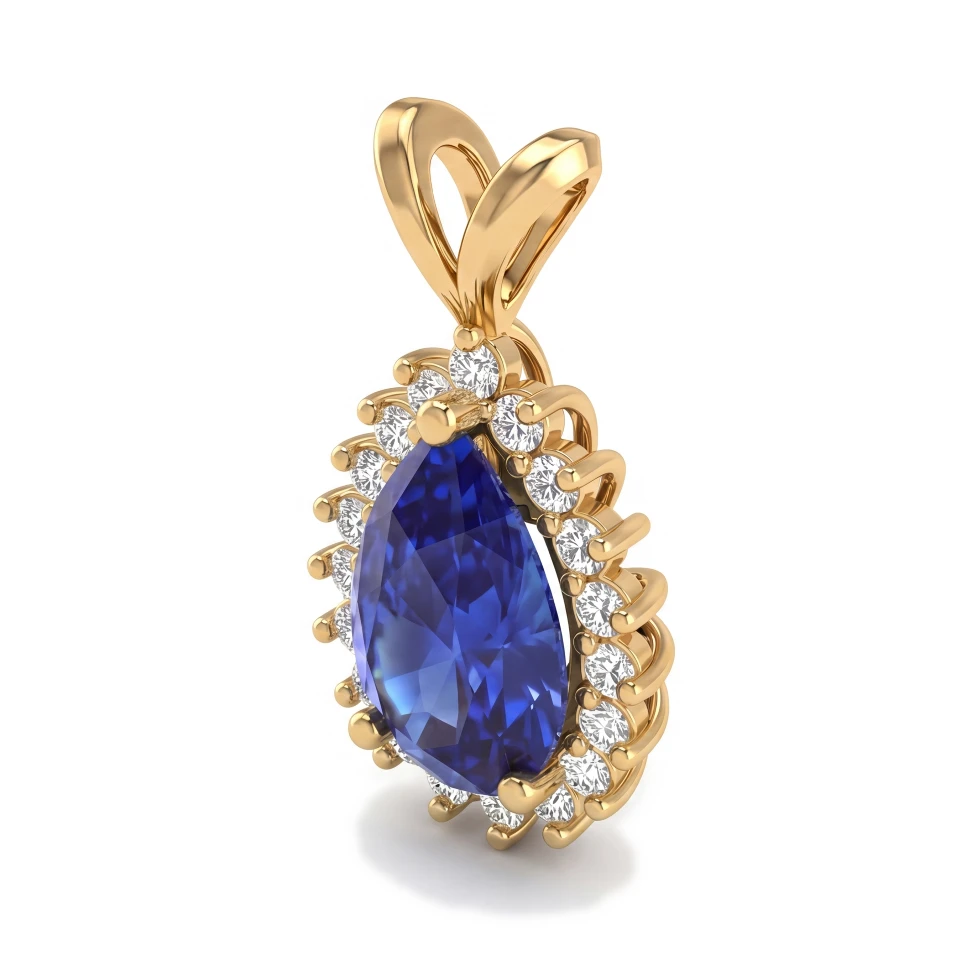
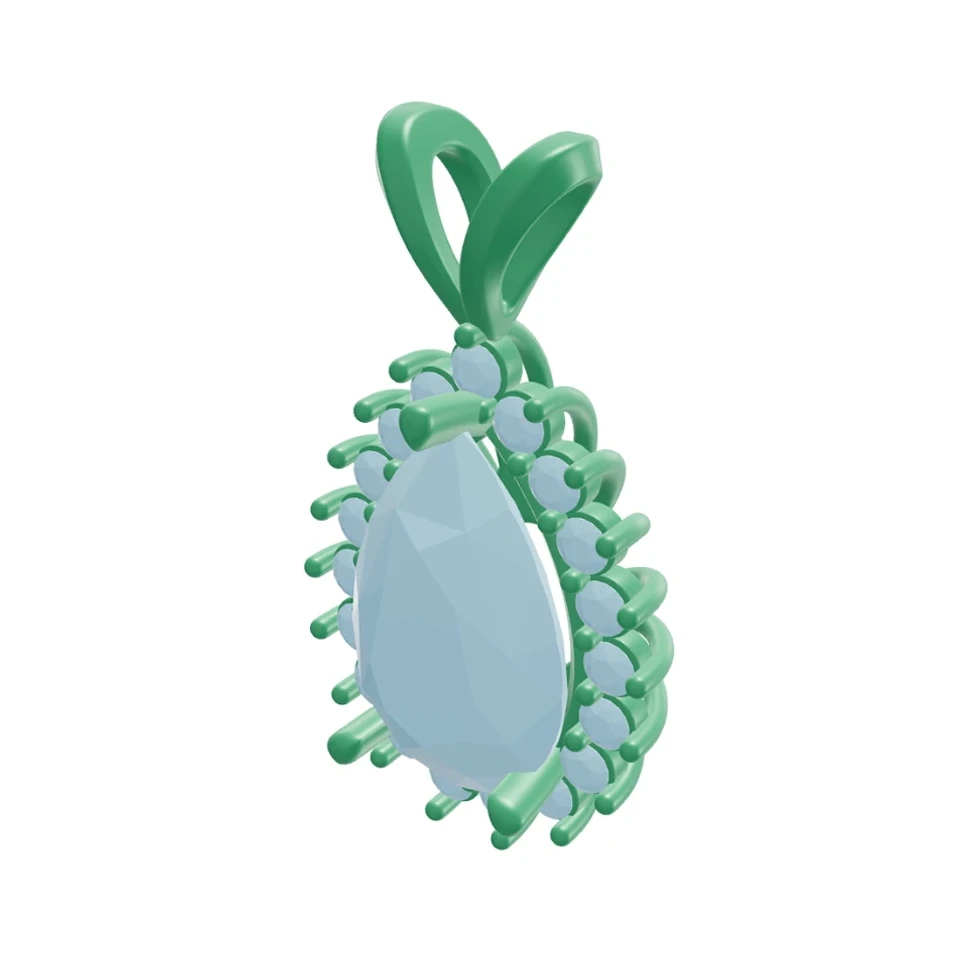
Pear halo pendant: Rhino 3D view and photorealistic AI render
CADRender
Drag to compare CAD and render

Drag to compare CAD and render

The Problem

Clients often can't judge proportions, stone size or metal color from a grey CAD model. They approve something they don't fully understand, then ask for changes once they see the real piece — which is the most expensive time to change anything.

Our Solution

Render the CAD model photorealistically in the exact metal and stones the client chose, from the angles that matter. Clients react to something that looks like the finished piece, so changes surface at the CAD stage where they're quick to make.

5

Preset angles: Front, Side, Top, ¾ and Back

3D

.3dm, .obj and .glb files, with free orbit and saved views

0

Lights or materials to set up

What you get

See It Before It's Cast

A photorealistic render shows proportions, stone presence and metal color in a way CAD screenshots can't.

Check Every Angle

Upload your 3D file and render the views clients care about — profile, top view, gallery and more.

Update and Re-render

After a CAD change, upload again and render the new version so the client approves the latest design.

Frequently asked questions

Most late revisions happen because a client didn't fully picture the piece. A photorealistic render in their chosen metal and stones lets them react earlier, while changes are still a CAD edit rather than a remake.
Yes. With a 3D file (.3dm, .obj or .glb), pick a preset angle (Front, Side, Top, ¾, Back), orbit to any angle, or use a view saved in the file. You can also upload a screenshot of the exact view you want.
HeyGema™ renders the piece you upload. To show a variation, such as another stone or finish, type it as an instruction and HeyGema™ generates a new version.

Jewelry rendering guides

Clear answers to the questions jewelers ask about rendering, from your CAD file to an image your client says yes to.

See your next design as a photorealistic render

100% free, forever · Sign in with Google or email