How to show a client a custom ring before it's made
By HeyGema · Updated · 5 min read
In short
Once the design is in CAD, send the client a photorealistic render instead of a CAD screenshot. Render the piece in the metal and stones you propose, add a second angle, use Refine to show an alternative such as another metal or finish, and get approval on the render and the specs before you print the wax or cast.
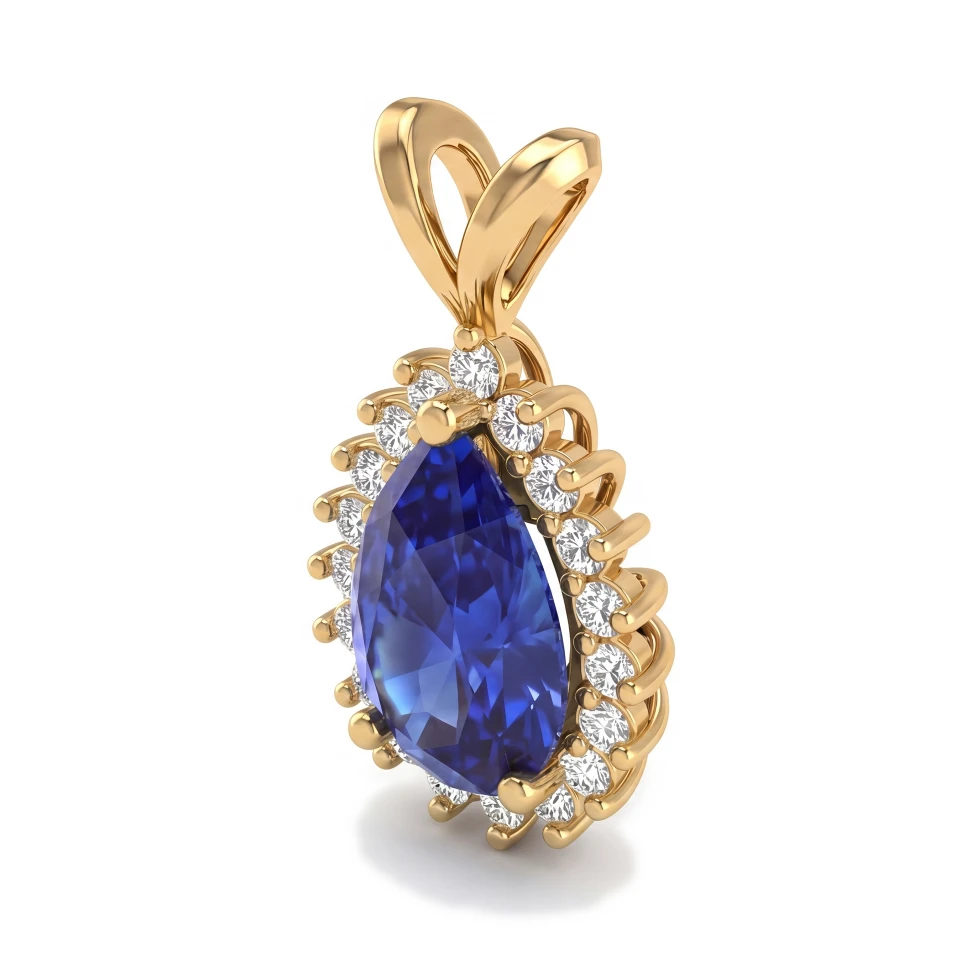
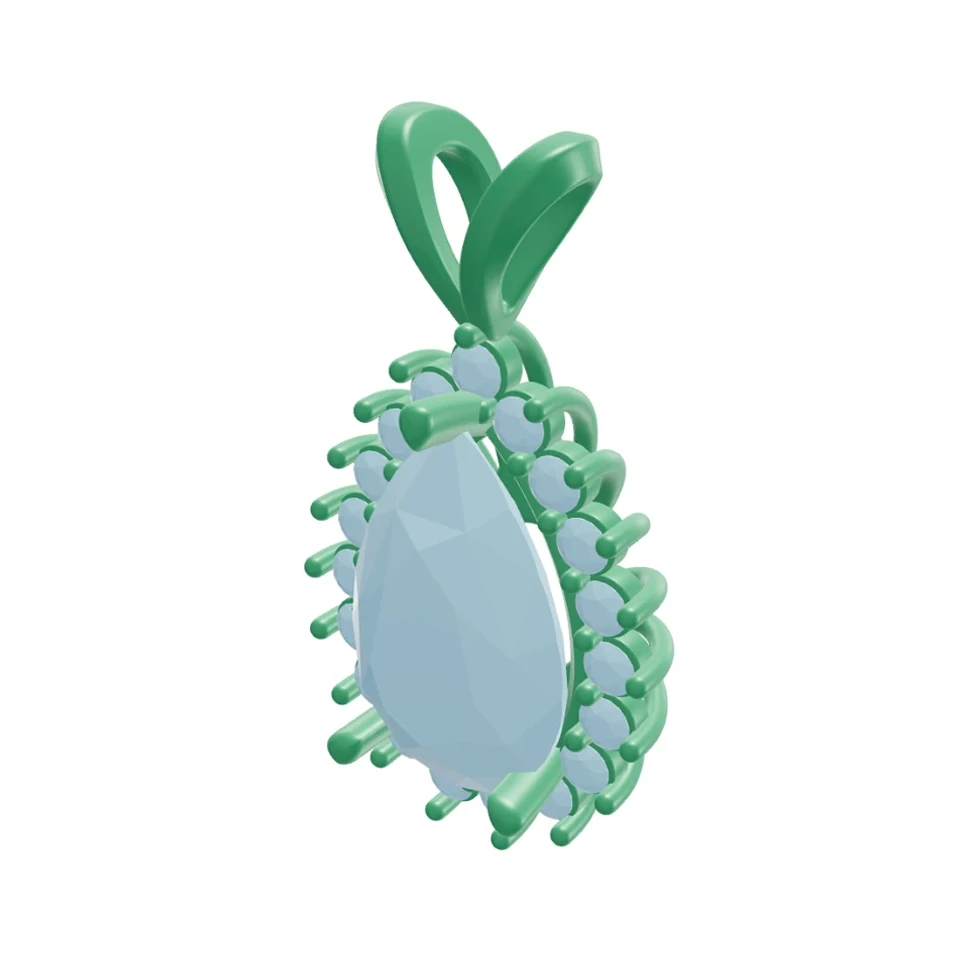
Clients approve what they can picture. A CAD view in flat colors asks them to imagine; a render shows them the finished piece. Here is a workflow that fits between CAD and casting.
A five-step approval workflow
- 1
Agree on the brief
Write down the client's choices: style, metal, center stone shape and size, side stones, finger size and budget.
- 2
Model it in CAD
Build the piece in your CAD program as usual.
- 3
Render the proposal
Upload a screenshot or the .3dm file to HeyGema in the metal and stones you propose. Render a front view and a ¾ or side view so the client sees the profile.
- 4
Show an alternative
Use Refine to make a creative variation, such as another gold color or a brushed finish, so the client can compare.
- 5
Get approval in writing
Send the renders with the specs (metal, stone sizes, finger size) and ask the client to approve before the wax or the print.
What to send with a render
- The metal and karat, the center stone's shape and size, the side stones' count and size, and the finger size.
- A note that the render illustrates the design and that the piece is made from the approved CAD.
- Two angles: the front, and a side or ¾ view.
Keep the render and the CAD file with the approval. If a question comes up after casting, you know exactly what the client saw.
Why a render works better than a CAD screenshot
A CAD screenshot shows geometry in flat display colors, and many clients can't tell metal from stone or picture the scale. A photorealistic render shows the gold, the stones and the light the way the finished piece will look. That makes a yes easier, and it makes it easier to spot what the client would change before it's in metal.