Comparison

HeyGema™ vs KeyShot for Jewelry Renders

KeyShot is full rendering software that gives you control over every material, light and reflection. HeyGema™ is built for the everyday job: turning your jewelry CAD into a photorealistic render for a client, with no setup.

Start rendering free

100% free, forever · Sign in with Google or email
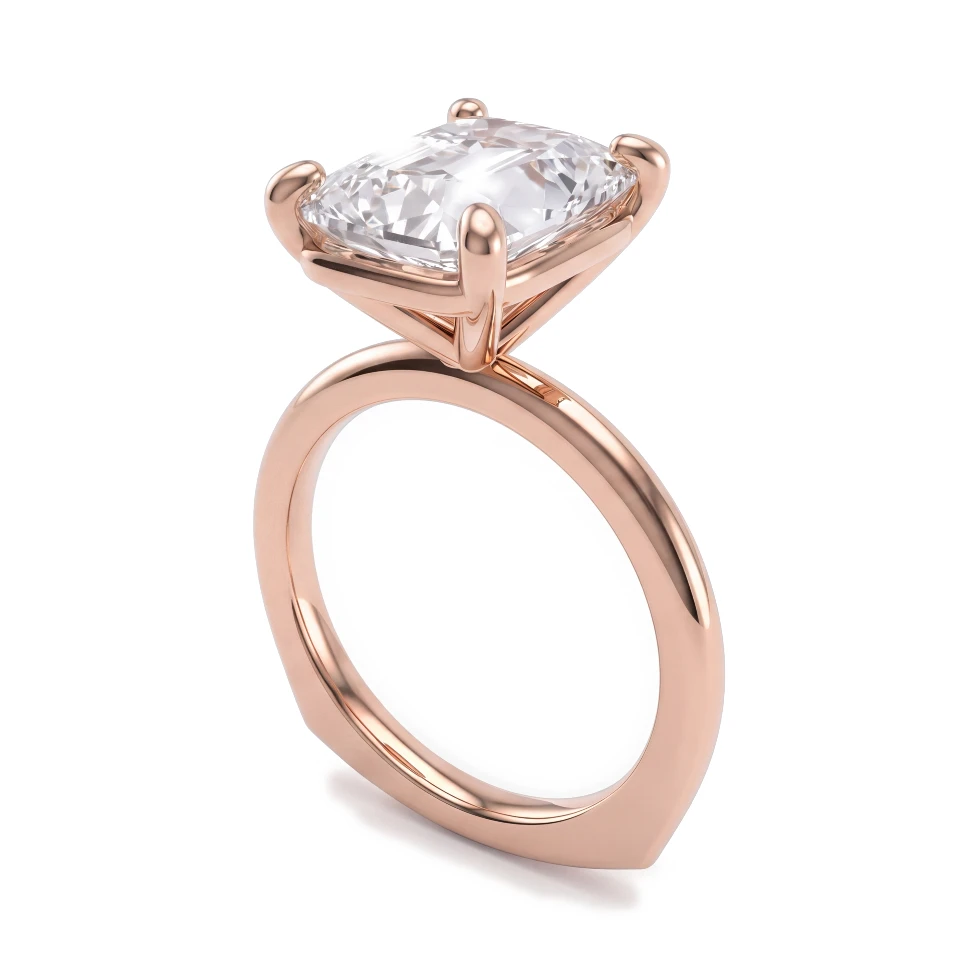
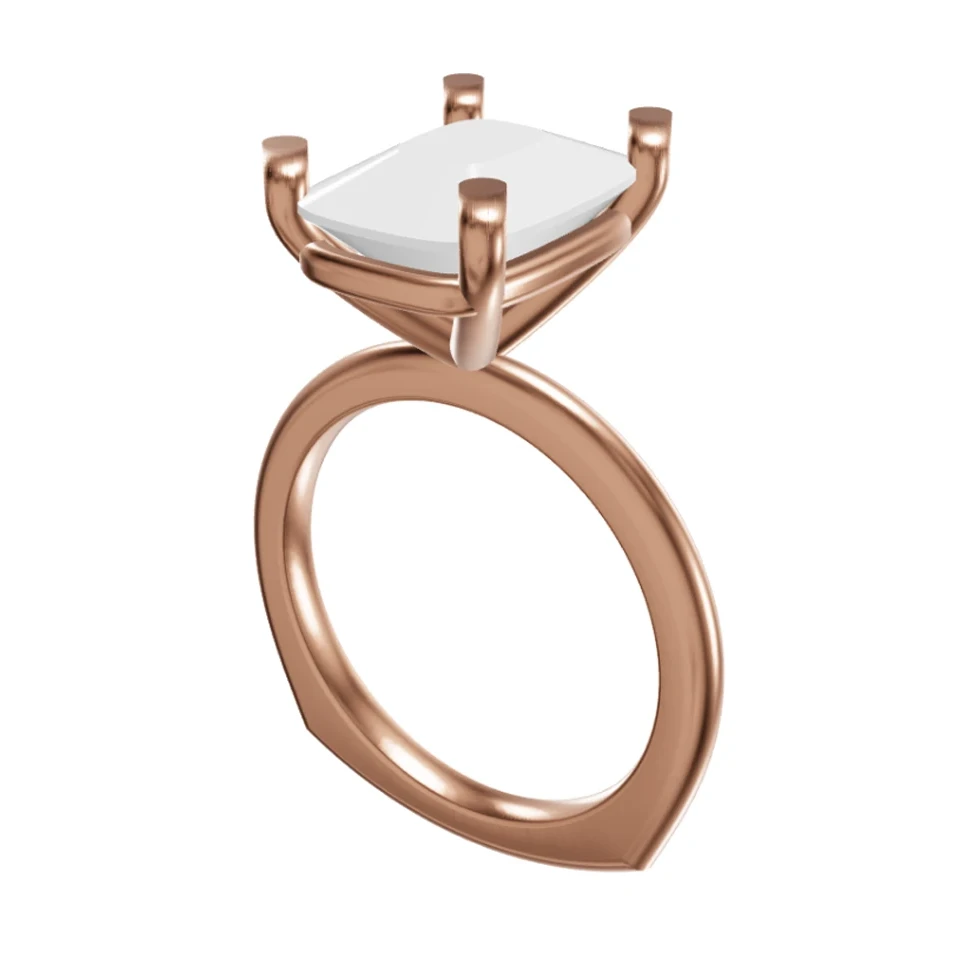
Rose gold cushion-cut solitaire: Rhino 3D view and photorealistic AI render
CADAI Render
Drag to compare CAD and render

Drag to compare CAD and render

Feature Comparison

Designed for

HeyGema™
Client-ready renders of your CAD
KeyShot
Full 3D product rendering

Runs in the browser, nothing to install

HeyGema™
KeyShot

Renders from a CAD screenshot

HeyGema™
KeyShot

Renders from a 3D file

HeyGema™
.3dm, .obj, .glb
KeyShot

No materials, lights or camera to set up

HeyGema™
KeyShot

Metal and stone selection

HeyGema™
Built-in menus
KeyShot
Material library

Control over every light and reflection

HeyGema™
KeyShot

Animations and turntables

HeyGema™
KeyShot

Price

HeyGema™
100% free, forever
KeyShot
Paid license

What you get

No scene to set up

No materials, lighting environments or camera settings. Pick the metal and stones from menus and render.

Starts from a screenshot or your file

Upload a screenshot from any CAD program, or a 3D file (.3dm, .obj or .glb). Files saved by Rhino, MatrixGold and RhinoGold open as .3dm.

Use both

Render client proposals and approvals with HeyGema™. Keep KeyShot for catalog and advertising images where you control every reflection.

Frequently asked questions

For client proposals, approvals and quick versions in different metals and stones, yes: you get a photorealistic render without setting up a scene. For catalog and advertising images where you control every light and reflection, or for animations, KeyShot is the stronger tool.
Yes. Upload the .3dm file and HeyGema™ opens it in its 3D viewer, finds the center and side stones, and lets you pick the angle: Front, Side, Top, ¾, Back, a view saved in the file, or any angle you turn to. The 3D file never leaves your browser; only a picture of the view you choose is used for the render.
No. The render isn't made on your computer: HeyGema™ runs in the browser on a computer or a phone, with nothing to install.
Yes. Many jewelers render client proposals with HeyGema™ and keep a full renderer for catalog shots. For a side-by-side look at KeyShot, V-Ray, Rhino's renderer, Blender and AI tools, see our guide to jewelry rendering software.

Jewelry rendering guides

Clear answers to the questions jewelers ask about rendering, from your CAD file to an image your client says yes to.

See your next design as a photorealistic render

100% free, forever · Sign in with Google or email