Give clients an image that looks like the finished piece, so they can say yes with confidence.
100% free, forever · Sign in with Google or email
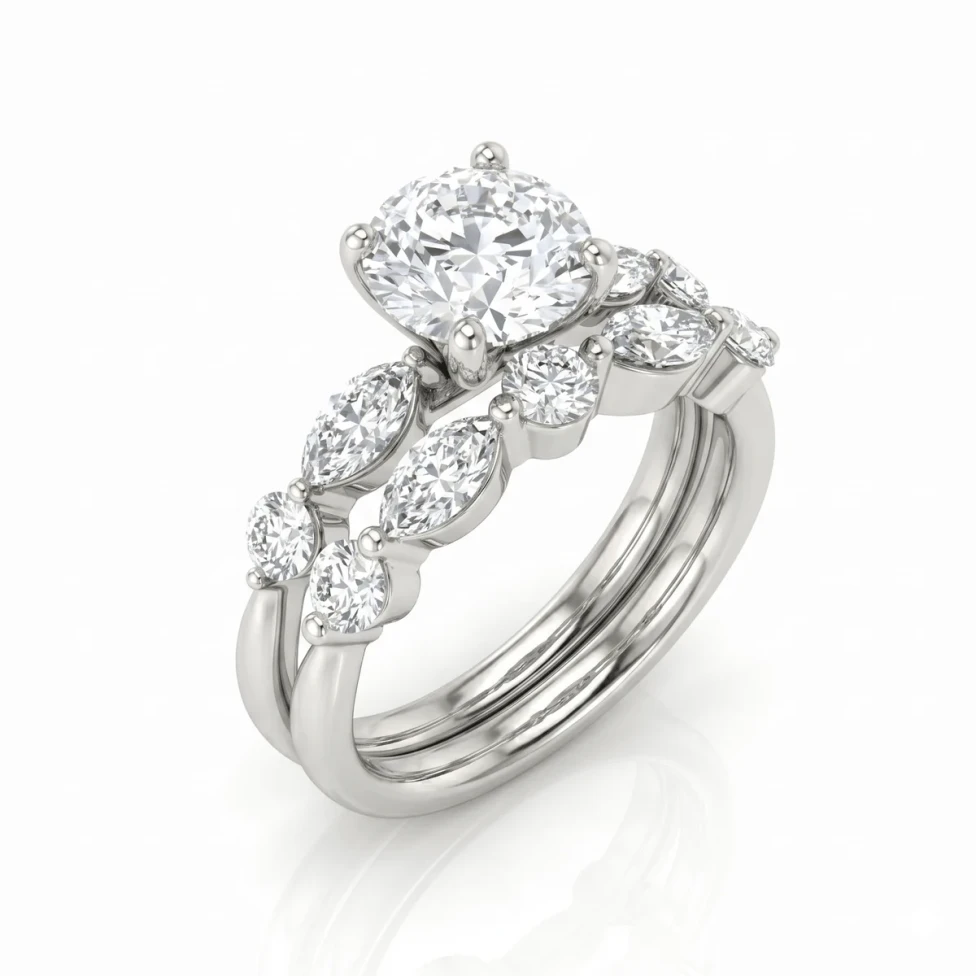

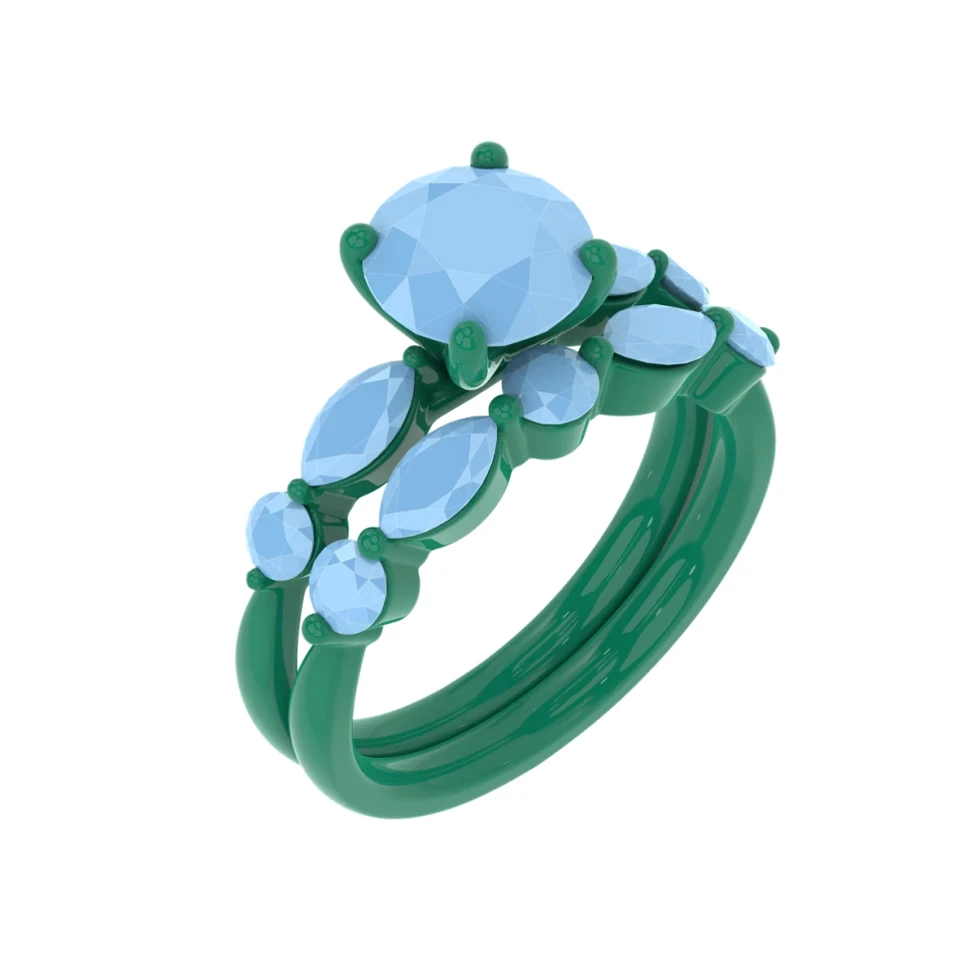
Drag to compare CAD and render
Approval stalls when clients can't picture the result. A technical CAD screenshot invites hesitation, more questions and more back-and-forth, and every extra day gives the client time to shop around.
Render the design photorealistically in the client's chosen metal and stones and send it for approval. Offer a couple of variations side by side, and type a variation if they want to see something new.
3
Gold options to compare side by side
6
Stone options, from Diamond to Ruby
Free
Plan that's 100% free, forever
Send a render that looks like the finished piece instead of a technical CAD screenshot.
Render the same design in different metals or stones so the client can choose with confidence.
Client wants a change? Type it as an instruction and HeyGema™ generates a new image.
Clear answers to the questions jewelers ask about rendering, from your CAD file to an image your client says yes to.
100% free, forever · Sign in with Google or email