Jewelry rendering services: when to hire one and when to render yourself
By HeyGema™ · Updated · 5 min read
In short
A jewelry rendering service, a studio or a freelance render artist, makes images for you from your CAD file. It's a good fit for campaign and catalog hero shots. For everyday client approvals, finding someone, briefing them and waiting for each version adds up, and an online render tool such as HeyGema™ lets you render your own CAD with no rendering skills. Many jewelers use both.
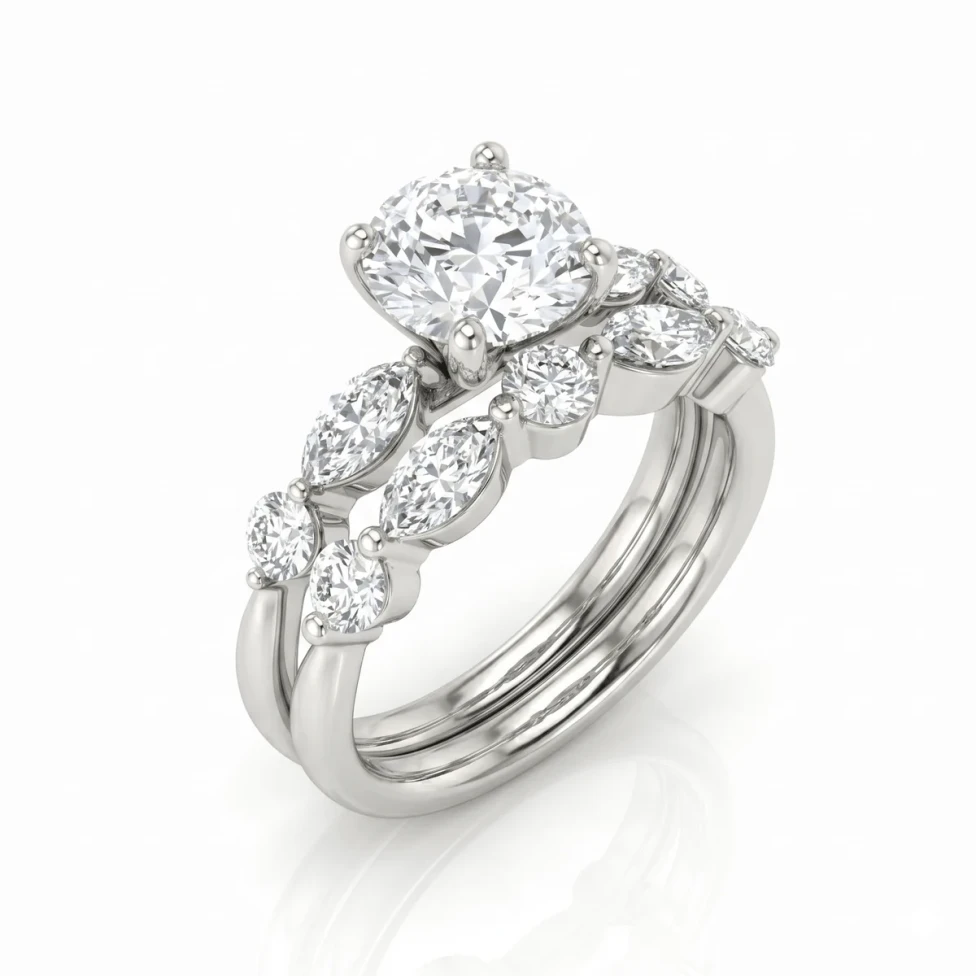
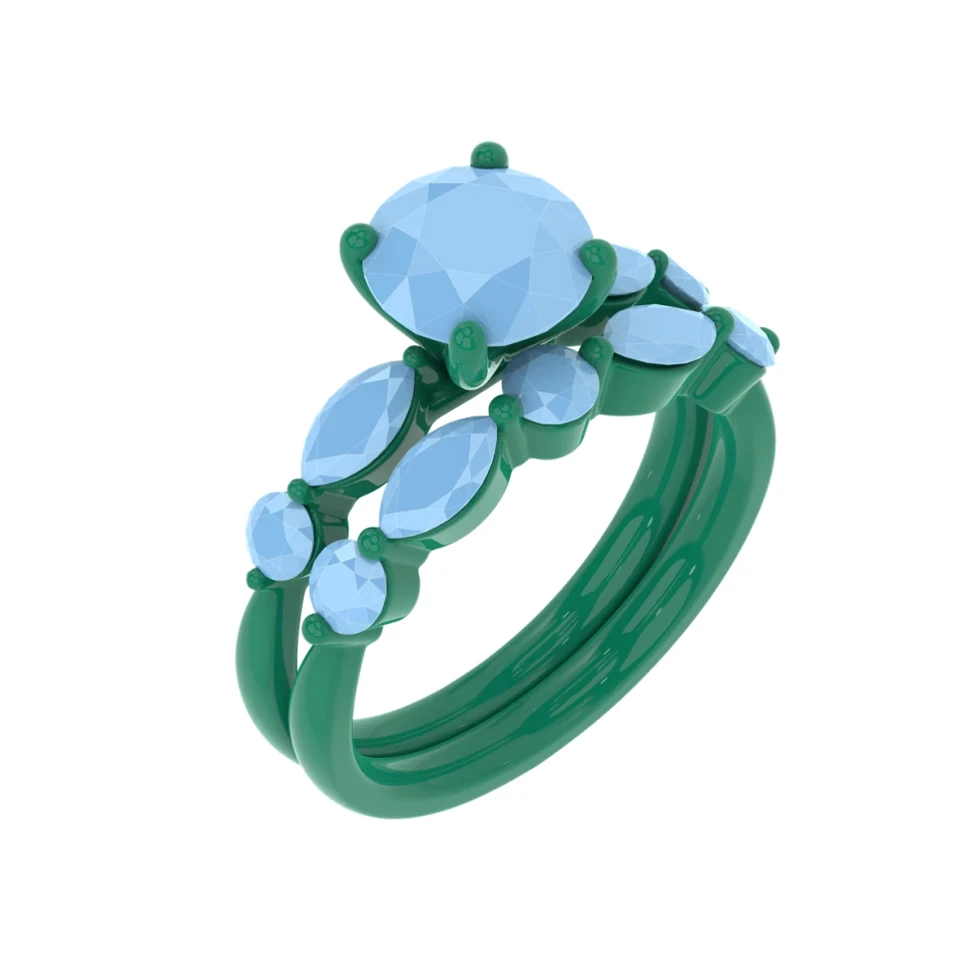
A jeweler with a new design and no render often searches for a service first. That works, and for some images it's the right choice. It helps to know what the job involves before you send your file, and when you can do the jewelry rendering yourself.
What a rendering service does
A render artist takes your CAD file, builds the materials, lighting and camera in software such as KeyShot or V-Ray, and sends back images. Good ones know how to make gold and diamonds look right and can match a brand's style across a catalog.
What to send a render artist
- The CAD file (.3dm, .obj, .stl or the format they ask for).
- The metal and karat, and which parts are which metal.
- The stones: type, shape, color and size, center and side stones.
- The angles you need and the image size.
- The background, and a reference image of the look you want.
- Finishes: high polish, brushed, hammered, milgrain.
Questions to ask before you hire
- How many rounds of changes are included, and what does an extra round cost?
- When will I get the first version, and each version after that?
- Which file formats do you work from?
- What resolution do you deliver?
- Can I use the images on my website, marketplaces and ads?
When a service is the right call
Hire one for a campaign, a homepage hero, a catalog that needs one consistent look, or an animation or turntable. Those are images you make once and use for a long time.
When to render yourself
For client approvals, quotes and quick options, the time to find someone, explain what you want and wait for each version is the problem. Every change is another round. With an online render tool you render the design yourself while the client is still interested.
- Who renders
- Rendering service: A render artist
- Render software: You
- HeyGema™: You, with no rendering skills
- What you do
- Rendering service: Find one, brief them, review versions
- Render software: Set up materials, lights and camera
- HeyGema™: Upload, pick the metal and stones
- A change
- Rendering service: Another round
- Render software: Edit the scene
- HeyGema™: Render again or use Refine
- Cost
- Rendering service: Paid per image
- Render software: License or plugin, plus your time
- HeyGema™: A free plan, and about $1 a render on Pro
Comparing tools? See jewelry rendering software compared and the best online jewelry rendering tools.