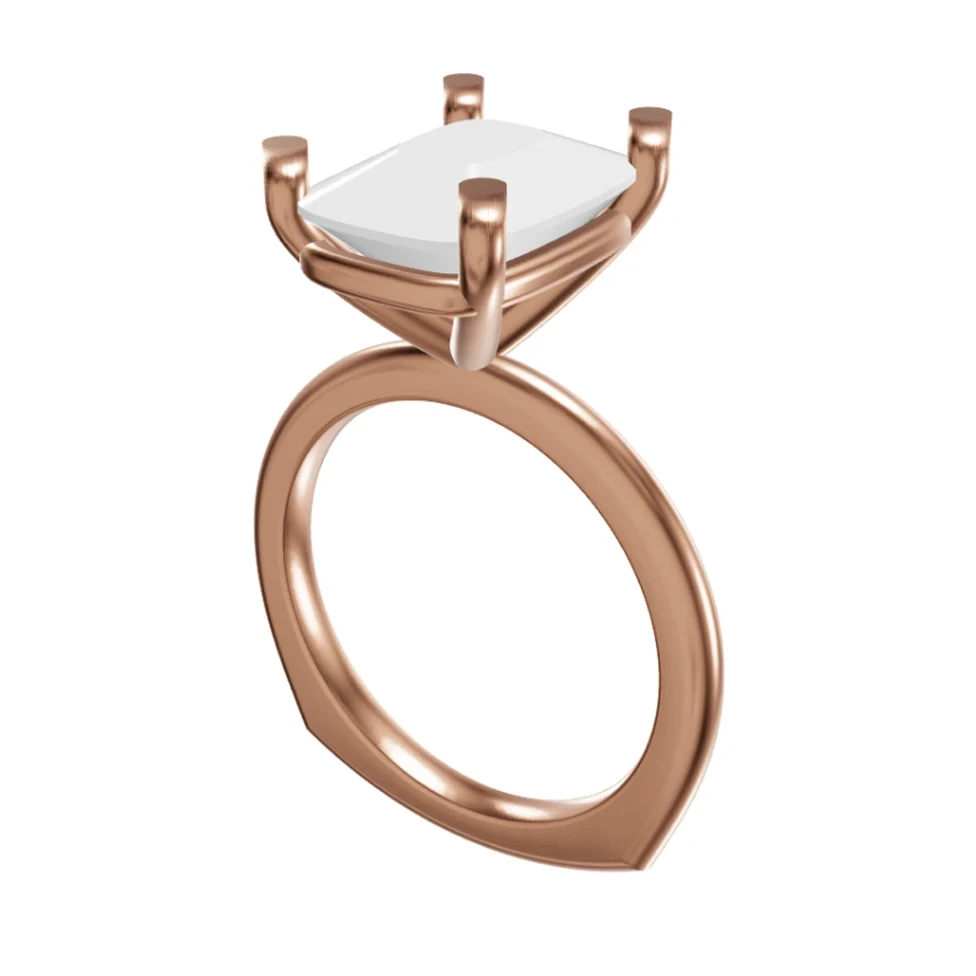
Turn your CAD files into photorealistic images for your store, social posts and customer DMs — before a single piece is made.
100% free, forever · Sign in with Google or email
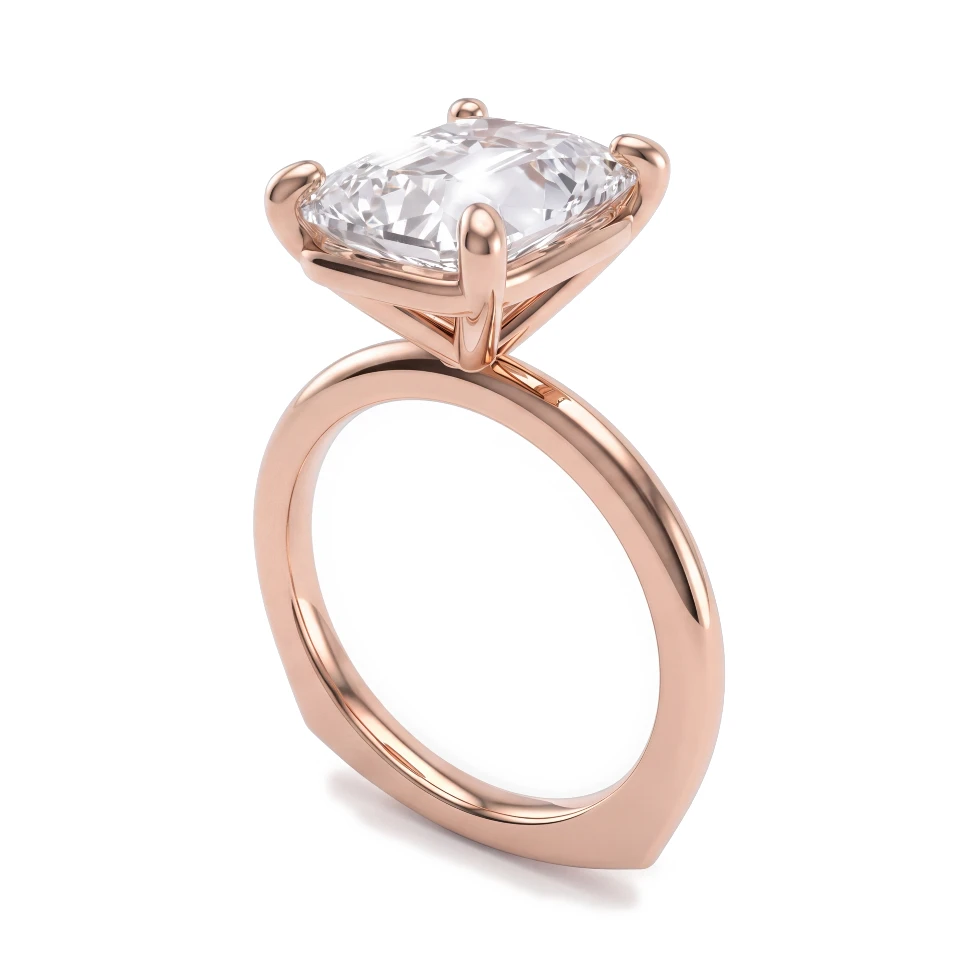

Drag to compare CAD and render
You sell jewelry online, through your own store, Instagram, TikTok or direct messages. Your customers can't hold the piece, so your images do all the selling. HeyGema™ turns your CAD work into photorealistic renders in the browser, so you can show every design, metal and stone option without casting samples or booking a photoshoot.
You need product images for designs that haven't been made yet
Photographing every metal and stone variation isn't practical
Customers in DMs ask "can I see it in white gold?" and you have nothing to send
CAD screenshots look technical and don't convert on a product page or social feed
Create photorealistic images of made-to-order pieces straight from CAD screenshots or 3D files
Render each design in Yellow, White and Rose Gold and with different stones for your listings
Answer customer requests with a fresh render instead of a description
Render from several angles to give listings and posts more than one view
Show made-to-order and not-yet-made designs with photorealistic renders from your CAD.
Three golds and six stone options let you show the full range of a design.
Use the Front, Side, Top, ¾ and Back presets or orbit your 3D model to frame the shot you want.
Clear answers to the questions jewelers ask about rendering, from your CAD file to an image your client says yes to.
100% free, forever · Sign in with Google or email