Comparison

HeyGemaâ„¢ vs Tashvi AI for Jewelry Renders

Tashvi AI makes jewelry designs and images from text and sketches. HeyGemaâ„¢ is built around your CAD: upload a screenshot or 3D file, pick angle, metal and stones, and get a photorealistic render of your design.

Start rendering free

100% free, forever · Sign in with Google or email
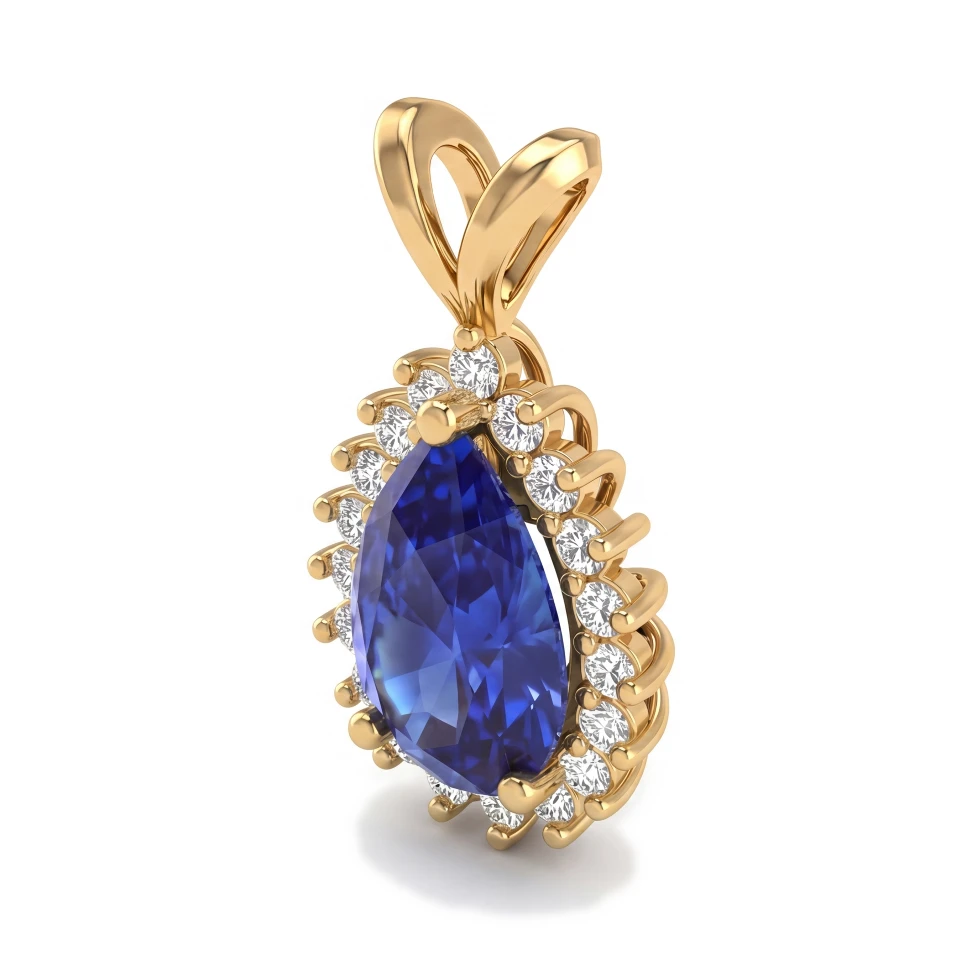
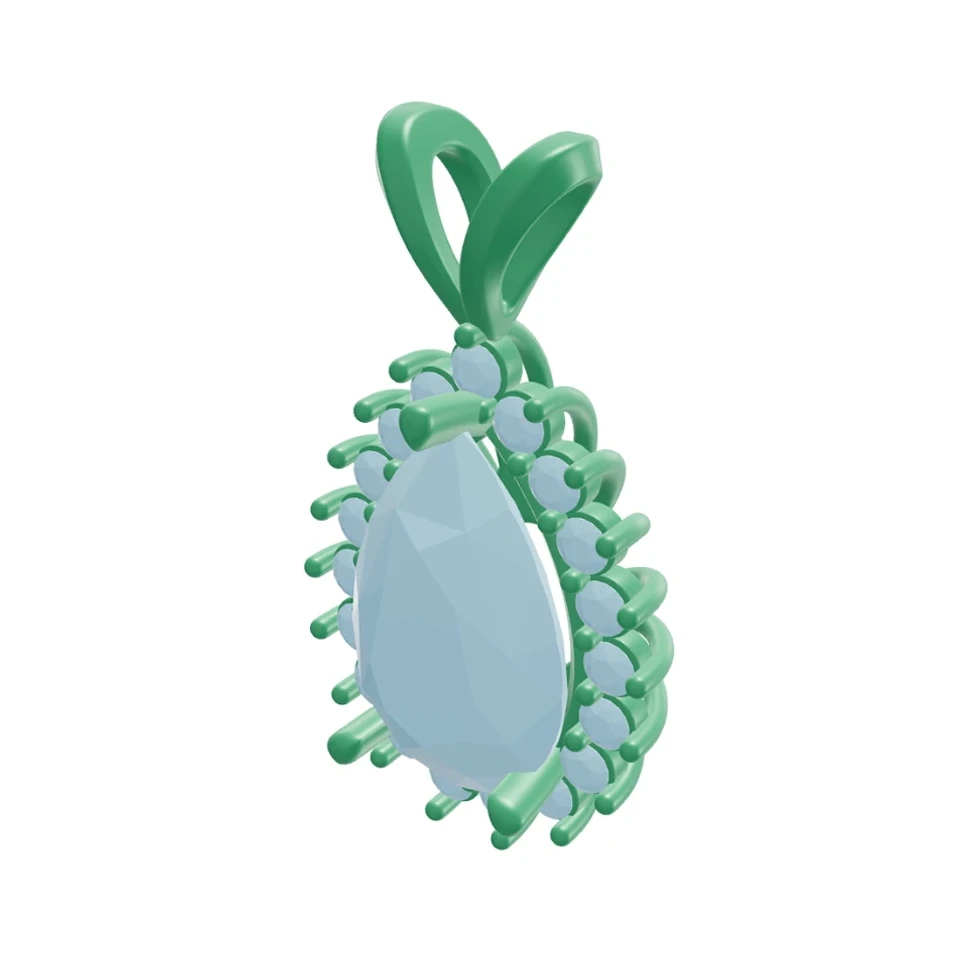
Pear halo pendant: Rhino 3D view and photorealistic AI render
CADRender
Drag to compare CAD and render

Drag to compare CAD and render

Feature Comparison

Main focus

HeyGemaâ„¢
Rendering existing CAD
Tashvi AI
Jewelry designs from text and sketches

Made for jewelry

HeyGemaâ„¢
Tashvi AI

3D file upload (.3dm, .obj, .glb) with angle picker

HeyGemaâ„¢
Tashvi AI
Check their site

Render from a CAD screenshot or photo

HeyGemaâ„¢
Tashvi AI
Check their site

Metal and stone menus

HeyGemaâ„¢
Tashvi AI
Check their site

Refine with a text instruction

HeyGemaâ„¢
Tashvi AI
Check their site

Free plan

HeyGemaâ„¢
100% free, forever
Tashvi AI
Check their site

What you get

Faithful to your design

HeyGemaâ„¢ renders the piece you upload, so what the client approves is what you'll make.

Simple material choices

Choose Yellow, White or Rose Gold and Diamond, Sapphire, Emerald or Ruby stones in a couple of taps.

Refine by text

Type a change and HeyGema™ generates a new image — no need to start over.

Frequently asked questions

Rendering. HeyGemaâ„¢ turns a CAD screenshot, photo or 3D file (.3dm, .obj or .glb) into a photorealistic image of that exact piece, with the angle, metal and stones you choose, and lets you refine the result with a typed instruction.
Tashvi AI is built for jewelry, and the best choice depends on your workflow. If you already design in CAD and want photorealistic renders of those designs, HeyGemaâ„¢ is built for exactly that. Check Tashvi AI's website for its current features.
Yes. The Free plan is 100% free, forever. Sign in with Google or email and start rendering. Pro and Studio are available when you need more volume.

Jewelry rendering guides

Clear answers to the questions jewelers ask about rendering, from your CAD file to an image your client says yes to.

See your next design as a photorealistic render

100% free, forever · Sign in with Google or email