Jewelry render lighting and backgrounds: why gold looks flat and how to fix it
By HeyGema™ · Updated · 5 min read
In short
Jewelry is lit by what it reflects. Polished gold and diamonds need an environment with bright and dark areas to mirror, plus large soft lights for clean highlights; an evenly white scene makes metal look flat. Use a white or light gray background with a soft contact shadow for a web store, and a darker tone for social posts. In HeyGema™ the lighting and background are set for jewelry, so there's nothing to adjust.
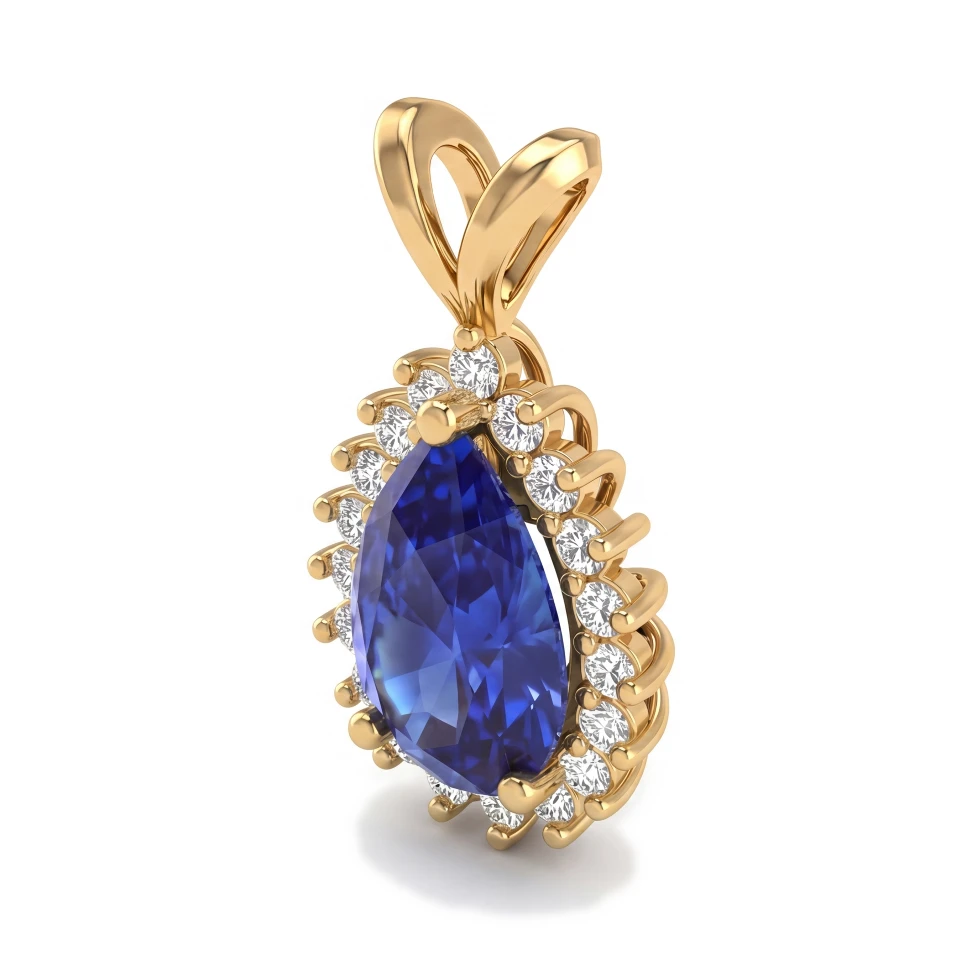

A yellow gold band rendered in a bright white room often comes out looking like yellow plastic. The model is fine and so is the material. What's missing is something for the gold to reflect. Lighting is the part of jewelry rendering that decides whether metal looks like metal.
Polished metal is a mirror
A polished surface shows almost no color of its own; you see its surroundings, tinted by the metal. Gold looks rich when it reflects bright highlights next to dark areas. Give it only white to reflect and it goes flat. That's why jewelry photographers put black cards around a ring, and why jewelry renders use an environment with strong contrast.
A studio setup for jewelry
- An HDRI or studio environment with soft light panels and dark areas. It does most of the work.
- Long strip lights on the sides. They draw clean bright lines along a band.
- Dark cards or planes just out of frame, for the dark reflections that give gold and diamonds their contrast.
- A soft top light to light the stones from above.
- A camera with a long lens (a narrow field of view), so the piece isn't distorted.
Which background to use
- White
- Where it fits: Web stores and marketplaces
- Watch out for: Needs a soft shadow, or the piece floats
- Light gray
- Where it fits: Websites, catalogs, client emails
- Watch out for: Keep it even, without a visible horizon
- Black or dark
- Where it fits: Social posts, luxury pieces
- Watch out for: Dark edges of the metal can disappear into it
- Colored or textured
- Where it fits: Campaigns and seasonal posts
- Watch out for: Colored light tints the metal and the stones
Shadows
A soft contact shadow right under the piece makes it sit on the surface. A ring with no shadow looks pasted on. A hard, long shadow pulls the eye away from the piece. For e-commerce, keep the shadow soft and close.
Lighting mistakes that make renders look fake
- An evenly lit white room. Flat gold and white diamonds. See how to make diamonds look real.
- One small hard light. Tiny pinpoint highlights and harsh glare.
- Colored light on the metal. White gold turns blue or warm and stops looking like the metal you quote.
- No contact shadow. The piece floats.
Lighting in HeyGema™
HeyGema™ sets studio lighting and the background for jewelry on every render, so you pick the angle, the metal and the stones and there's no light to place. If you want to try another look, such as a darker background, use Refine to make a variation; the original stays as it was.