Jewelry rendering software compared: KeyShot, V-Ray, Rhino, Blender and AI
By HeyGema · Updated · 7 min read
In short
Use a full renderer (KeyShot, V-Ray, Rhino's own renderer or Blender) when you need full control of materials, lighting and camera for catalog or advertising images and have time to learn it. Use an AI render tool such as HeyGema when you need a photorealistic image of your design for a client with no render setup. Many jewelers use both.
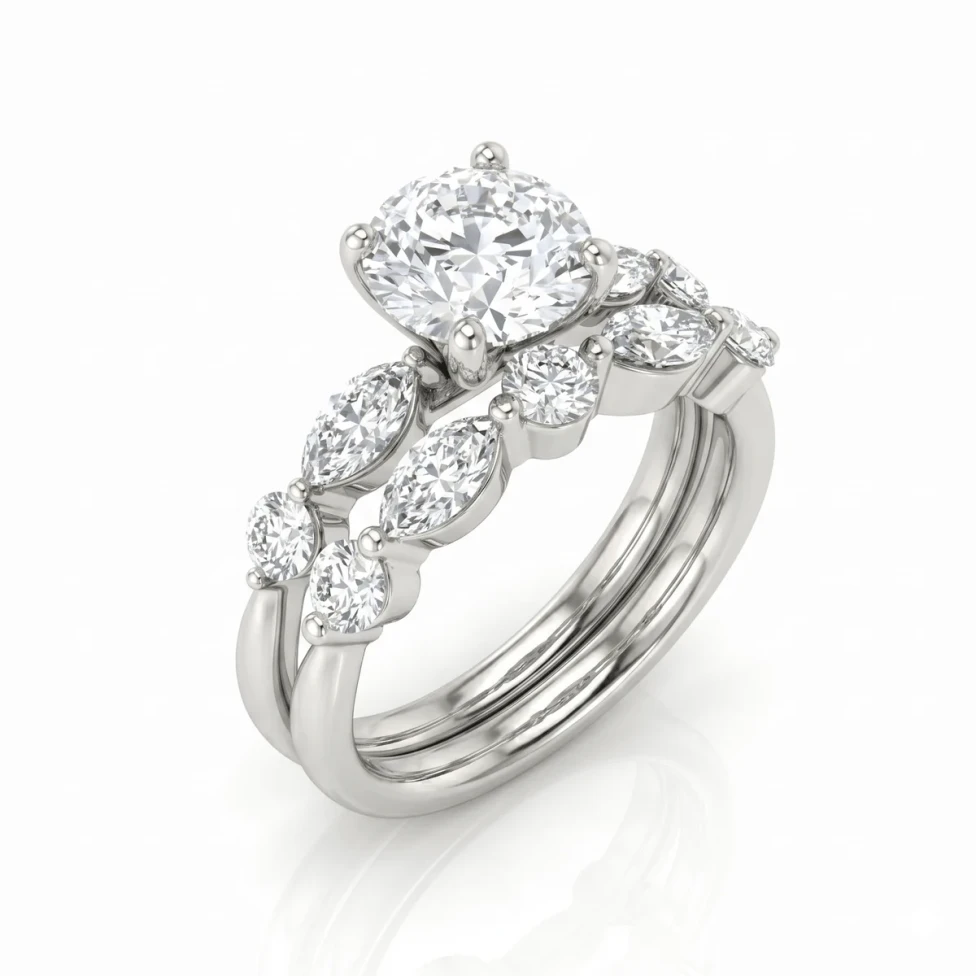
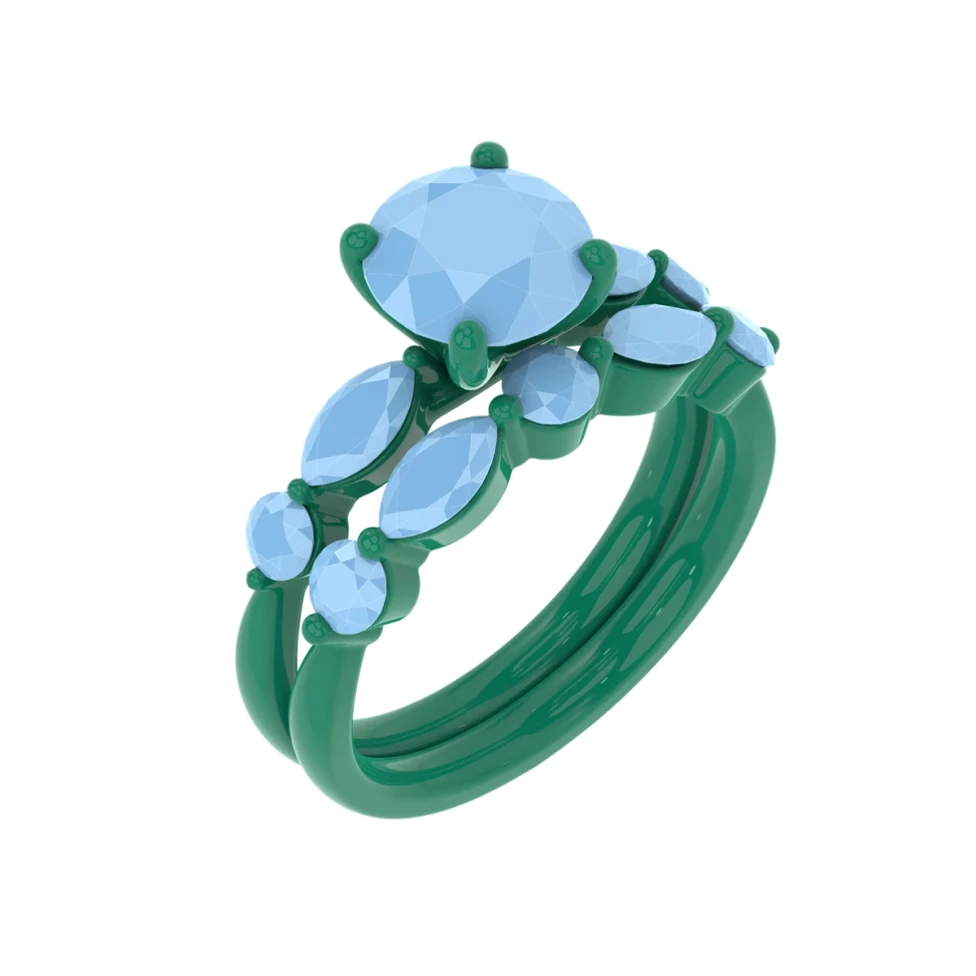
Every jeweler who designs in CAD meets the same question: how do I turn this model into an image a client will love? There are six common routes. Here is what each one is good at.
| Option | Best for | What you set up | Cost |
|---|---|---|---|
| KeyShot | Studio-quality catalog and advertising renders | Materials, lighting, environment, camera | Paid licence |
| V-Ray for Rhino | Photorealistic renders inside Rhino, with fine control | Materials, lighting, render settings | Paid plugin |
| Rhino's built-in renderer | Quick renders without leaving Rhino | Materials, environment, lighting | Included with Rhino |
| Blender (Cycles) | Full control at no cost, if you have time to learn | Import, materials, lighting, camera | Free and open source |
| A render artist | Hero images without doing it yourself | A brief and rounds of revisions | Paid per image or project |
| HeyGema (AI) | Client-ready renders of your own design, with no render setup | Angle, metal and stones, from menus | 100% free, forever |
KeyShot
KeyShot is the renderer many jewelry studios use for catalog work. It is known for convincing metal and gem materials and a live preview, and it opens Rhino files and most CAD formats. The trade-off is time and cost: setting up materials, lighting and the camera well is a skill, and it is paid software.
V-Ray and Rhino's own renderer
If you work in Rhino, V-Ray for Rhino and Rhino's built-in renderer keep you in one program. Rhino's renderer comes with Rhino; V-Ray is a paid plugin with deeper control. Both still need materials, lights and an environment set up before jewelry looks right, and gemstones are the hardest part.
Blender
Blender is free and open source, and its Cycles engine can produce excellent jewelry renders. You export the model from your CAD program, then build the materials, lighting and camera yourself. It costs nothing but time.
Hiring a render artist
A freelance render artist delivers polished images without you learning a renderer. It works well for a hero shot or a campaign. For everyday client approvals, waiting on revisions and paying for each image adds up.
AI render tools
AI render tools start from your design and return a photorealistic image without a render setup. They differ in what they take: some take 3D files only, some start from a text prompt or a sketch, and general image models such as ChatGPT, Gemini or Midjourney restyle a picture without knowing it's a design that must stay exact (see can ChatGPT or Gemini render my jewelry CAD?). HeyGema is made for jewelry CAD: it takes a screenshot from any CAD program or a Rhino .3dm file, keeps your angle, stones and metal as modeled, and is free.
Which should you use?
- Showing a client a design before it's made: an AI render tool such as HeyGema. See how to show a client a custom ring.
- Catalog, e-commerce and advertising images: KeyShot, V-Ray or Blender, or a render artist.
- No budget, plenty of time: Blender.
- No time and no render skills: HeyGema, and a full renderer later for the shots that need it.