Can ChatGPT or Gemini render my jewelry CAD?
By HeyGema · Updated · 4 min read
In short
They can turn a screenshot into a good-looking image, but general image models don't know your picture is a design that must stay exact: stones, prongs and proportions can change from one attempt to the next. For an image you show a client as the design, use a render tool made for jewelry CAD, such as HeyGema, which keeps your angle, stones and metal as modeled. General models are great for mood boards and inspiration.
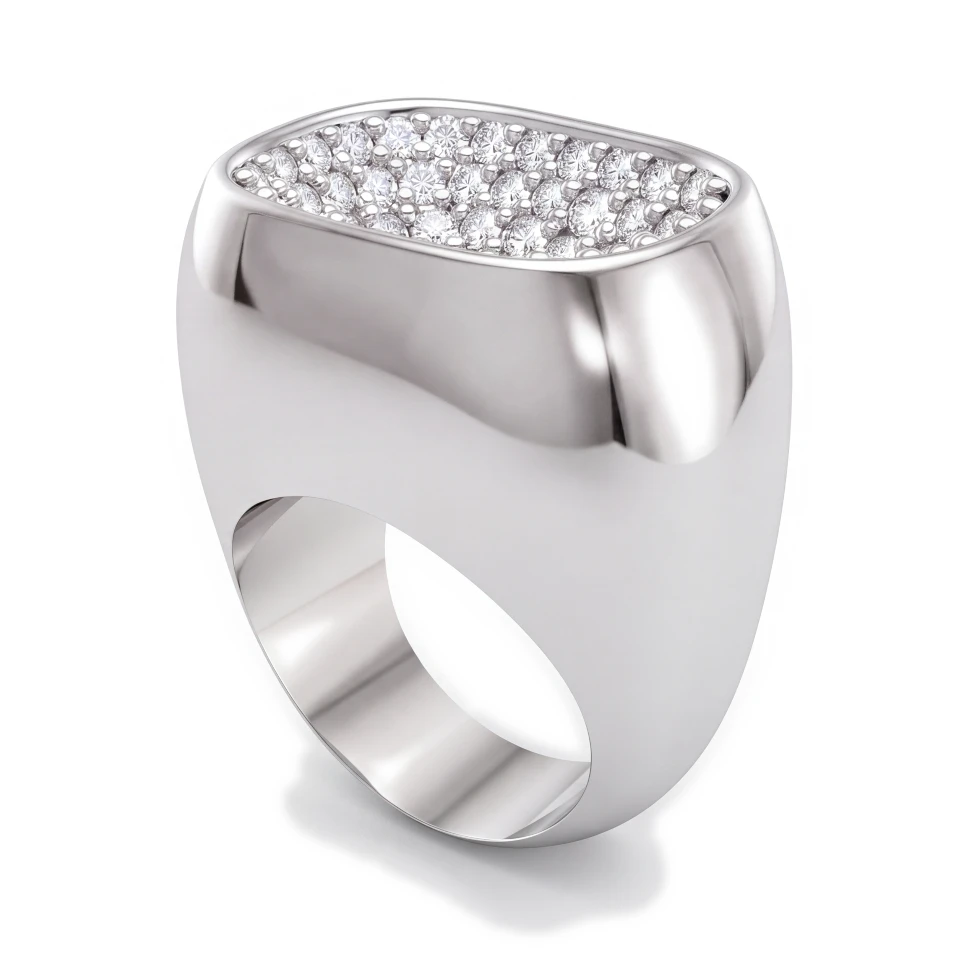
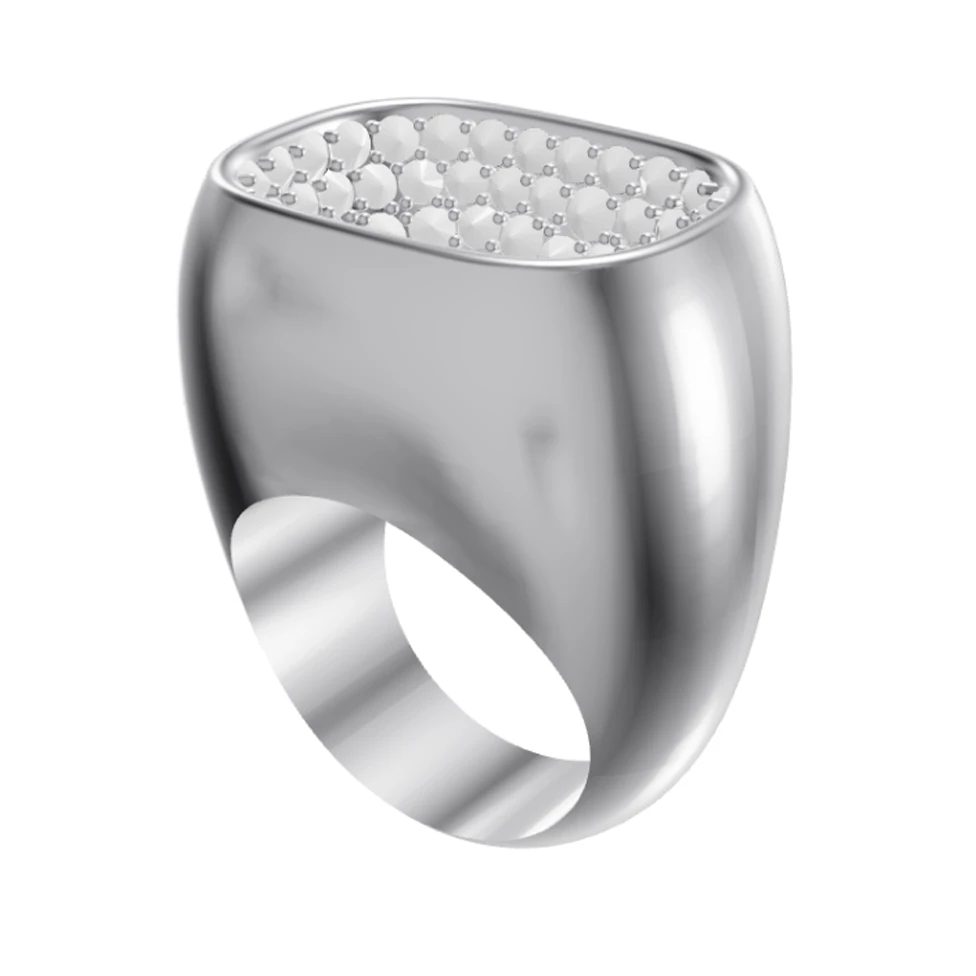
It's one of the first things jewelers try: paste a CAD screenshot into ChatGPT or Gemini and ask for a realistic render. Sometimes the result looks great. Look closely, and it's often a different ring.
What general image models do well
- Mood boards, inspiration and early concepts.
- Backgrounds, lifestyle scenes and social posts.
- Quick ideas while the exact design doesn't matter yet.
Where they go wrong for jewelry
- The design drifts. Stones change size or number, prongs move or multiply, a band gets thicker.
- No jewelry controls. You describe the metal and stones in a prompt and hope they land on the right parts.
- Results vary. The same request gives a different ring each time, which is hard to show a client as the design.
- No 3D file. You can't upload a Rhino .3dm and choose an angle.
Before you send any AI image to a client, compare it with your CAD: count the stones, check the prongs, and check the center stone's size and position.
What a jewelry render tool does differently
HeyGema is made for one job: rendering the piece you modeled. You choose the metal and stones from menus, a .3dm file is sorted into metal, center stone and side stones, and the render keeps the angle, framing, stone sizes and positions of your CAD. Refine then makes creative variations of that render from a sentence.
| General image model | HeyGema | |
|---|---|---|
| Starts from | A prompt, an image or both | Your CAD screenshot or Rhino .3dm file |
| Keeps your design | Not what it's built for | Built to keep angle, stones and metal as modeled |
| Metal and stones | Described in the prompt | Chosen from menus, center and side stones |
| 3D file upload | No | Rhino .3dm, with angle presets |
| Price | Depends on the plan | 100% free, forever |