Diamond rendering: how to make diamonds look real in jewelry renders
By HeyGema™ · Updated · 6 min read
In short
A diamond looks real in a render when it shows a pattern of dark and bright facets, sharp facet edges and small flashes of color, reflecting an environment with contrast. An evenly white or glassy diamond is the most common sign of a weak render. In render software that takes a gem material with a refractive index of about 2.42, dispersion, enough ray bounces and a contrasty environment. In HeyGema™ the diamonds are handled for you, side stones and pavé included.
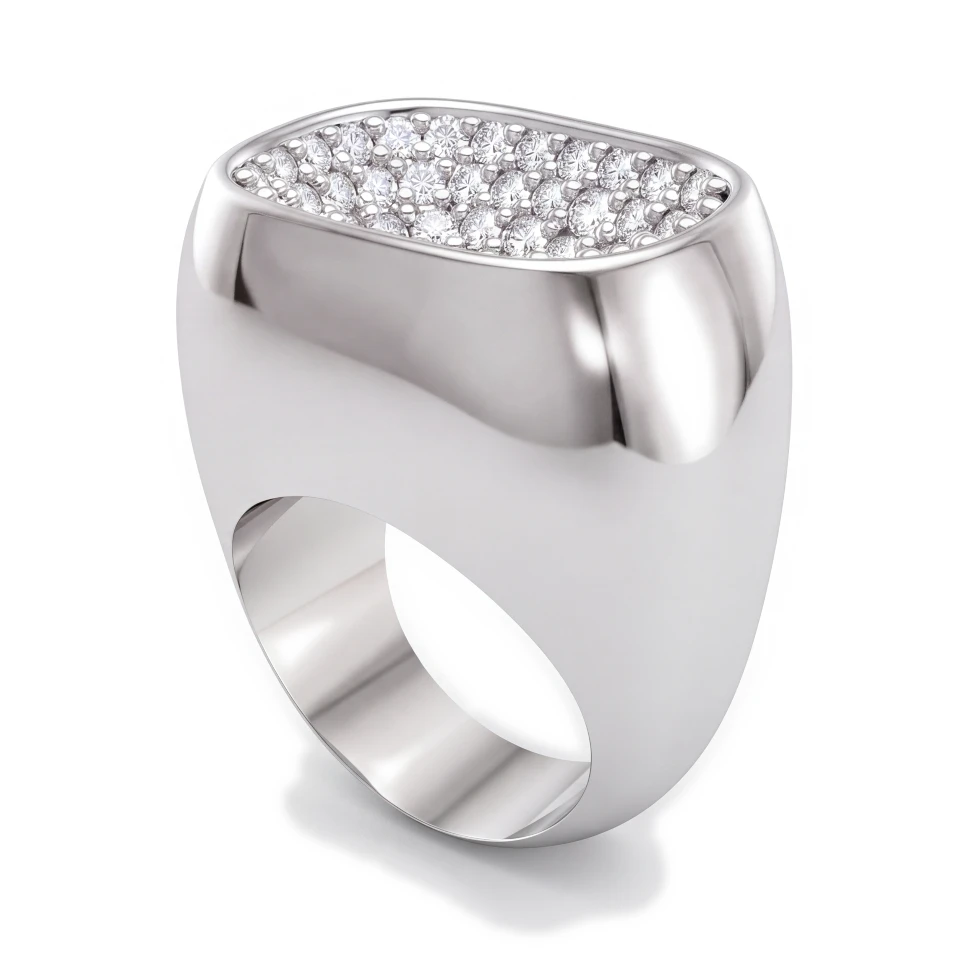
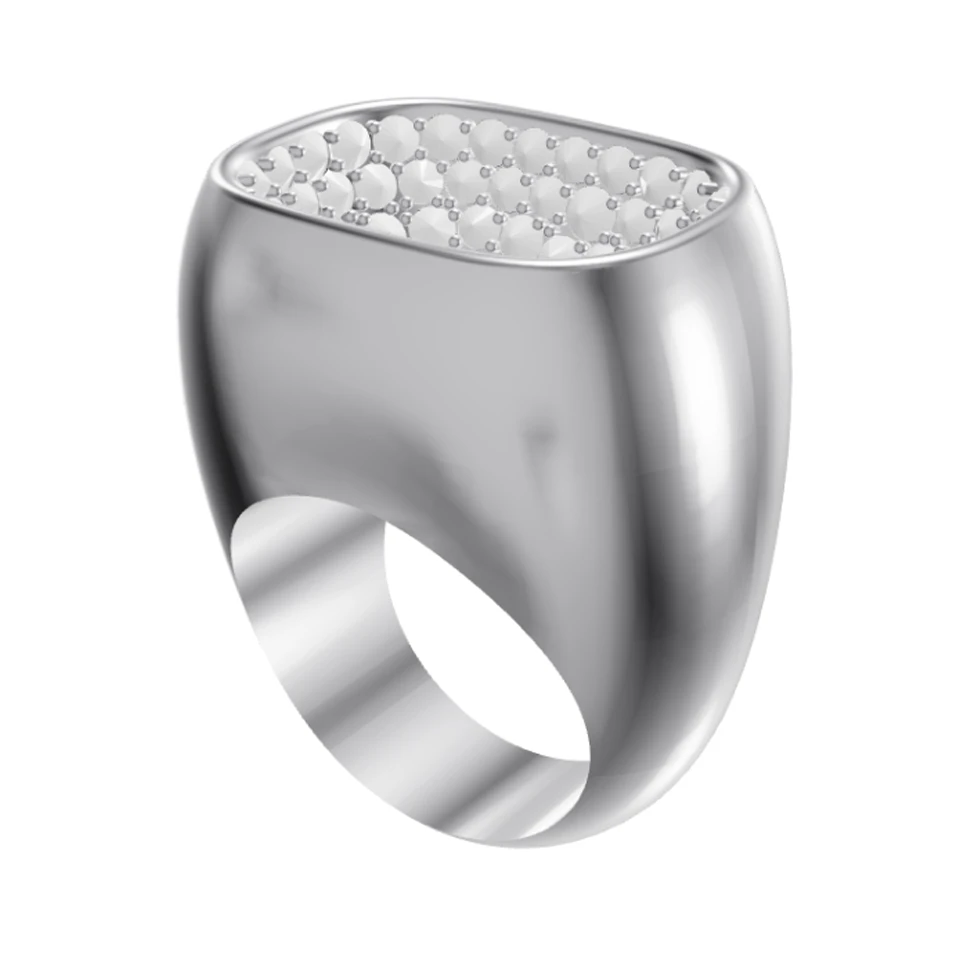
Clients look at the stone first. A ring can be modeled perfectly, but if the diamond renders as a white blob, the whole image looks cheap. Diamonds are the hardest part of jewelry rendering because almost everything you see in one is a reflection or a refraction of something else.
What a real diamond shows
- Dark facets. Many facets reflect dark surroundings, including the viewer. Without them a diamond looks flat.
- Bright facets. Next to the dark ones, facets catch the lights. The contrast between the two is what reads as sparkle.
- Sharp edges. The lines between facets are crisp. Soft or blurry edges look like glass or plastic.
- Fire. Small flashes of color where light splits into the spectrum.
- A clear table. The flat top facet lets you see into the stone, framed by the crown facets.
Why diamonds look fake in renders
- An evenly white environment. The stone has nothing dark to reflect, so every facet turns bright and the diamond goes white.
- The wrong material. Glass has a much lower refractive index than diamond, so light leaks out the back instead of bouncing back to the viewer.
- Too few light bounces. Light inside a diamond bounces many times before it leaves. Cut that short and the pavilion turns black or dull.
- Low resolution. Facets on small side stones need pixels. A small render turns pavé into gray dots.
Settings that matter in render software
- Refractive index (IOR)
- What to use: About 2.42
- Why: It's what keeps light bouncing inside the stone
- Dispersion
- What to use: On, about 0.044 (Abbe around 55)
- Why: Gives the small flashes of color
- Ray or caustic bounces
- What to use: High, often 16 or more for gems
- Why: Light needs room to bounce before it leaves
- Environment (HDRI)
- What to use: A studio HDRI with strong light and dark areas
- Why: Gives the facets something to reflect
- Resolution
- What to use: Large enough that side stones have facets
- Why: Pavé needs pixels
KeyShot, V-Ray and Blender all have a gem or diamond material that sets most of this for you; the environment is usually what's left to get right. Our jewelry render lighting guide goes into it.
Cuts look different
Brilliant cuts (round, oval, pear, marquise, cushion, radiant) break light into many small flashes. Step cuts (emerald, Asscher, baguette) show fewer, larger flashes and long parallel facets, sometimes called a hall of mirrors. A rendered emerald cut that sparkles like a brilliant is a sign the facets are wrong.
In HeyGema™ a rectangular center stone renders as a radiant cut. If it's an emerald cut, write "emerald cut" in the notes before you render.
Colored diamonds and gemstones
A colored stone has the same need for contrast plus the right shade. A canary diamond is a light, clean yellow; a cognac diamond is a warm brown. HeyGema™ has named shades for diamonds (such as pink, canary, champagne and cognac) and for sapphires, rubies, emeralds and other stones, so the color in the render is the one you're quoting.
Diamonds in HeyGema™
You don't set any of the above. Upload a 3D file or a screenshot, choose diamond for the center and side stones, and the render shows dark and bright facets on every stone, pavé included. If a stone isn't found in a 3D file, mark it as a stone in Parts before you render.