How to render a Rhino .3dm jewelry file online, for free
By HeyGema · Updated · 5 min read
In short
Open render.heygema.com, sign in and upload your .3dm file. HeyGema reads the model, sorts its parts into metal, center stone and side stones, and lets you choose the angle: Front, Side, Top, ¾, Back or any view you set. Pick the metal and stones, generate, and download a photorealistic render. It's free, and nothing is installed in Rhino.
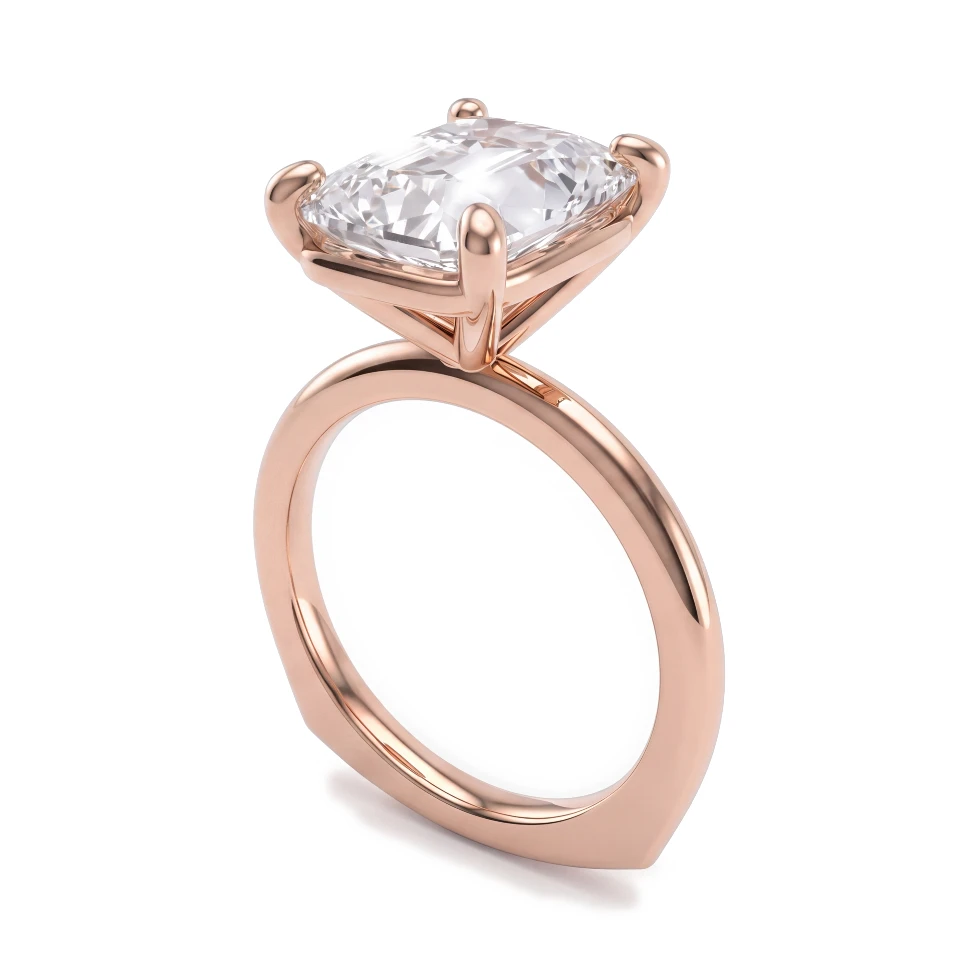
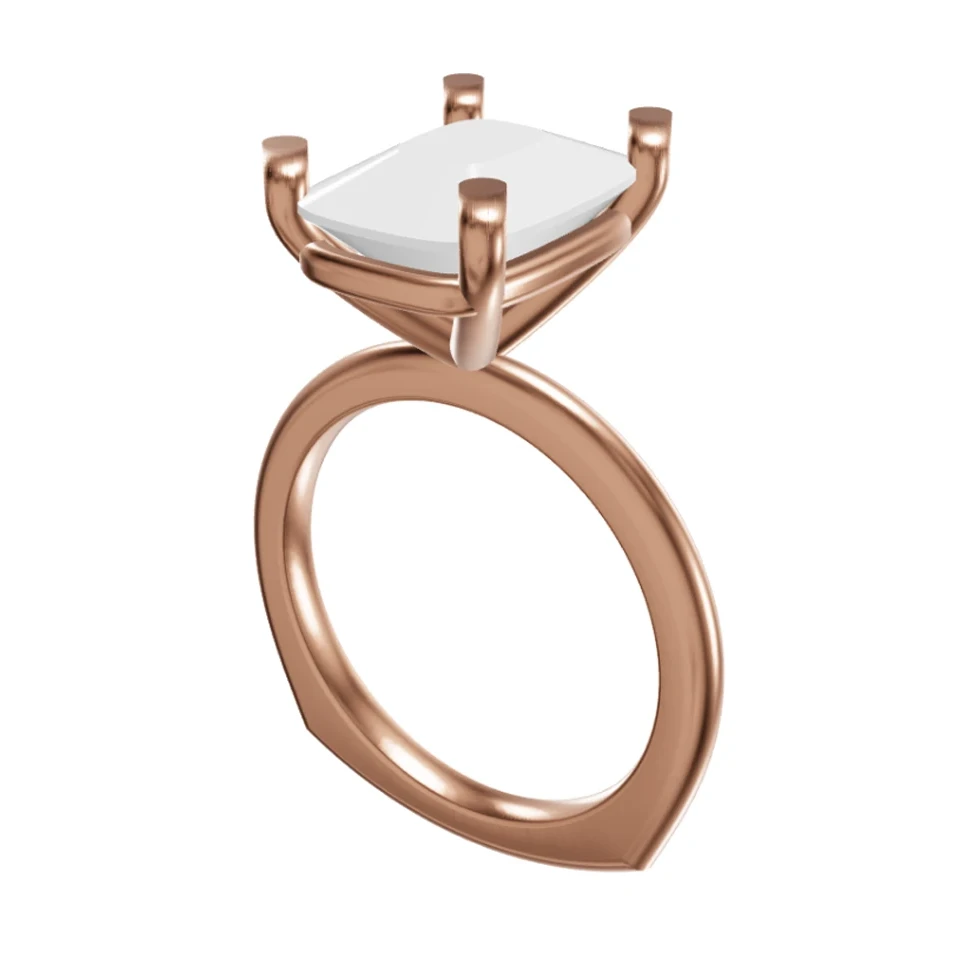
What you need
- A Rhino .3dm file of your piece, up to 100 MB. Files saved by MatrixGold and RhinoGold are .3dm files too.
- A free HeyGema account. You sign in with Google or with your email.
- A browser on a computer or a phone. There's nothing to install.
Save the file with Save, not Save Small, while a viewport is in Shaded or Rendered mode. Save Small leaves out the render meshes HeyGema reads, and parts of the model can go missing.
Step by step
- 1
Open the render tool
Go to render.heygema.com and sign in with Google or your email.
- 2
Upload your .3dm file
Drop the file on the upload area or choose it from your computer. HeyGema opens the model in a 3D viewer in your browser.
- 3
Check the parts
HeyGema sorts the model into metal and stones and presets the center stone and the side stones. Tap a part to hide it or to fix a stone that was sorted wrong.
- 4
Choose the angle
Pick Front, Side, Top, ¾ or Back, or turn the model to any angle and use that view. The render comes back from the angle you chose.
- 5
Pick the metal and stones
Choose yellow, white or rose gold, then the center and side stones: diamond, ruby, emerald, or blue, pink or purple sapphire. Add notes such as milgrain or a brushed finish if you need them.
- 6
Generate and download
Generate the render, compare it with your model and download it. To try ideas, use Refine: each variation is a new version and your original stays.
Get the best render from a .3dm
- Clean up first. Hide or delete construction curves, guides, dimensions and stray surfaces. What's visible in the file is what gets rendered.
- Keep each stone as its own object. HeyGema sorts objects into metal and stones, and you can correct any part it got wrong before rendering.
- One piece per file. A ring with its band renders well as a set; a file with a dozen variants side by side doesn't.
- Too big? If a file is over 100 MB, remove unused objects, or upload a screenshot instead.
Screenshot or .3dm?
A .3dm file gives you angle presets and control over each part. If your piece is in another program, such as JewelCAD, 3Design, ZBrush or Fusion, take a screenshot instead: see how to turn a CAD screenshot into a render. A screenshot keeps exactly the view you captured.