Jewelry render vs photo: when to use each
By HeyGema™ · Updated · 4 min read
In short
A jewelry render shows a piece before it is made, so it wins for client approval, custom orders and pieces you have not cast yet. A photo shows the finished piece and wins for proof of craft and reviews. Most jewelers use renders first and photos after.
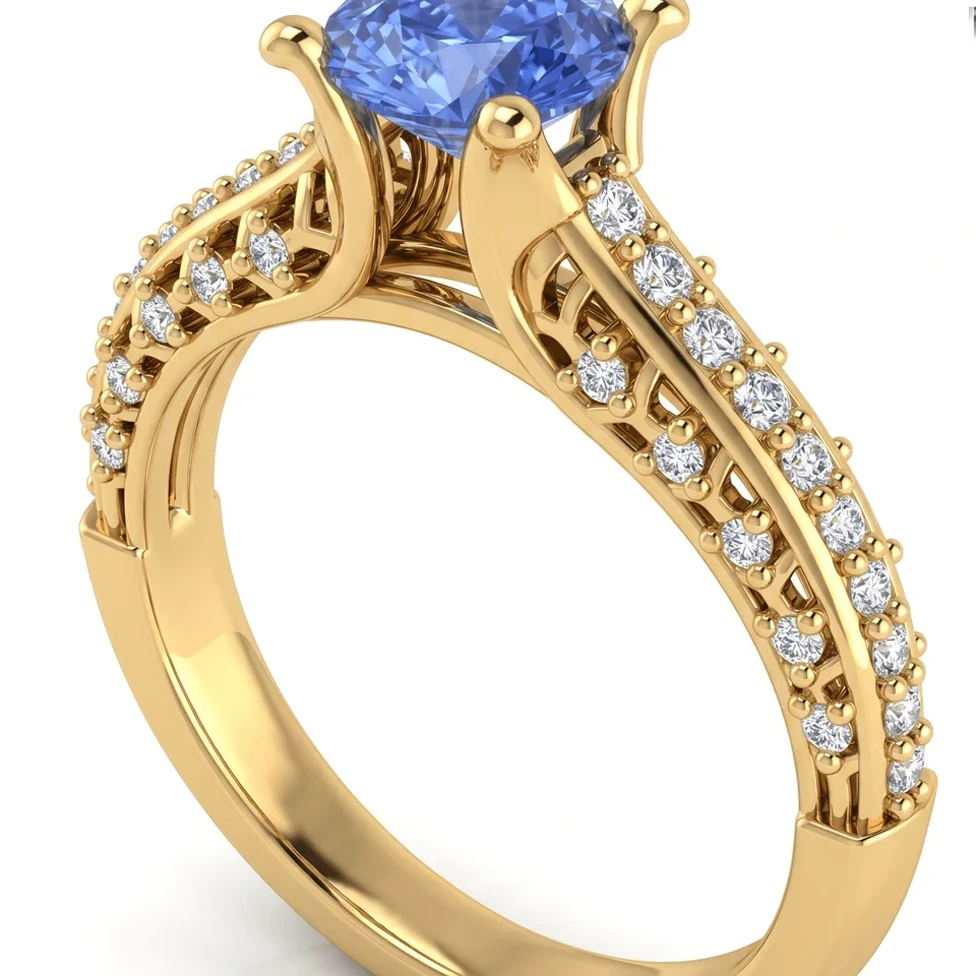
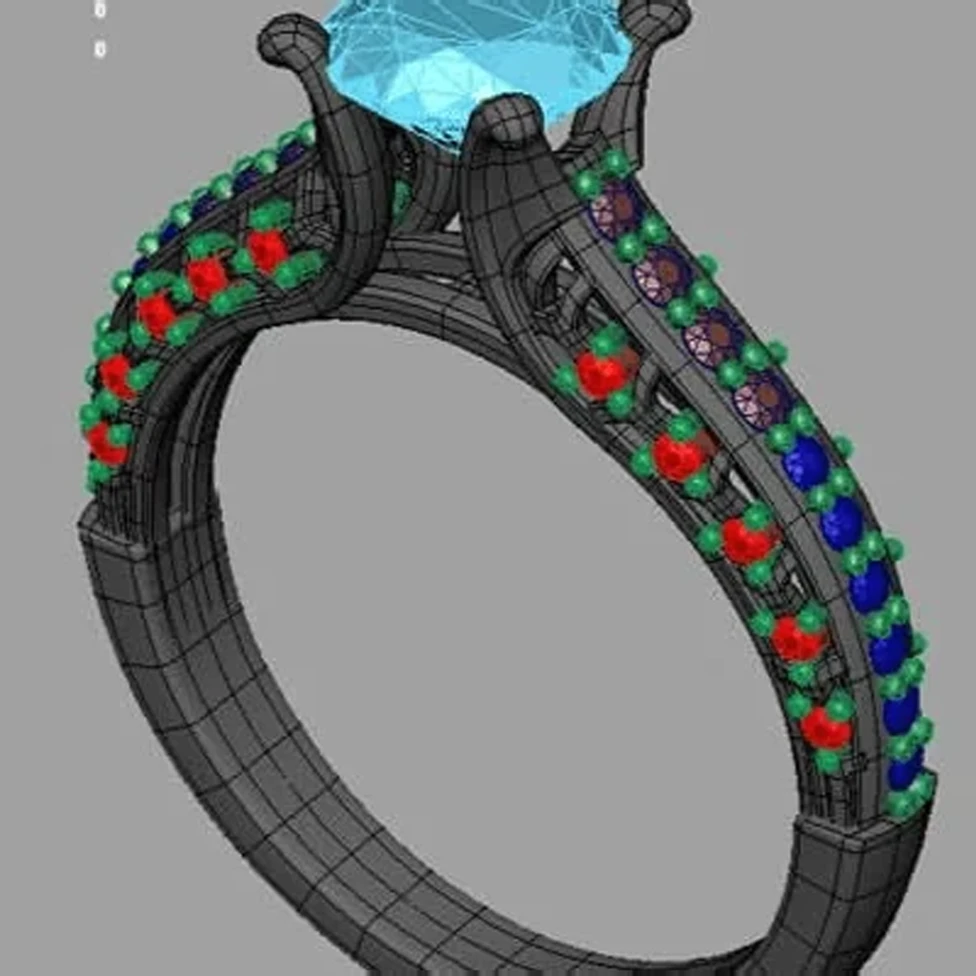
A jewelry render and a jewelry photo can look alike on a screen, but they do different jobs. A render exists the day the design is done. A photo exists only after the piece is cast, set and polished. Knowing which to use saves time and avoids awkward client calls. For the basics, start with the complete guide to jewelry rendering.
Where a render wins
- Client approval. The client sees the piece before you cast it, so changes cost a few clicks instead of a remake.
- Custom and made-to-order pieces. There is nothing to photograph yet. See how to show a client a custom ring before it's made.
- Many variations. Yellow, white and rose gold, or different stones, from the same design, without making each one.
- Pre-launch listings. Show a new collection on your site before the first piece is finished.
Where a photo wins
- Proof of craft. A photo of the real piece, in the real hand, is the best proof it exists.
- Reviews and delivery. Customers like to see the piece they received.
- Texture the design file does not hold. Hand finishes, engraving depth and a worn-in look show best on the real piece.
Side by side
- Before casting
- Render: Yes
- Photo: Not possible
- Client approval
- Render: Best fit
- Photo: Too late to change
- Web store listing
- Render: Good, with a clean background
- Photo: Good, needs a studio setup
- Social posts
- Render: Good for new designs
- Photo: Good for finished work
- Proof of the real piece
- Render: No
- Photo: Best fit
Using both
Most jewelers use the render first, to agree the design with the client, and the photo after, to show the finished piece. Keep the render next to the photo in your portfolio: it shows the client what was promised and what was delivered. If you want to check a render before sending it, run it through the 10-point jewelry render checklist.
Getting the render in HeyGema™
HeyGema™ renders from your CAD file or a screenshot, so the design stays as you drew it. You pick the angle, the metal and the stones, and download the picture.